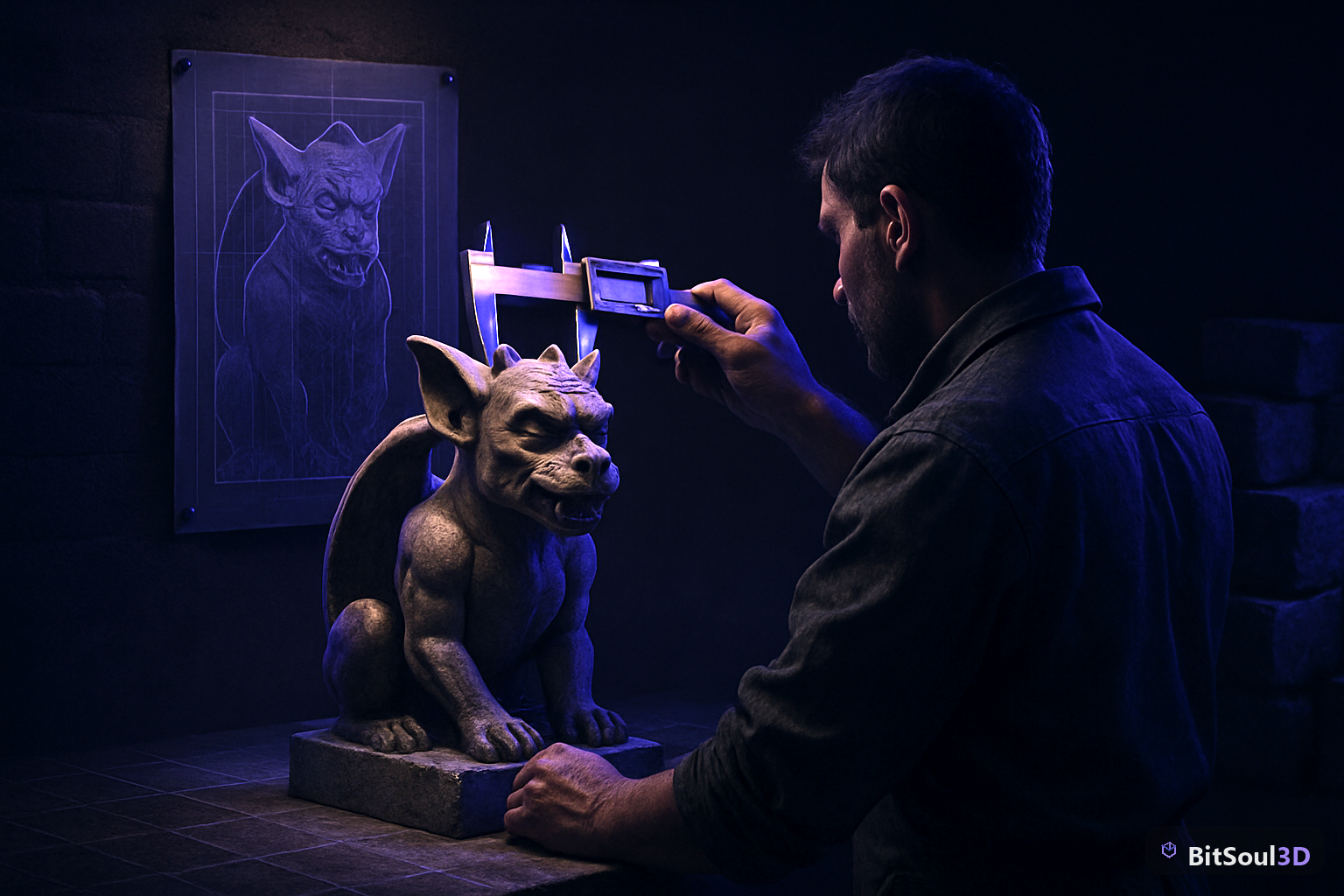
Meshy shipped Meshy 7 on August 10, 2026, and backed it with the company's first published 3D geometry alignment benchmark on August 12. The claim is narrow and testable: does the generated mesh's *shape* actually match the input image, not just look like a plausible object in the same category. Under single-view input, Meshy 7 scores 81.0% on overall proportion, 79.7% on spatial distribution, and 59.8% on surface details — ahead of Meshy 6 Lite, Tripo 3.1, Hunyuan3D 3.1, Rodin 2.5, and Hi3D 2.1 on all three. That's a real, measured jump. It is also not the jump most solo devs actually need before an AI-generated mesh is usable in Unity, Unreal, or Godot.
Geometry alignment answers one question: given a concept image, does the 3D shape put a handle where the handle is drawn, not two centimeters to the left? Meshy built the benchmark by rendering known cameras from held-out reference models, feeding those renders back into each generator, then scoring the output against the *original* geometry — not a human rating, not a VLM judge. That's why the numbers are trustworthy as a proportion/placement/detail measure. It is also why they don't touch triangle count, UV layout, or whether the mesh will hold 60fps on a Quest 3.
Meshy 7's geometry alignment numbers, verified
Here's the published top-quarter single-view table, the condition Meshy calls the most representative single-image test:
| Metric | Meshy 7 | Meshy 6 Lite | Tripo 3.1 | Hunyuan3D 3.1 | Rodin 2.5 | Hi3D 2.1 |
|---|---|---|---|---|---|---|
| Overall proportion | 81.0% | 78.2% | 79.0% | 76.7% | 72.0% | 79.1% |
| Spatial distribution | 79.7% | 75.2% | 78.4% | 73.7% | 71.4% | 76.5% |
| Surface details | 59.8% | 52.7% | 51.7% | 54.5% | 49.0% | 55.2% |
Surface details is where the model actually separates from the pack — a 5.3-point lead over the next closest (Hi3D 2.1 at 55.2%). That tracks with what the benchmark is measuring: bumps, ridges, and carved patterns that a coarser "does the silhouette match" test would miss entirely. Feed it four views instead of one and the field compresses hard — Hi3D 2.1 and Tripo 3.1 both close in or edge ahead on overall proportion (86.5% and 85.4% vs Meshy 7's 84.4%), which tells you the single-view gap is where Meshy 7's architecture work (a multi-scale image encoder plus training data with lighting and background stripped out) is actually paying off.
None of this is texture alignment — Meshy has explicitly deferred that to a separate future benchmark — and none of it is topology. A mesh can nail every one of these three metrics and still arrive with the dense, uneven triangulation AI generators are known for.
What alignment doesn't fix: topology and poly budget
This is the gap that matters for a shipping game. Meshy 7's own Smart Remesh slider still exists as a separate post-generation step because raw output isn't game-ready by default — you're still targeting under roughly 50K triangles for a PC prop and under 10K for mobile, and that's a decision the alignment benchmark has nothing to say about. A perfectly-aligned mesh at 400K triangles is a worse asset for a real-time scene than a slightly-looser one at 8K that a human retopologized.
Compare that to picking a model that was already built to a poly budget. BitSoul's Perched Drake — a creature model with the same kind of dense scale and wing-membrane detail Meshy's benchmark tests for on its jade coin example — ships with a known, fixed triangle count and clean UVs, because a person made the topology decisions instead of a remesh pass approximating them after the fact. If you generate a creature with Meshy 7 and get strong surface-detail alignment, you've confirmed the *shape* is right; you still need to open the result and check what the mesh actually costs. The 3D Studio editor at bitsoulhosting.com/marketplace/workspace runs poly and UV inspection on any GLB in your browser, on your own GPU, so you can check that before it goes anywhere near your engine — whether the file came from Meshy, Tripo, or your own Blender export.
Where Meshy 7 still breaks: hair and repeating patterns
Meshy's own writeup names two recurring failure modes, and they matter for what you'd actually generate for a game. Loose hair strands fuse into thicker clumps and ribbons — the model isn't wrong about where hair is, it's wrong about how many separate strands exist, because anything thinner than its resolution ceiling merges with whatever sits next to it. For a stylized character that's a minor retouch. For anything aiming at fine fur or long straight hair, expect a manual pass in Blender regardless of alignment score.
The second failure is exact repetition: a tower built from identical stacked floors comes back with floor bands that wobble and windows that drift out of line between floors, even though the overall shape, roofline, and base all land correctly. This is the one that should worry anyone thinking about using image-to-3D for modular level geometry — corridor sections, tiled walls, repeating architectural panels — because the entire point of that asset class is that the repeat unit is *exact*. A wobbling repeat unit doesn't tile. BitSoul's own Corridor Module and similar modular pieces work because their edges are built to snap, not approximated by a generator inferring the pattern from one image.
How to actually evaluate an AI-3D output before it hits your engine
Treat the alignment benchmark as a filter for which generator to try, not a green light to skip inspection. A practical sequence: generate with Meshy 7 Ultra Mode (single-view only at launch — multi-view Ultra is still "coming soon" per Meshy's own FAQ), run Smart Remesh to your target budget, then check topology and UVs the same way you'd check a downloaded asset before rigging it — see how our recent piece on why Unity's glTF export discards LOD levels covers verifying mesh data survives the round trip, because AI output has the same export-fidelity risks as any other GLB. If the piece needs rigging afterward, the 4-bone weight limit issue we covered in today's squashed-rig fix applies identically whether the source mesh came from a sculptor or a diffusion model.
Download access for Meshy 7 output is gated to Pro tier and above even though generation itself is open to every registered account — worth knowing before you build a workflow around it and hit a paywall on the export step. And if you're chasing a tight asset budget for something like the WebXR/Three.js jam circuit, the alignment gains here don't change your download-weight math at all — that's still governed by triangle count and texture resolution, which is exactly what we walked through in fitting real assets in a 35MB budget.
Geometry alignment is a real, useful, narrowly-scoped improvement — it tells you the shape a generator hands back will actually resemble what you drew or photographed. It says nothing about whether that shape is cheap enough, clean enough, or repeatable enough to ship. Those are still separate jobs.
---
*This post is part of the Ultimate Guide to Free 3D Game Assets — BitSoul's complete reference for formats, texturing, rigging, optimization, and engine integration.*