Free 3D game assets can cut your production timeline in half—if you know how to find, prepare, and use them correctly. BitSoul 3D's marketplace offers over 747 free, AI-generated, game-ready 3D models in GLB format, optimized for Unity, Unreal Engine 5, and Godot 4. This guide is your complete reference for everything around them.
Understanding 3D Asset Formats
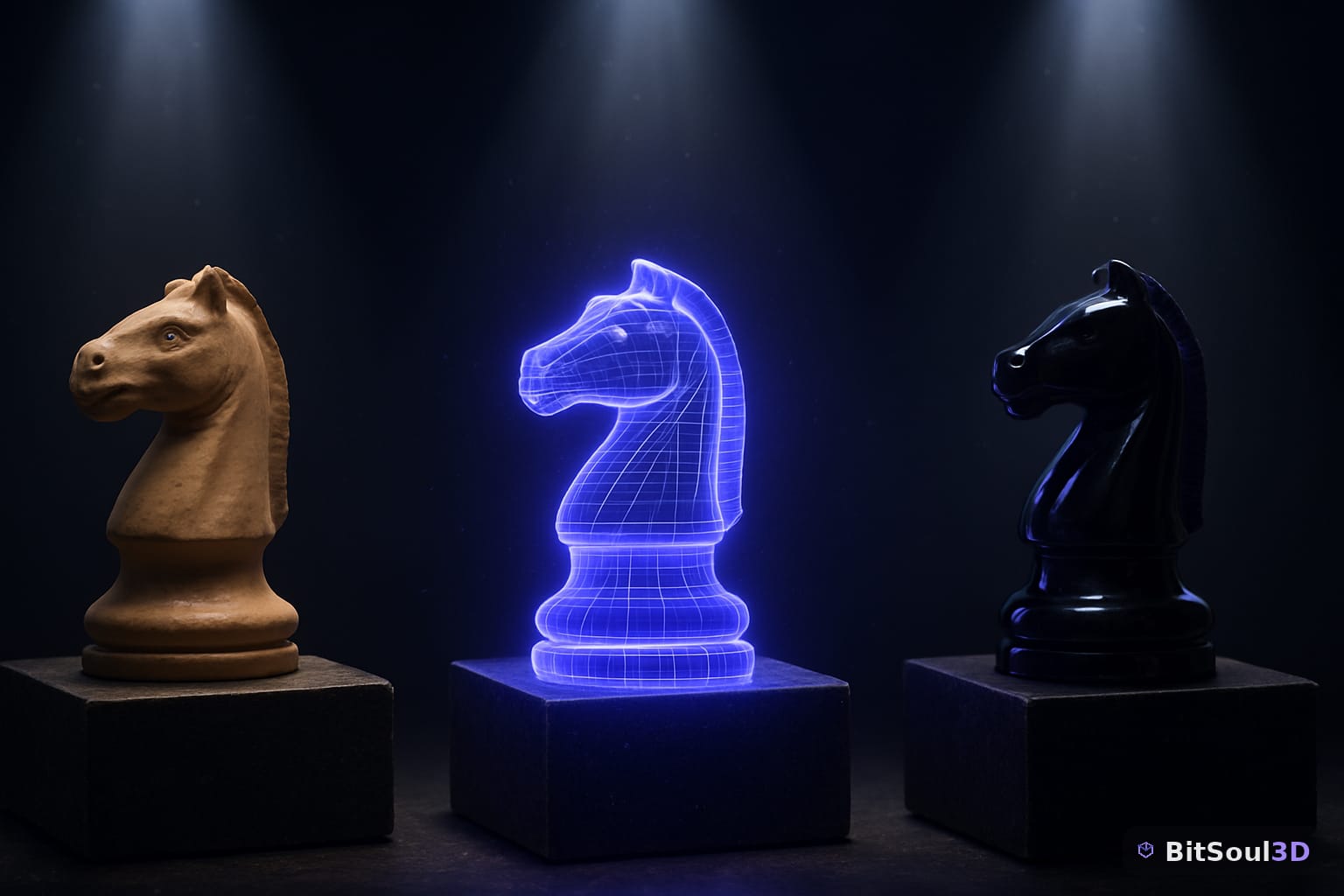
Choosing the right file format affects compatibility, performance, and how much cleanup work lands on you after import.
FBX vs OBJ vs GLB: Which to Use in 2026
FBX handles complex animations and rigged characters well and remains the most universally supported format. OBJ is a simple, static-mesh format with no animation support—useful for quick imports but limited. GLB (binary glTF 2.0) is the modern default: compact, fast-loading, PBR-native, and increasingly supported everywhere.
For a full comparison: FBX vs OBJ vs GLB: Which 3D Format to Use in 2026
GLTF 2.0: Optimize, Compress, and Deploy
glTF 2.0 is built for real-time. Draco mesh compression, KTX2 texture compression, and proper extensions can shrink your asset sizes dramatically without visual loss.
Deep dive: GLTF 2.0 Deep Dive: Optimize, Compress, and Deploy 3D Assets for Web and Real-Time Engines
Optimizing GLB Files for Game Engines
Even well-made GLBs benefit from pipeline cleanup—mesh simplification, embedded texture stripping, and metadata pruning before engine import.
How-to guide: How to Optimize GLB Files for Game Engines (2026 Guide)
Texturing and Materials for Game Assets
Texturing is what separates a grey box from a shipped asset. Game-ready texturing means balancing visual fidelity against draw calls, memory, and platform limits.
PBR Workflows: Metallic vs. Specular
Physically Based Rendering is the industry standard. The Metallic workflow (used by default in Unity, Unreal, and Godot) and the Specular workflow each have strengths depending on asset type and engine.
Reference: PBR Metallic vs. Specular Workflow: When to Use Each in Unity, Unreal Engine 5, and Godot 4
PBR Texturing in Blender and Substance
A complete PBR pipeline—from Blender's node editor through Substance Painter export and engine import—ensures your materials look consistent across lighting environments.
Full workflow: PBR Texturing Workflow: Game-Ready Materials in Blender, Substance, and Unity
Substance Painter to Unreal Engine 5
Substance Painter is the industry standard for game texture authoring. Getting the export presets right for UE5's material system is non-negotiable.
Step-by-step: Substance Painter to Unreal Engine 5: The Complete Texturing Pipeline
Texture Compression: DXT, BC7, ASTC, ETC2
Each platform has preferred compression formats. Choosing correctly cuts VRAM usage without introducing visible artifacts.
Reference: Texture Compression for Game Assets: DXT, BC7, ASTC, and ETC2 Explained
Procedural Texturing in Blender
Node-based procedural materials give you resolution-independent textures with zero image maps—ideal for tiling surfaces and large environment assets.
Guide: Procedural Texturing in Blender: Create PBR Materials Without Image Maps
UV Mapping and Texture Atlasing
Correct UV unwrapping is a prerequisite for every other texturing step. Atlasing multiple meshes into a single texture sheet directly reduces draw calls.
Complete guides:
- UV Mapping for Game Assets: A Complete Guide to Game-Ready Unwrapping
- Texture Atlasing for Game Assets: Cut Draw Calls and Boost FPS
Vertex Color Painting in Blender
Vertex colors let you mask blend effects, paint damage, or drive shader parameters without adding texture maps.
Workflow: Vertex Color Painting in Blender for Game Assets: A Complete Workflow Guide
Custom Shaders in Unity and Godot
Unity's Shader Graph and Godot 4's shader language let you build fully custom material behavior—crucial for stylised games, special effects, and non-PBR looks.
- Unity Shader Graph: Build Custom PBR Shaders for Game-Ready 3D Assets
- Godot 4 Shaders: Write Custom PBR Materials from Scratch
Rigging and Animation Workflows
Static props are straightforward. Characters and animated props require a complete rigging and skinning pipeline before they're engine-ready.
Rigging Characters for Unity
Bone placement, naming conventions, and the Humanoid vs. Generic avatar decision all affect how Unity handles your character at runtime.
Tutorial: How to Rig a 3D Character for Unity: Step-by-Step
Weight Painting and Skinning in Blender
Accurate weight painting prevents mesh deformation artifacts during animation. Getting this right in Blender saves hours of engine-side debugging.
Guide: Weight Painting in Blender for Game Characters: The Complete Skinning Guide
Inverse Kinematics for Game Characters
IK solves joint rotations automatically from a goal position—essential for foot planting on uneven terrain, hand attachment to objects, and VR full-body tracking.
Full IK guide covering Blender, Unity Animation Rigging, and UE5 Control Rig: Inverse Kinematics for Game Characters: Blender, Unity, and Unreal Engine 5 Workflows
Animation Retargeting
Retargeting maps animation clips from one skeleton onto another, dramatically expanding your usable animation library without re-authoring clips.
Guide: Animation Retargeting for Game Characters: Blender, Unity, and Unreal Engine 5 Workflows
Exporting Skinned Meshes and Animations
The export step is where most animation pipelines break. FBX settings, axis orientation, scale, and leaf bone handling each need to be correct for your target engine.
Engine-specific guides:
- Blender to Unity: Exporting Skinned Meshes, Armatures, and Animations the Right Way
- Blender to Unreal Engine 5: The Complete Export Workflow for Game-Ready Assets
- Blender to Godot 4: The Complete Skeletal Animation Export Guide
Godot 4 AnimationTree
Godot's AnimationTree provides state machine-driven animation blending with blend trees, one-shot nodes, and transition conditions—the right way to drive complex character animation in Godot 4.
Guide: Godot 4 AnimationTree: The Complete Guide to Character Animations for Game Devs
Optimizing 3D Assets for Performance
Performance optimization is not optional—it determines whether your game runs at 60fps or 20fps on your target hardware.
Mesh Decimation
Decimation reduces polygon count while preserving silhouette and surface shape. The goal is the lowest count that holds up at gameplay distance.
Best practices: Mesh Decimation for Game Assets: Reduce Poly Count Without Losing Quality
Level of Detail (LOD) Creation
LODs switch mesh resolution based on camera distance. A properly LOD'd asset might use a 5,000-poly mesh up close and drop to 200 polys at 50 meters.
Tutorial: How to Create LODs in Blender for Unity, Unreal, and Godot
Normal Map and AO Baking
Baking high-poly surface detail into normal and ambient occlusion maps gives you the visual depth of a million-poly sculpt at the runtime cost of a game-ready mesh.
- Normal Map Baking in Blender: Capture High-Poly Detail for Game-Ready Assets
- Ambient Occlusion Baking in Blender: Add Depth and Realism to Game Assets Without Runtime Cost
GPU Instancing and Draw Call Batching
Rendering 1,000 identical trees costs as much as rendering 1 if you use GPU instancing correctly. Batching and instancing together are your biggest single performance lever for dense scenes.
Colliders and Physics Shapes
Mesh colliders are expensive. Knowing when to use box, capsule, convex, and mesh colliders—and how to author them correctly—keeps your physics budget under control.
Reference: Colliders Explained: Choosing the Right Physics Shape for Your 3D Game Assets
Integration with Game Engines
Getting assets into your engine correctly is the last mile—and the step where the most time gets wasted on fixable mistakes.
Unreal Engine 5: Nanite and Lumen
Nanite's virtualized geometry and Lumen's fully dynamic global illumination change the rules for asset creation in UE5. Understanding what Nanite-compatible means—and what it doesn't cover—is essential before you build your asset pipeline around it.
Complete guide: Unreal Engine 5 Nanite & Lumen: The Complete Guide for Game-Ready 3D Assets
Modular Environment Design
Modular kits—tileable pieces that snap together—let one artist produce a full level's worth of environment with a fraction of the assets a one-off approach would require.
Guide: Modular Environment Design in Blender: Build Game-Ready Level Kits That Actually Snap
Lighting and Baking for Game Engines
Lightmaps, HDRI environment lighting, and real-time PBR each serve different use cases. Knowing which baking workflow to use—and when to skip baking entirely—saves significant iteration time.
Guide: Lighting and Baking in Blender for Game Engines: Lightmaps, HDRI, and Real-Time PBR
Preparing and Selling 3D Assets
If you want to publish assets on BitSoul or other marketplaces, preparation standards matter—buyers expect clean topology, correct normals, verified UVs, and proper LODs.
Character Retopology
Sculpts from ZBrush or Blender's sculpt mode need retopology before they're engine-usable. Clean edge flow, correct poly density at deformation points, and a logical UV layout are non-negotiable for rigged characters.
Guide: Character Retopology for Game Engines: High-Poly Sculpts to Game-Ready Meshes
Marketplace Preparation and Selling
From naming conventions to preview renders to licensing choices, this guide covers everything you need to get an asset listed and selling.
Guide: How to Prepare and Sell 3D Assets on Game Marketplaces: The Complete Seller's Guide
Blender Geometry Nodes for Asset Automation
Geometry Nodes let you build procedural variation, scatter systems, and automated LOD pipelines directly inside Blender—essential for studios producing assets at volume.
Guide: Blender Geometry Nodes for Game Asset Automation: A Practical Guide
Start Building
BitSoul 3D's collection of 747 free, game-ready GLB models is the fastest way to prototype, learn, and ship. Every asset in the BitSoul Marketplace is engine-verified and ready for Unity, Unreal Engine 5, and Godot 4—no cleanup required.
Browse the full library at https://bitsoulhosting.com/marketplace.
Build with real assets: grab the 98-model Character Pack on the BitSoul marketplace and drop them straight into your project.