 Live
Live
3D Studio
Load any model, inspect polygons, textures & UVs, build multi-asset scenes, and export — the full in-browser editor.
 Live
Live
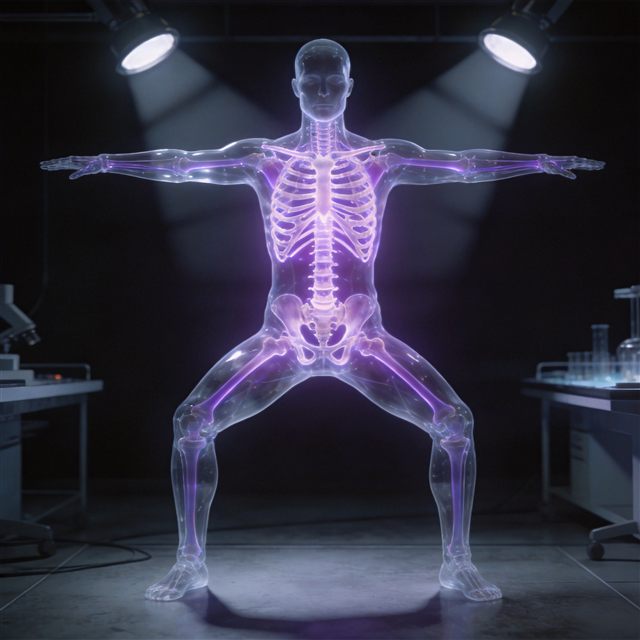
Segmentation
Split complex models into clean, editable parts — isolate, recolor, explode and export each piece.
 Live
Live
Auto-Rig
Scan a character or creature, fit a skeleton automatically, and get an animation-ready rig in seconds.
 Live
Live
Animation
Drop a rigged model in and test it with walk, run, idle and more from our motion library — then export animated.
 Credits
Generate
Create concept images and ready-to-use 3D models from a text prompt or a photo — then rig, animate and texture them.
 Credits
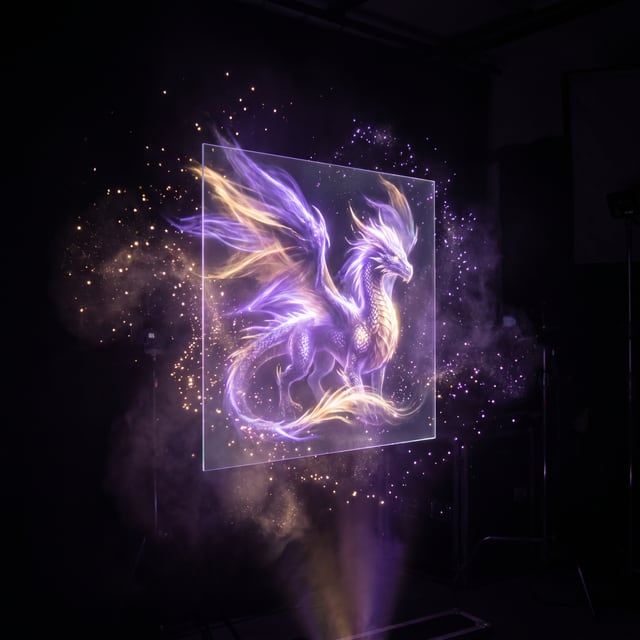
Texturing
Give any of your generated models high-resolution PBR textures in one click — describe the look you want, the engine paints it.
 Credits
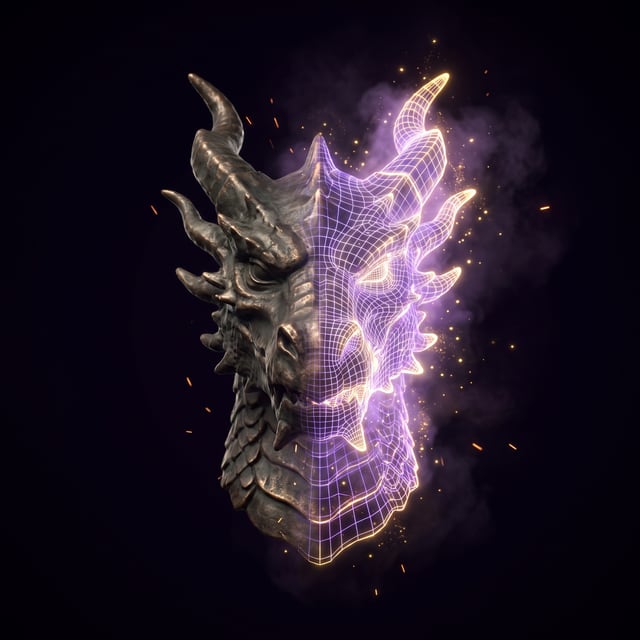
Image Studio
Best-in-class concept art, edits and turntable sheets — Fast to Ultra 4K tiers, reference-guided edits, and one click to turn any image into 3D.
 Credits
Smart Topology Engine
Retopologise any model to a clean game-ready budget, quad meshes, part repair, LEGO-style restyles, and advanced exports for every engine and printer.
 Credits
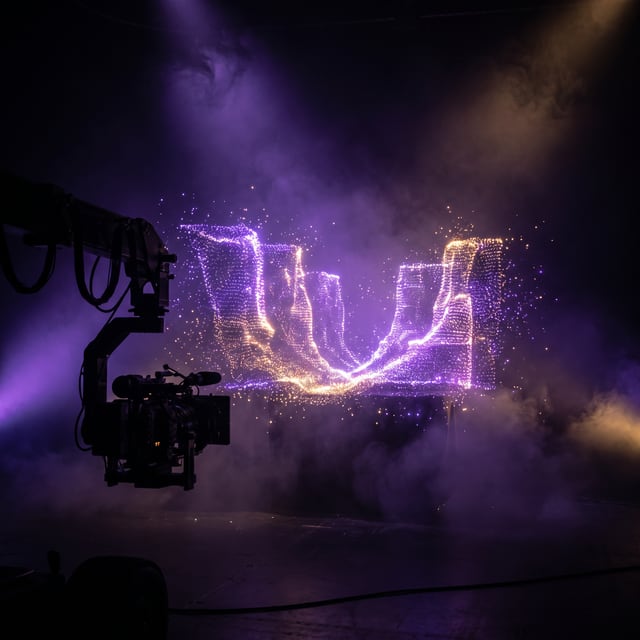
Splat Capture
Turn one photo into a photoreal Gaussian splat for virtual production, set extensions, terrain backdrops and VFX — real-time 3D without a mesh.
 Live
Live
Sprite Sheet
Render any rigged or animated model into a packed 2D sprite sheet from any angle — frames, atlas JSON and GIF, all on your GPU.
 Live
Live
Sprite Analyzer
Drop a sprite sheet and let it find the grid — scrub and play frames, tag animation ranges, and export frame data or every cell as its own PNG.
 Live
Live
Slicer
Cut icon grids, tilesets and AI artwork into clean regions — by grid, by drag-box or automatically on alpha — then export a zip of PNGs with JSON.
 Live
Live
Pixel Snap
Turn AI art, sheets or video frames into true pixel art — pixel scale, palette size, dithering and a palette locked across every frame.
 Live
Live
Voxelizer
Voxelize any model at 16–128 resolution with sampled colours, orbit the result, then export a merged GLB or send it to Studio, Rig or Topology.
 Live
Live
Chroma & Cutout
Key out a backdrop with an eyedropper — tolerance, softness, despill and feathered edges — batch video frames and export clean transparent PNGs.
 Live
Live
Material Forge
Derive height, normal, roughness, AO and metallic maps from any texture, preview them on a lit sphere, and export the full PBR set with a material.json.
 Live
Live
Tileset Forge
Check seams on a 3×3 wrap preview, fix them in one click, and arrange tiles into a sheet with spacing and margins — sheet PNG plus map-editor XML.
 Live
Live
Canvas
A quick layered image editor — crop, resize, brush, text, fill, flip and rotate with deep undo — then send the result to Image Studio, Pixel Snap or Chroma.
 Live
Live
Embed Preview
Paste a model or gallery link and see it inside phone, tablet, laptop, desktop and ultrawide frames — copy the embed code and screenshot each size.
 Live
Live
Community Gallery
See what members are creating with the engine — spin their models in 3D, leave a like, and share your own.