
Godot marks a GLB or glTF file with a red X in the FileSystem dock, and dragging it into the scene tree does nothing — no error dialog, no crash log, just a dead icon. Nine times out of ten this is a broken import cache, not a broken file: right-click the file, choose Reimport, and it comes back clean. The tenth time is a version regression that a plain reimport won't touch, and that's the one that eats an afternoon if you don't know what to check.
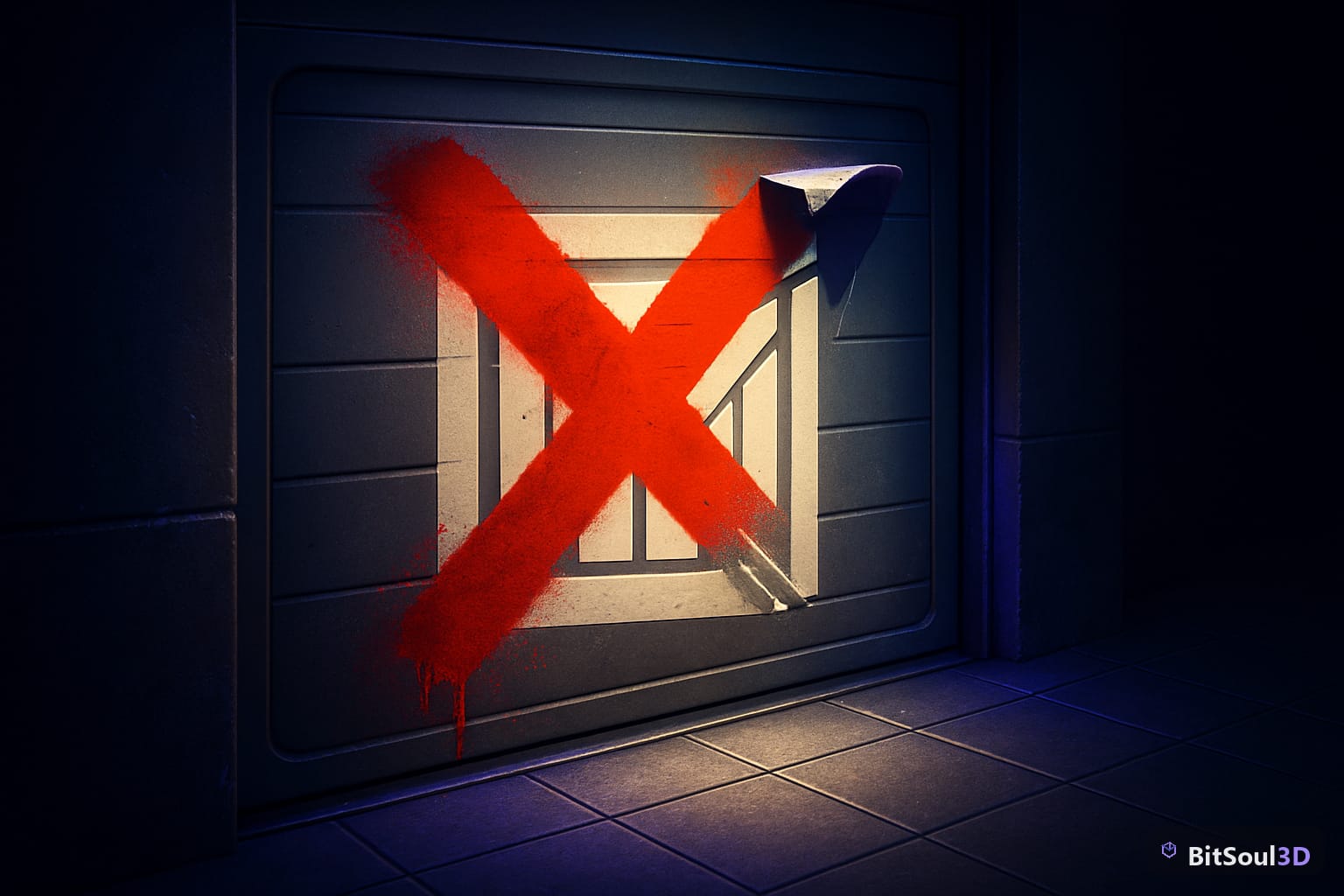
Why Godot GLB imports break with a red X
The red X almost always traces back to the .godot/imported cache going stale relative to the source file. That happens in three specific situations, and each has a different fix.
A clean checkout (cloning the repo fresh, or pulling a branch that never had .godot locally) skips the import step entirely — Godot hasn't generated .scn shadow files for any mesh yet, so every GLB shows red until the editor runs a full reimport pass. An engine version bump (4.4 to 4.5, 4.5 to 4.6) can leave cached import metadata in a format the new importer doesn't recognize, which is different from a missing cache — the file exists but the editor refuses to trust it. And a known regression first reported in 4.4-dev4, still present through 4.6.2 and 4.7-beta1, causes backface culling changes on reimport to silently not apply while the scene is open, which shows as a red X on the next editor launch even though the reimport technically succeeded.
The fastest way to tell which one you're hitting: close the editor, delete .godot/imported (not the whole .godot folder — that also wipes your editor layout and script cache), and reopen the project. If the X clears, it was a stale cache. If it comes back, you're on the regression, and the workaround is closing every scene that references the model before triggering reimport rather than leaving it open in the 3D viewport.
| Symptom | Likely cause | Fix |
|---|---|---|
Every GLB is red right after git clone | No .godot/imported cache exists yet | Open the project once, let the initial import pass finish (progress bar in the bottom-right) |
| One model is red, others are fine | Import settings changed but reimport didn't rerun | Right-click the file → Reimport, or select it and hit Reimport in the Import dock |
| Model imports but materials are gone | Clean checkout ran auto-reimport before textures synced | Reimport the GLB a second time after confirming the .png/.ktx2 textures are present on disk |
| Backface culling or normals look wrong after reimport | 4.4-dev4 regression, persists through 4.6.2/4.7-beta1 | Close scenes referencing the model before reimporting, not after |
| glTF imports but animation names are missing | Named Skins import toggle mismatch | Advanced Import Settings → Animation tab → disable "Import As Skeleton Bones" if the source has no skeletal rig |
For a CI pipeline or anyone who wants reimport to happen without opening the editor GUI, Godot's headless mode does the same pass from the command line:
godot --headless --path /path/to/project --editor --quit-after 3That forces the editor to boot, run a full import scan, and exit after three frames — enough time for the import queue to flush. Add --verbose if you need to confirm which files actually triggered a reimport versus which were already cached.
Fixing it without breaking materials a second time
Once you know it's a cache issue and not a regression, the actual fix is one dialog, but the order matters. Open the FileSystem dock, select the red-X file, and look at the Import dock (usually docked next to Scene). Confirm the importer listed is Scene, not glTF Embedded or a third-party plugin importer — mismatched importers are the second most common cause of a silent red X after the cache problem, especially on projects where an addon like godot-gltf-fast or a custom importer was installed and later removed.
With the correct importer confirmed, click Reimport at the bottom of the dock. Watch the FileSystem dock, not the Import dock — the X should clear within a second or two for a single model. If it doesn't clear, check the Output panel at the bottom of the editor for a specific error rather than assuming it's the same cache bug; a truncated GLB from a failed download, or a Blender export that got interrupted mid-write, throws the same red X but needs a fresh export, not a reimport.
If you're scattering multiple props into a scene — walls, crates, modular kit pieces — and several went red at once after a checkout, don't reimport them one at a time. Select all of them in the FileSystem dock (shift-click) and use Reimport from the right-click context menu; Godot batches the import queue and it's meaningfully faster than clicking through each file, especially past a few dozen assets. A kit like Modular Habitat Block is a reasonable stress test for this since it's built to be duplicated across a level rather than placed once.
For anyone scripting a load-order check rather than relying on the FileSystem dock's icon, ResourceLoader.exists() catches a broken import before you try to instantiate it and crash on a null reference:
var path := "res://models/habitat_block.glb"
if ResourceLoader.exists(path):
    var scene: PackedScene = load(path)
    add_child(scene.instantiate())
else:
    push_warning("Import missing or broken: %s" % path)
Two things worth knowing before this bites you again. First, if your .gitignore excludes .godot/ entirely (the common default), every teammate who clones the repo hits the full red-X-on-checkout scenario on first open — that's expected, not a bug, and the fix is just letting the initial import finish rather than panicking and reimporting manually. Second, the Named Skins toggle mismatch only shows up on models with a skeleton that has no actual animation data attached, which is common on marketplace props exported as static meshes but tagged with an empty armature — disabling "Import As Skeleton Bones" in the Animation tab removes the false positive without touching the mesh.
Commercial use of any BitSoul3D model requires a paid membership — a free account's two monthly downloads cover evaluation; commercial use is included with paid memberships. See pricing for details.
For more on getting glTF scenes to survive engine round-trips, see how Godot 4.8 dev builds make GLB scenes readable in git diffs and which engines actually support KHR interactivity extensions.
This post is part of the Ultimate Guide to Free 3D Game Assets — BitSoul's complete reference for formats, texturing, rigging, optimization, and engine integration.
Need drop-in assets for this workflow? Grab the 98-model Character Pack on the BitSoul marketplace and drop them straight into your project.