
Meta's Horizon Creator Competition: Game Prototype closes September 8, 2026, and the submission rules quietly rule out the thing most solo devs reach for first: a CDN script tag. The brief requires a self-contained Three.js/HTML5 build, packaged as a single .zip under 35MB, with index.html at the top level and zero external network requests while it runs. Load Three.js from cdnjs or pull the Draco decoder from Google's gstatic host — both common in official examples — and validation fails outright. Everything the build touches has to live inside that zip.
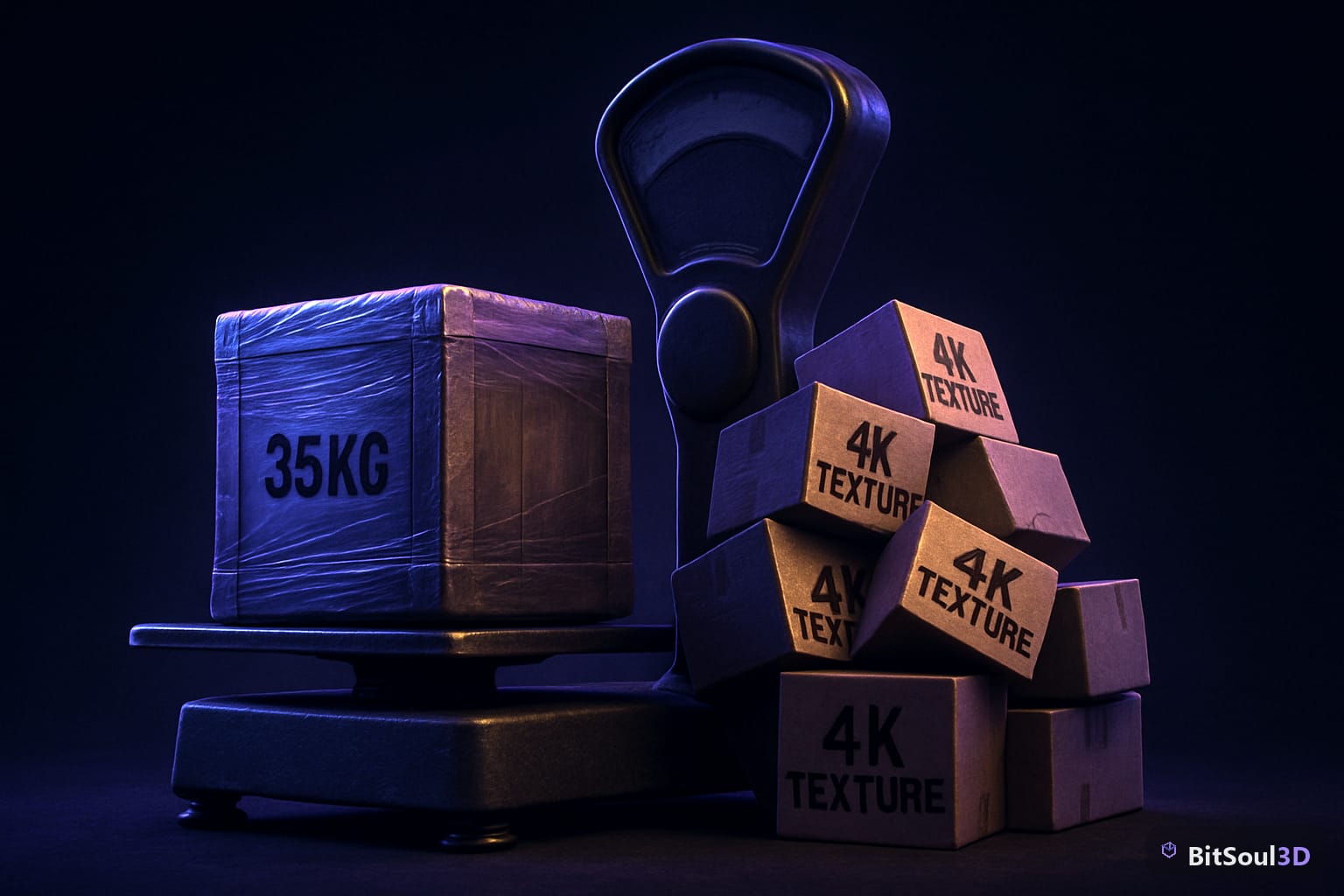
That constraint changes what "asset-ready" means. 412 people are registered as of this week, choosing between three genres — Survival & Resource Management, Simulation & Management, Tower Defense & Strategy — and $300,000 is split across 12 winners with completion grants attached. Judging weighs Player Engagement at 30% and Playability at 25%; visual polish isn't scored at all. So the practical goal isn't a beautiful scene, it's a working core loop that fits a hard byte ceiling alongside your own code, Three.js itself, and any decoders you need.
What actually eats the 35MB

Three.js's core module runs somewhere in the 150-200KB range minified, which sounds trivial until you add the loaders. The Draco decoder (draco_decoder.wasm plus its JS glue) is roughly 300-400KB, and if you're using KTX2-compressed textures you also need the Basis transcoder bundled — another 200KB or so. None of that counts against your actual models. By the time your runtime dependencies are vendored locally, a realistic prop budget for a genre like Tower Defense (turrets, wall segments, projectiles, a handful of enemy types) is somewhere in the low tens of megabytes, not 35.
Unoptimized GLBs from most AI generators land nowhere near that budget on their own — a single textured prop straight out of a text-to-3D tool routinely comes in at 5-15MB before compression, mostly from untouched 4K albedo/normal/roughness maps and dense, non-decimated meshes. Two or three of those and you've already blown the entire zip.
| Component | Typical size after optimization | Note |
|---|---|---|
| Three.js core bundle | 150-200KB | required, vendor it — don't link cdnjs |
| Draco decoder (wasm + JS) | 300-400KB | vendor from node_modules, not gstatic |
| Basis/KTX2 transcoder | ~200KB | only if you compress textures |
| Draco-compressed low-poly prop | 50-500KB | a few thousand tris, no 4K maps |
| Same prop, uncompressed source | 5-15MB | typical raw AI-generator or ZBrush export |
Packing a prop without a CDN dependency
The fix is the same pipeline you'd use for any mobile web target, just enforced strictly. Run every GLB through gltf-transform before it goes near your zip: Draco-compress the geometry, resize textures down from whatever resolution they arrived at, and convert them to KTX2 if your genre can tolerate the extra transcoder weight.
npx @gltf-transform/cli optimize source.glb out.glb \
  --compress draco \
  --texture-compress webp \
  --texture-size 1024

# vendor the decoder yourself instead of pointing at gstatic:
mkdir -p vendor/draco
cp node_modules/three/examples/jsm/libs/draco/* vendor/draco/
Then structure the zip exactly the way the rules describe it: index.html at the root, vendor/three.module.js and vendor/draco/ holding your libraries, assets/ holding the compressed GLBs, textures, and audio — everything referenced with relative paths, nothing fetched at runtime. If you started from BitSoul3D's catalog, the Low-Poly Villager is a reasonable stand-in for how small a Simulation & Management populace figure should be after this pass — it's built low-poly from the start, so Draco compression on it does less work than on a dense sculpt, and the output GLB typically lands well under 200KB. You can check exact tri counts and UV layout for any model before exporting using 3D Studio, which runs the inspection and poly-reduce pass in your browser against your own GPU — useful for confirming a prop is actually mobile-portrait-friendly before you burn zip budget on it.
Gotchas that fail validation, not just look ugly
The rules explicitly call out CDN loading as a failure condition, not a style note — "builds that load resources from external URLs, including content delivery networks, will fail validation." That catches people who vendor Three.js correctly but leave a single <script src="https://cdn..."> for a font or an analytics snippet out of habit. Check every script and link reference, not just your asset imports.
Draco and KTX2 decoders both ship as separate wasm binaries from the JS that calls them — vendoring the .js file alone and leaving the loader to fetch the .wasm from a CDN default is the most common mistake, because several Three.js example loaders hardcode a gstatic path unless you override setDecoderPath() explicitly. Test with your network tab open and airplane mode on; if anything still loads, the loader has a hardcoded fallback you missed. And remember the genre requirement is single-player, portrait orientation — a prop pack built for a landscape desktop demo will need re-framing in-scene, not just re-compression, before submission.
A free account's two monthly downloads cover evaluation; commercial use is included with paid memberships — see pricing if you're planning to ship past the prototype stage.
For deeper background on the renderer this all runs on, see Three.js's WebGPURenderer, what's actually production-ready and adding KTX2 textures to a GLB, which engines actually load it. If you're pulling multiple props at once for a genre prototype, automating downloads through the REST API is faster than clicking through the catalog one model at a time.
This post is part of the Ultimate Guide to Free 3D Game Assets — BitSoul's complete reference for formats, texturing, rigging, optimization, and engine integration.
Need drop-in assets for this workflow? Grab the Architecture Modern Bundle on the BitSoul marketplace and drop them straight into your project.