Most indie game levels take forever to build because every prop is a one-off. A modular prop kit flips that: design once, assemble infinitely. Done right, a 20-piece kit can populate an entire dungeon with near-zero duplicate draw calls and a single shared texture atlas.
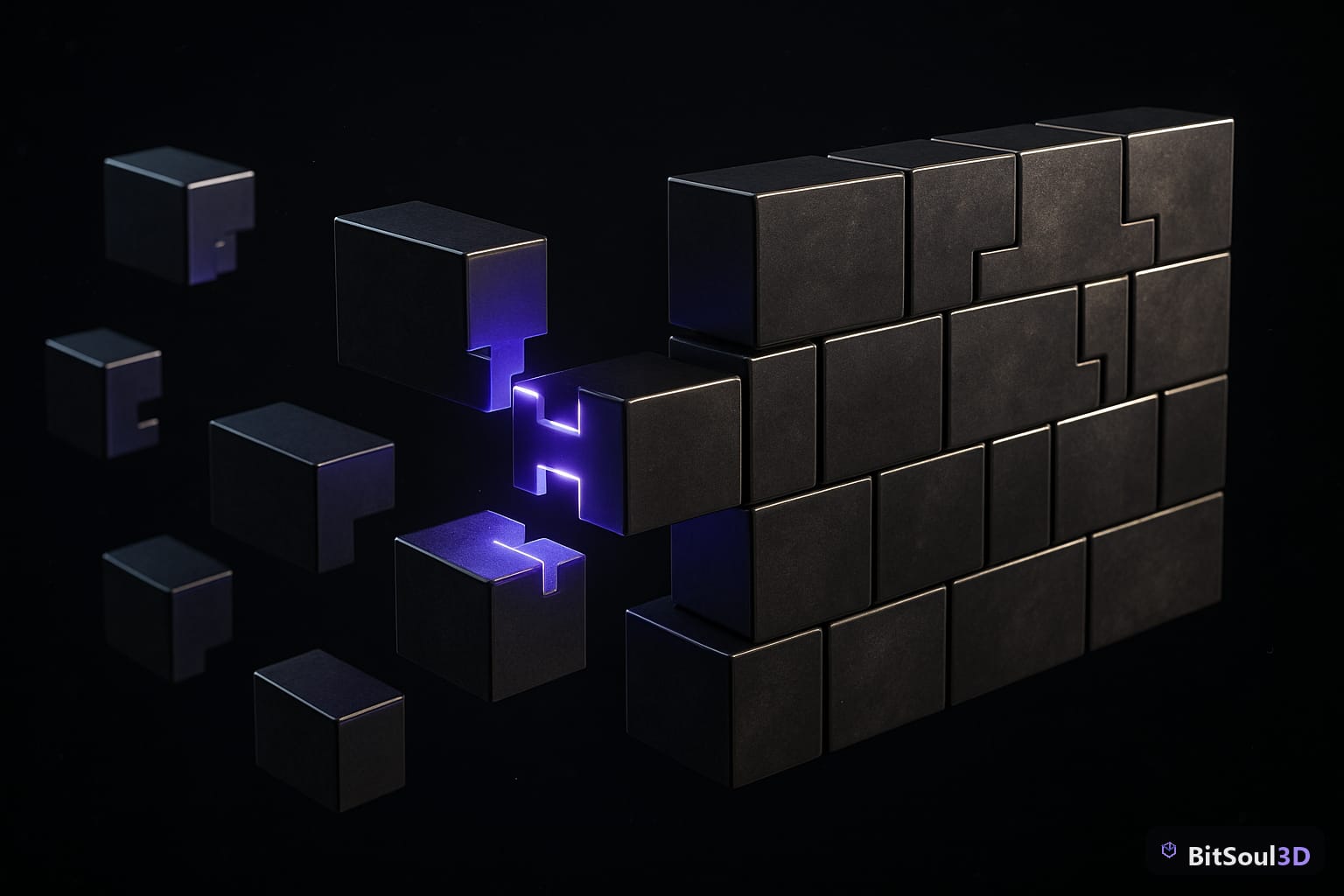
This guide walks through the full Blender workflow — from grid planning to export — so your kit snaps together cleanly in Unity, Unreal Engine 5, and Godot 4.
What Makes a Prop Kit "Modular"
A modular kit is a set of pieces designed to combine in predictable, repeatable ways. Think LEGO: each brick follows a strict grid so any piece connects to any other without gaps or overlaps.
For 3D game props, that means:
- Consistent grid unit: pick one world-space unit (e.g. 1 m) and make every piece a multiple of it. A wall segment is 2 m wide, a doorway is 1 m wide, a corner is 1×1 m.
- Matching edge geometry: where two pieces connect, edge loops must line up exactly — same vertex density, same spacing.
- Shared pivot logic: pivot points live at predictable locations (corner, center-base, or center) so engine snapping tools work without manual offsets.
- Tileable or trim-sheet textures: pieces share a UV layout that repeats cleanly, avoiding unique textures per piece.
The payoff is massive: swap one piece for a variant (damaged wall, open arch, barred window) and the rest of the kit still fits.
Grid Snapping and Pivot Point Setup in Blender
Blender's grid system is your foundation. Before modeling a single piece, configure the scene:
# Set scene unit scale to meters (default is fine)
# In Blender: Scene Properties > Units > Unit System: Metric, Unit Scale: 1.0

# Enable grid snapping
# Header > Snap (magnet icon) > Snap To: Increment, Absolute Grid Snap: ON
# Set grid scale to match your base unit: 1.0 m
For pivot points, use Object > Set Origin workflow:
| Piece Type | Origin Location |
|---|---|
| Wall segment | Bottom-left corner |
| Floor tile | Bottom-center |
| Corner piece | Inner corner, ground level |
| Door frame | Bottom-center of opening |
| Column | Base center |
This placement means that when you snap the origin to a grid point in your engine, the piece lands exactly where it should with zero manual offset.
Workflow tip: build a reference cube at exactly 1×1×1 m as a sizing guide. Keep it in a separate collection and toggle visibility while modeling each piece against it.
Designing for Texture Reuse with a Trim Sheet
A trim sheet is a single texture atlas (typically 512×2048 or 1024×4096) containing all the surface detail your kit needs — wood grain, concrete ledges, metal trim, brick rows — arranged in horizontal strips.
Every piece in the kit maps its UVs to the same trim sheet. Because pieces are modular and share edge density, UV seams land at natural strip boundaries and tiling is invisible.
UV rules for trim-sheet mapping:
Strip height  = 1/N of texture height (e.g., 1/8 for 8 strips)
Piece UVs     = map top/bottom faces to cap strips
                map side faces to trim strips, scaled by world length
Seams         = place at corners, never on visible flat surfaces
In Blender, use UV Editor > N Panel > UV Sync Selection ON, then scale UVs by the piece's world-space length so texel density stays consistent across all pieces. Target 512 texels/meter for close-range hero props, 256 for background fill.
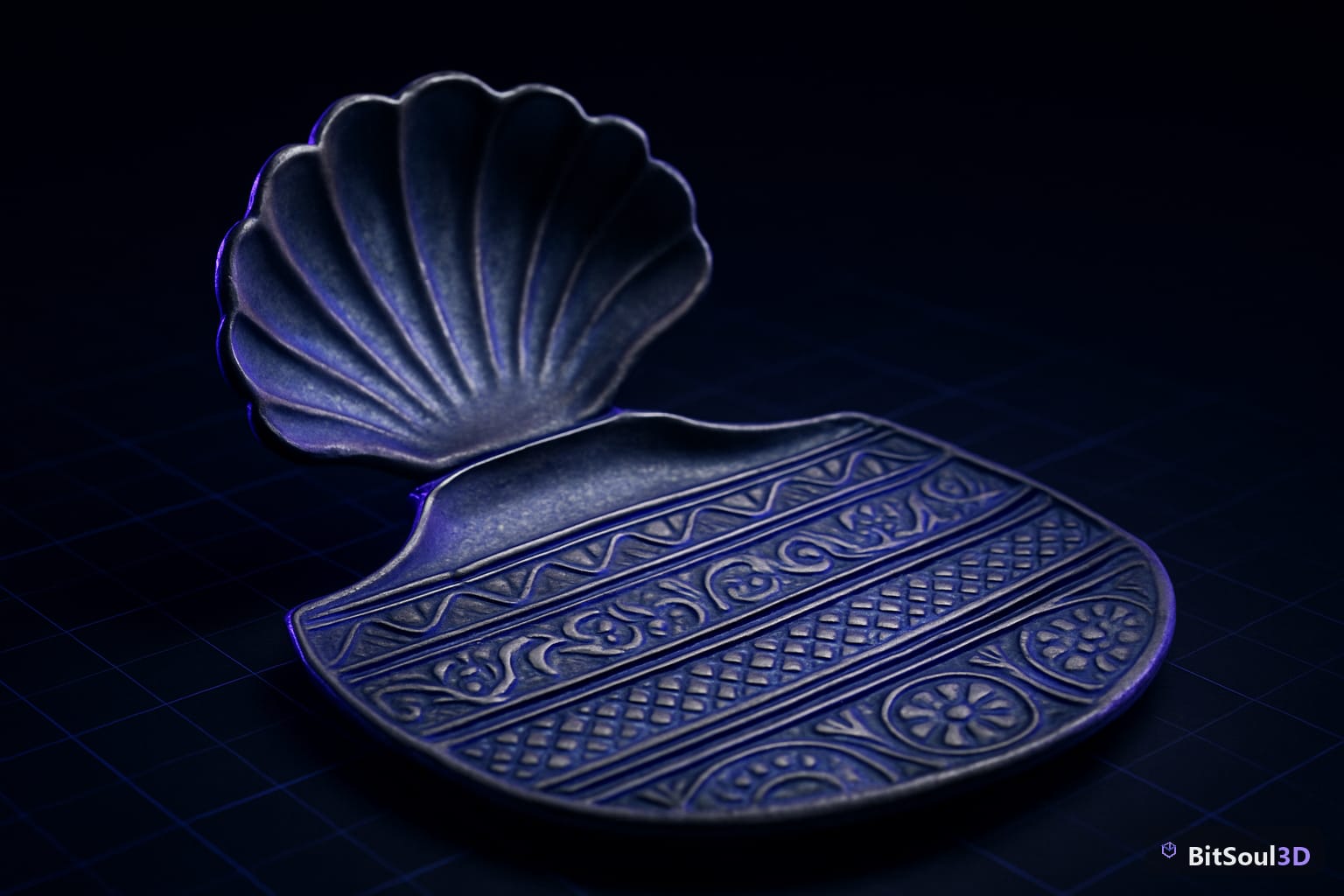
For a ready-to-use trim sheet base to test your kit against, check the texture packs available at BitSoul Marketplace — many include properly tiled PBR trim strips at 2K and 4K.
Exporting the Kit: Unity, Unreal Engine 5, and Godot 4
Each engine has quirks. Here's what matters for modular kits:
Export settings (Blender → GLB)
File > Export > glTF 2.0 (.glb)
  Format: GLB (binary)
  Include: Selected Objects (export per piece OR as collection)
  Transform: Y Up: ON, +Z Forward to -Z Forward
  Geometry: Apply Modifiers: ON, UVs: ON, Normals: ON
  Compression: OFF (let engine handle it)
Export each piece as a separate GLB file, named with a clear convention:
prop_wall_straight_2m.glb
prop_wall_corner_1m.glb
prop_wall_door_1m.glb
prop_floor_tile_1m.glb
Engine-specific notes
| Engine | Snap tool | Grid unit setting | Pivot behavior |
|---|---|---|---|
| Unity | ProGrids / Grid Snapping (built-in 2022+) | Edit > Grid and Snap Settings | Origin = Transform pivot |
| Unreal Engine 5 | Surface Snapping, Grid Snap (toolbar) | Editor Preferences > Grid Size | Pivot = Actor origin |
| Godot 4 | Smart Snap (Scene > Snapping) | Snap Settings > Grid Step | Origin = Node position |
For Unreal Engine 5, set your grid to 10 cm (0.1 m in Unreal's default cm scale) when your Blender unit is 1 m, so Unreal's 10 cm snaps = 10 Blender grid divisions. Import GLBs via File > Import > glTF, not the legacy FBX pipeline.
For Godot 4, GLB import is native — drag the file into the FileSystem dock. Enable Import > Meshes > Generate LODs on each piece for free LOD generation.

Publishing Your Kit on the Marketplace
Once the kit is complete, a clean folder structure makes it sellable or team-shareable:
my_dungeon_kit/
  meshes/         # .glb files, one per piece
  textures/       # trim sheet PNGs: albedo, normal, ORM
  blender/        # source .blend file
  preview/        # turntable renders, wireframe screenshots
  README.md       # grid unit, texel density, piece list
Include at least one engine-specific scene file (Unity prefab set, Unreal level with assembled example, Godot scene) showing pieces snapped together. Buyers who can see the kit in action convert at far higher rates.
Upload finished kits directly to BitSoul Marketplace — it accepts GLB, FBX, and OBJ bundles with texture packs and supports preview video uploads so you can show the assembly workflow.
Conclusion
A well-designed modular prop kit multiplies your environment-building speed and keeps performance tight through shared textures and predictable geometry. The keys: commit to a grid unit before you model, set pivots deliberately, map everything to a shared trim sheet, and export with consistent naming.
Browse game-ready modular prop kits and environment asset bundles at BitSoul Marketplace — or upload your own kit and start earning from it today.
Need drop-in assets for this workflow? Grab the 98-model Character Pack on the BitSoul marketplace and drop them straight into your project.