Visual effects can make or break a game's feel — but building particle systems from scratch for every explosion, fire, and magic spell is a time sink most indie devs can't afford. The fix: reusable VFX asset libraries that plug into any project.
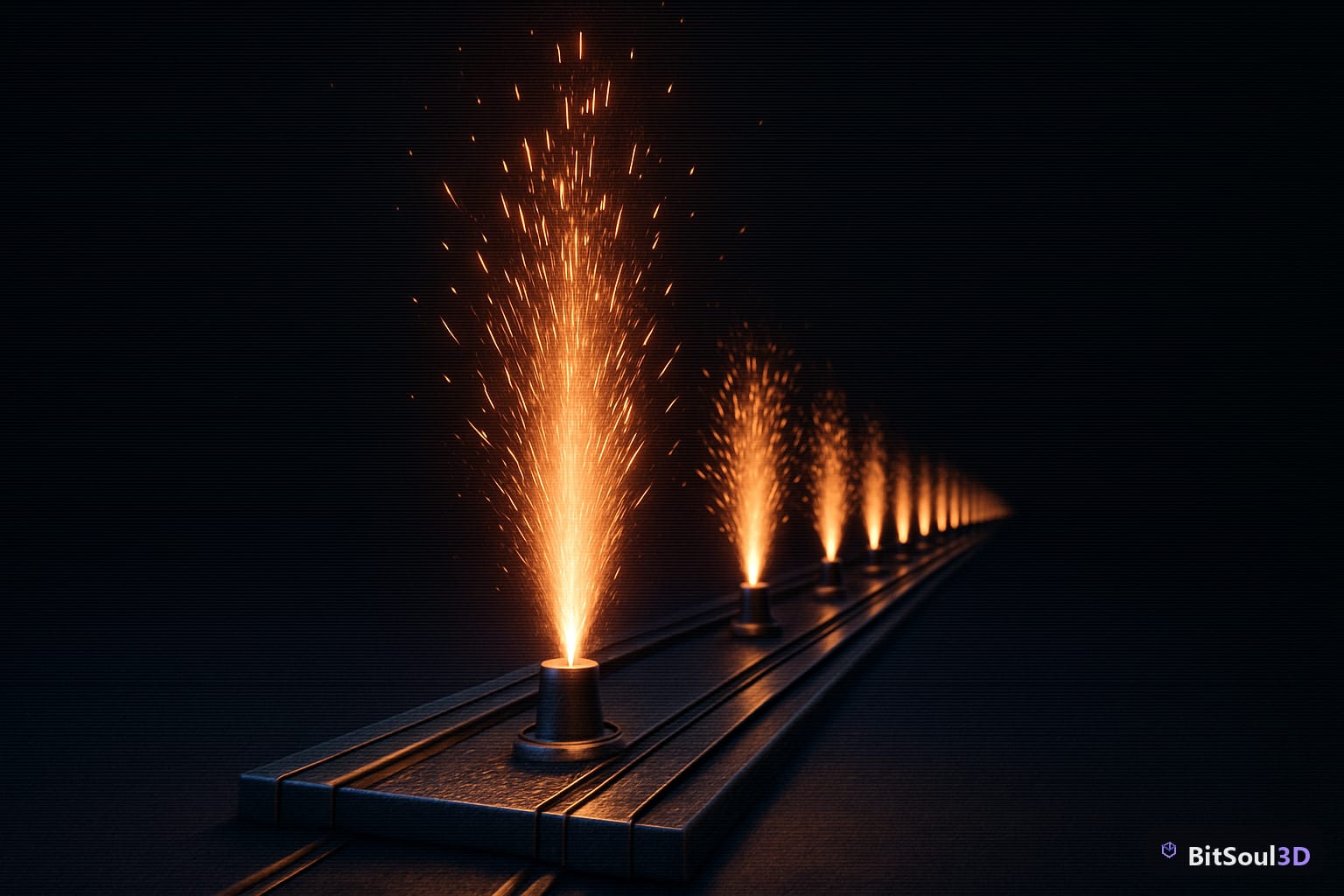
Why Reusable VFX Assets Save Dev Time
Every hour spent rebuilding a fire effect from scratch is an hour not spent on gameplay. Reusable VFX assets — packaged particle systems with clean parameters, sensible defaults, and documented emission properties — solve this by letting you drop in a polished effect, tweak a few values, and ship.
The efficiency gains compound over a full project. A reusable explosion prefab in Unity can replace six custom iterations. A Niagara system built for one game can be re-skinned for another in minutes. This is why marketplaces like BitSoul's 3D asset marketplace increasingly offer pre-built VFX packs alongside geometry and texture assets.
To make your VFX reusable, follow these rules: expose all key parameters (emission rate, lifetime, size, color gradient) as public variables or module overrides; document the intended scale and world units; keep texture atlases self-contained; and never hardcode paths. An effect that works at 1 metre scale but breaks at 0.1 is not reusable — it's just a starting point.
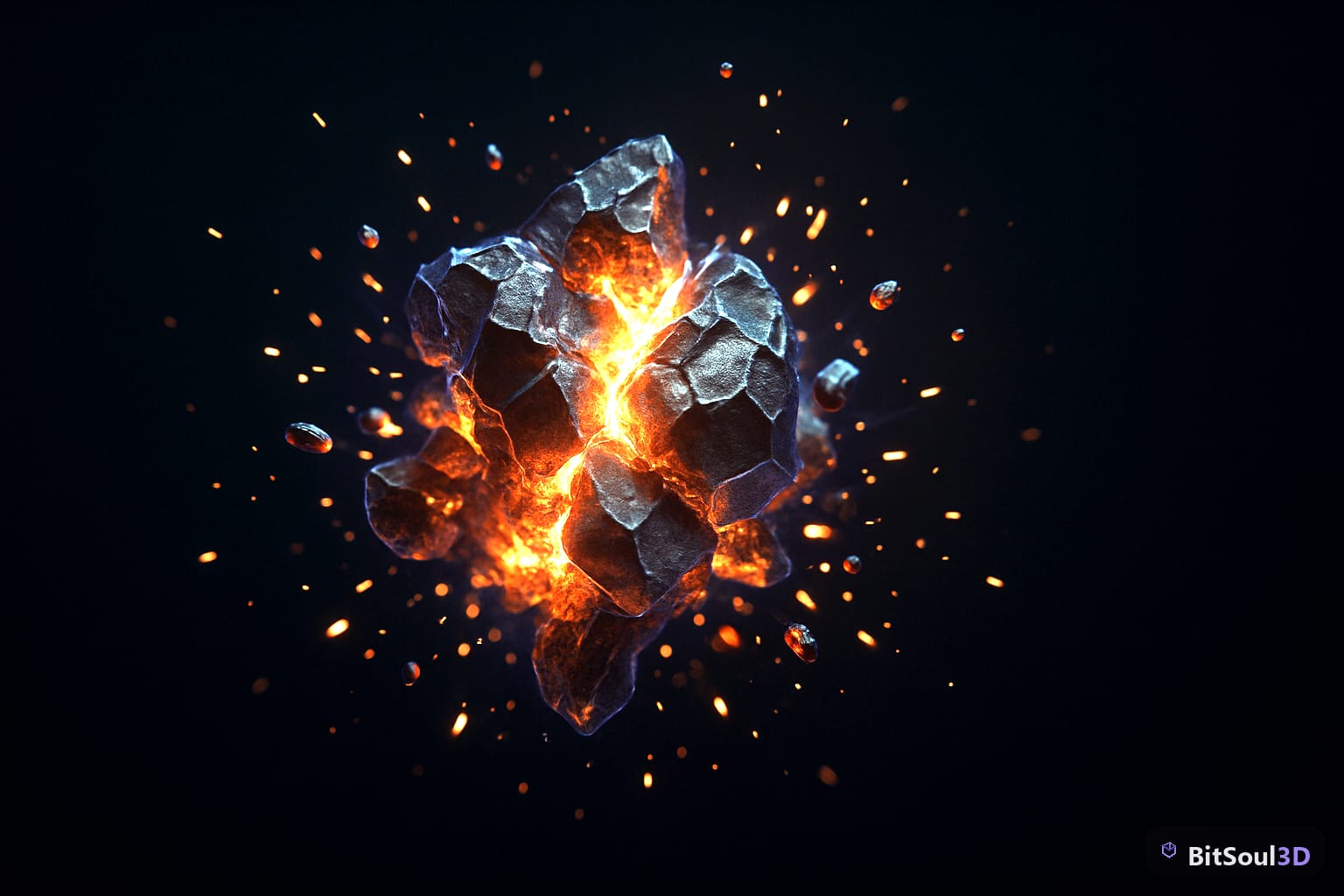
Unity: VFX Graph vs. Particle System
Unity offers two particle backends and choosing the wrong one costs you at export time.
Shuriken (Built-in Particle System) is CPU-driven, supports all render pipelines, and works out of the box in every Unity project. It's the safe default for mobile targets and projects on the Built-in RP. Use it for effects that need < 10,000 particles and must run on low-end hardware.
VFX Graph is GPU-driven via compute shaders, supports millions of particles with low CPU overhead, but requires URP or HDRP (Unity 2021+). It uses a node-based graph editor and is significantly more capable for cinematic or high-density effects.
For reusable asset packs, the practical decision tree:
| Criteria | Use Shuriken | Use VFX Graph |
|---|---|---|
| Target: mobile / WebGL | ✅ | ❌ |
| Target: PC / console only | ✅ | ✅ (preferred) |
| Particle count < 10k | ✅ | ✅ |
| Particle count > 50k | ❌ | ✅ |
| URP/HDRP required | No | Yes |
| Node-based editing | No | Yes |
A reusable Unity VFX prefab checklist:
- Assign all textures via a
Materialreference, not a hardcoded path - Use
Stop Action: Destroyunless the effect loops - Expose
startSize,startLifetime,startColoras[SerializeField]or aParticleSystem.MainModuleaccessor - Set
Simulate Space: Worldfor effects attached to moving objects
// Expose duration for runtime control
public ParticleSystem vfxInstance;

public void Play(float duration) {
    var main = vfxInstance.main;
    main.duration = duration;
    vfxInstance.Play();
}
Unreal Engine 5: Niagara Key Concepts
Niagara replaced Cascade as UE5's particle framework and introduces a data-flow model built around emitters, modules, and parameters.
Emitter vs. System: a Niagara System contains one or more Emitters. Build reusable effects at the Emitter level, then compose them into Systems. This lets you mix a "smoke" emitter with a "sparks" emitter without duplicating logic.
Scratch Pad Modules: write custom HLSL logic inside the graph without leaving the editor. Prefer Scratch Pad over full custom modules for per-project tweaks.
User-Exposed Parameters: mark any Niagara parameter as User. prefix to expose it at the System level. This is the UE5 equivalent of Unity's public fields and is essential for reusable packs — buyers need to control spawn rate, color, and scale without opening the Niagara editor.
// Niagara parameter naming convention for reusable packs
User.SpawnRate        // particles/second
User.LifetimeMin      // seconds
User.LifetimeMax      // seconds
User.ColorTint        // LinearColor
User.SpriteSize       // float2
Niagara supports GPU simulation natively — set Sim Target: GPU Compute Sim in the Emitter properties to offload particle updates. For effects targeting Nanite-heavy scenes, always use GPU sim to keep CPU headroom.
Godot 4: GPUParticles3D Workflow
Godot 4 ships with two particle nodes: CPUParticles3D (portable, slower) and GPUParticles3D (GPU shader-based, Vulkan/Forward+ only). For game-ready VFX assets targeting Godot 4's default Forward+ renderer, always use GPUParticles3D.
The particle behaviour is driven by a ParticleProcessMaterial resource. Assign it to the process_material property and expose your variables there:
# Toggle and configure a GPUParticles3D node at runtime
@export var vfx: GPUParticles3D

func trigger_explosion():
    vfx.restart()
    vfx.emitting = true
    await get_tree().create_timer(vfx.lifetime).timeout
    vfx.emitting = false
Key ParticleProcessMaterial properties to expose for reusable packs:
| Property | Purpose |
|---|---|
emission_shape | Point, sphere, box, mesh surface |
initial_velocity_min/max | Spread control |
gravity | World-space gravity vector |
color_ramp | Gradient over particle lifetime |
scale_curve | Size change over lifetime |
turbulence_enabled | Chaotic motion toggle |
For one-shot effects (explosions, impacts), set one_shot = true and connect finished signal to queue-free the node. For looping effects (fire, smoke, ambient magic), leave one_shot = false and manage emitting via script.
Packaging and Selling VFX Assets on Marketplaces
A VFX pack that buyers can't integrate in under five minutes won't sell. Structure your asset folder correctly and you eliminate support tickets.
Folder structure for a marketplace-ready VFX pack:
/VFXPackName/
  /Textures/          # All sprite sheets and atlases
  /Materials/         # Per-engine material files
  /Prefabs/           # Unity: .prefab files
  /NiagaraSystems/    # UE5: .uasset Niagara Systems
  /GodotScenes/       # Godot: .tscn scenes
  /Demo/              # A demo scene per engine
  README.txt          # Parameter reference and usage notes
Sprite sheet format: use a 4×4 or 8×8 atlas at 1024px for mobile-safe packs, 2048px for PC/console. Always export as PNG with pre-multiplied alpha. Include the source .psd or .kra if selling on a marketplace that permits source files — buyers value editability.
For pricing, VFX packs on BitSoul's marketplace and similar platforms perform best when bundled: a "fire and ember" pack covering 6–10 variations outperforms six individual listings. Document every exposed parameter in your README and you'll spend zero time on support.
Start Shipping Better VFX
Reusable particle systems are one of the highest-leverage assets a game dev can own. Build your library once — clean parameters, cross-engine documentation, tested on GPU sim — and every future project benefits. Whether you're buying, selling, or building, BitSoul's marketplace is the fastest way to find production-ready VFX packs built by developers who actually ship games.
Need drop-in assets for this workflow? Grab the Architecture Modern Bundle on the BitSoul marketplace and drop them straight into your project.