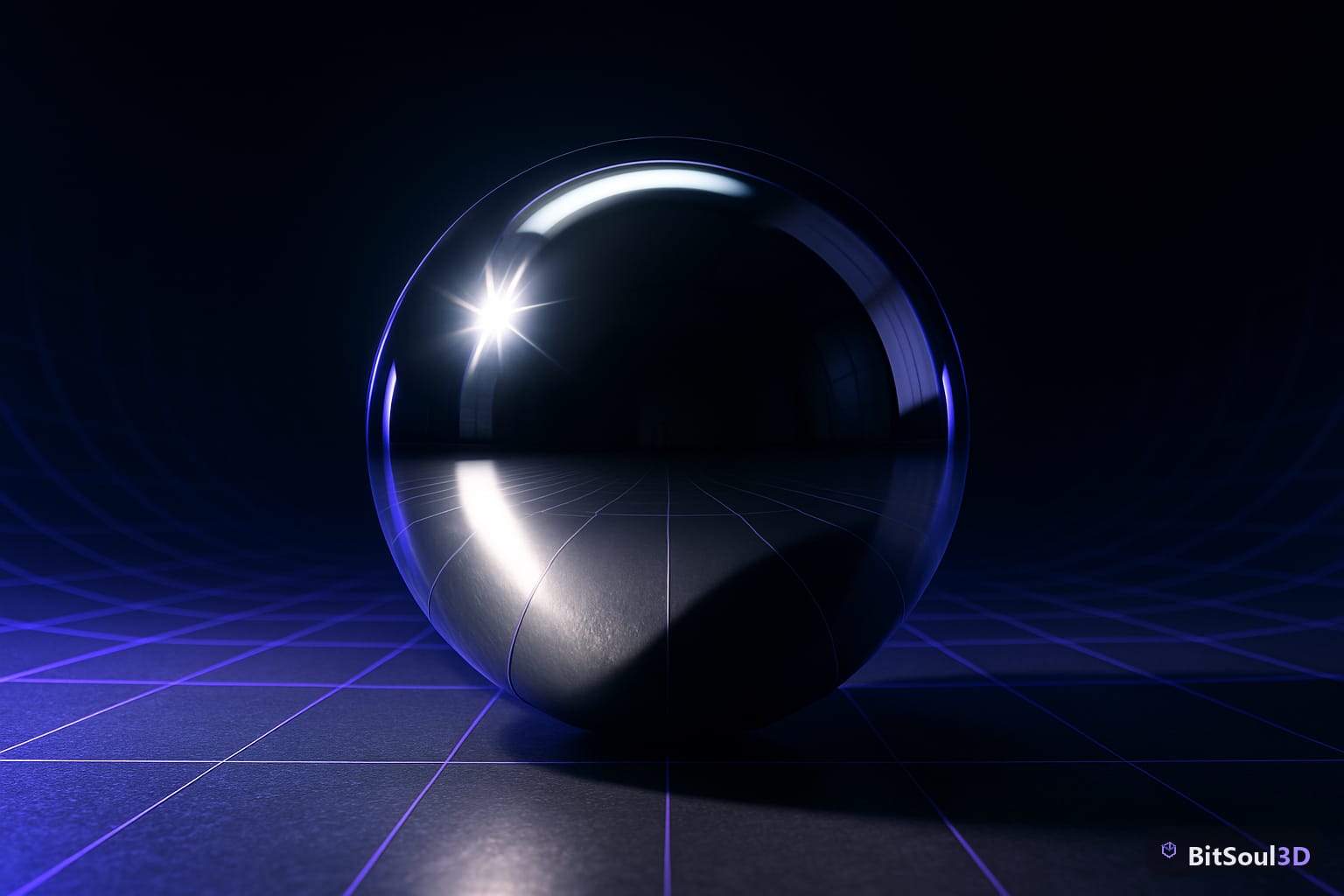
If your metallic or glossy materials look flat and lifeless in-engine, reflection probes are almost always the fix. PBR shaders calculate surface reflections by sampling an environment map — without a placed probe, the engine falls back to a default sky or ambient cubemap that rarely matches your scene's lighting. The result: chrome props that look like painted plastic, wet floors with no sheen, and glass that has zero depth. Reflection probes capture the surrounding scene into a cubemap at bake time (or runtime), then supply that data to nearby materials. Every Unity, UE5, and Godot 4 project with metallic or glossy assets needs them.
Why Reflection Probes Matter for PBR Game Assets
PBR materials derive their realism from two things: accurate roughness/metallic values and an accurate environment reflection. The roughness map is entirely in your control as the artist. The reflection source is not — it comes from whatever environment data the engine can find at that screen position. Without probes, the engine samples a scene-wide default: usually the sky, an ambient color, or a low-res fallback cubemap. For a metallic armor set in a dungeon corridor, that sky sample makes the asset look like it is floating in open air.
Reflection probes fix this by giving the engine a localized, correct capture of the surrounding geometry. Place one in a room and every metallic or glossy surface in that room will reflect the room — not the sky. This single change is often the difference between a scene that reads as 3D and one that reads as flat.
Reflection Probes in Unity URP: Setup and Baking
Unity's Reflection Probe component lives under Component > Rendering > Reflection Probe. In URP:
- Place a Reflection Probe GameObject at the center of each zone you want to capture.
- Set Type to Baked for static scenes or Realtime for dynamic environments. Baked is almost always preferable — real-time probes trigger six extra cubemap renders per frame.
- Set Box Size to enclose the space the probe should cover.
- Choose an HDR Cubemap resolution: 128x128 for background props, 256-512 for hero assets with tight reflections.
- Click Bake in the Inspector, or run Window > Rendering > Lighting > Generate Lighting.
URP requires Mixed or Baked lighting mode enabled in Lighting Settings for probe data to be committed to disk. Without it, baked probes regenerate every play session and are excluded from builds.
// Force a runtime probe refresh in URP (C#)
using UnityEngine.Rendering;

ReflectionProbe probe = GetComponent<ReflectionProbe>();
probe.RenderProbe(); // triggers an immediate cubemap capture
For outdoor scenes, place probes every 15-20 meters. For tight interiors, one probe per room is generally enough.
| Setting | Recommended Value |
|---|---|
| Type | Baked (static) or Realtime (dynamic lights) |
| Resolution | 128 for BG, 256-512 for hero |
| HDR | On |
| Box Projection | On for interiors |
| Blend Distance | 1-3 units |
| Importance | Higher overrides neighboring probes |
Unreal Engine 5: Sphere and Box Captures
UE5 offers two probe types: Sphere Reflection Capture and Box Reflection Capture. Box captures are almost always the right choice for interior spaces because they support Box Projection, which corrects parallax distortion as the camera moves.
To place one:
- Open the Place Actors panel, search Box Reflection Capture, and drag it into your scene.
- Scale the box actor to fit the room volume.
- In its Details panel, enable Box Transition Distance (0.5-1 m) to softly blend at zone boundaries.
- Press Shift+7 or go to Build > Build Reflection Captures to bake.
With Lumen active, UE5 handles much of the reflection work via hardware ray tracing and a screen-space fallback. However, reflection captures still matter for metallic surfaces at non-camera-facing angles where Lumen has no screen-space data. Use Lumen and captures as a complementary pair, not an either/or choice.
; Force probe-only reflections (useful for low-end targets or profiling)
r.Lumen.Reflections.Allow=0
r.ReflectionCaptureResolution=128
For outdoor asset previews on the BitSoul marketplace, a single Sphere Capture placed 4-6 meters above the ground plane gives natural metallic highlights without the full interior rig setup.
Godot 4: ReflectionProbe Node and VoxelGI
In Godot 4, add a ReflectionProbe node to your scene. Key properties:
- Update Mode: Always (real-time) or Once (bake-on-startup). Use Once for static geometry.
- Extents: Half-extents of the capture box. A value of (5, 5, 5) covers a 10m cube room.
- Interior: Enable this for enclosed rooms to suppress sky contribution.
- Ambient Mode: Set to Disabled for pure PBR accuracy, or Environment to blend in scene ambient.
- Max Distance: Objects beyond this radius are excluded from the capture. Keep it tight to avoid unnecessary samples.
For metallic or glass props sourced from the BitSoul marketplace, pair a ReflectionProbe with a WorldEnvironment node that has a tuned HDRI sky. This ensures the cubemap captures something meaningful rather than a black void.
VoxelGI vs ReflectionProbe: VoxelGI provides voxel-based global illumination including reflections, at higher bake-time and memory cost. Use VoxelGI for scenes with complex bounced light; use ReflectionProbe for targeted metallic surfaces or corridors where a localized capture is enough.
# Trigger a runtime probe re-bake in Godot 4 (GDScript)
var probe: ReflectionProbe = $ReflectionProbe
probe.update_mode = ReflectionProbe.UPDATE_ALWAYS
await get_tree().process_frame
probe.update_mode = ReflectionProbe.UPDATE_ONCE
Performance Tips: Blend Zones, LOD, and Runtime Captures
Reflection probes are cheap when baked but expensive when real-time. These rules apply across all three engines:
- Bake everything you can. Static geometry should never use real-time probes. Reserve real-time only for scenes with moving lights or portals.
- Layer importance values. In Unity, assign higher Importance to probes in focal areas so they override coarser outer probes.
- Cap resolution. 128px covers most background props. Only bump to 512px for hero shots. In UE5, r.ReflectionCaptureResolution=128 halves memory cost with minimal visible difference at typical play distances.
- Use blend distances. Abrupt probe transitions produce hard seams on glossy floors. A 1-2m blend zone on each probe eliminates this.
- Cull aggressively in Godot. Set Max Distance per probe rather than letting every probe compete for the same fragments.
| Target | Probe Strategy |
|---|---|
| PC / Console | Baked per room + Lumen or SSR fill |
| Mobile | One baked global + zero real-time |
| VR | Baked per zone, blend distance ≥ 1m |
| Web (Godot export) | Single low-res baked probe per scene |
Wrapping Up
Reflection probes are the invisible difference between PBR that reads as convincing and PBR that looks flat. Place them deliberately, bake static captures, and blend zone boundaries carefully. Test every metallic or glass asset against a tuned probe rig before shipping.
Find engine-ready 3D assets for your reflection probe test scenes at the BitSoul marketplace — every model ships pre-formatted for Unity URP, Unreal Engine 5, and Godot 4.
Need drop-in assets for this workflow? Grab the 70-model Food Bundle on the BitSoul marketplace and drop them straight into your project.