Foot sliding is the fastest way to make a polished game feel cheap. Your character's feet skate across the ground because the capsule moves at one speed while the animation was authored at another. Root motion fixes this at the source: the animation itself drives the character's movement, so feet plant exactly where the animator intended.
This guide covers the full root motion pipeline — authoring the root bone in Blender, then consuming it correctly in Unity, Unreal Engine 5, and Godot 4.
Root Motion vs. In-Place Animation: When Each Wins
In-place animation keeps the character at the origin while gameplay code moves the capsule. Root motion bakes translation (and optionally rotation) into a dedicated root bone, and the engine extracts that delta every frame to move the character.
Root motion wins for: attack lunges, dodge rolls, vaults, climbs, hit reactions, and cinematic traversal — anything where exact distance and foot placement matter. The animation is the ground truth, so a 2.3 m lunge always covers 2.3 m.
In-place wins for: core locomotion in networked games (server-authoritative movement hates animation-driven deltas), platformers needing razor-sharp input response, and anywhere you blend many speeds — blending root motion clips at mismatched velocities reintroduces sliding.
Most production characters use both: in-place for the locomotion cycle, root motion for actions. Plan this split before you animate, because converting clips later means re-keying the root bone on every animation.
Setting Up the Root Bone in Blender
Engines extract root motion from one specific bone, so your armature needs a clean root:
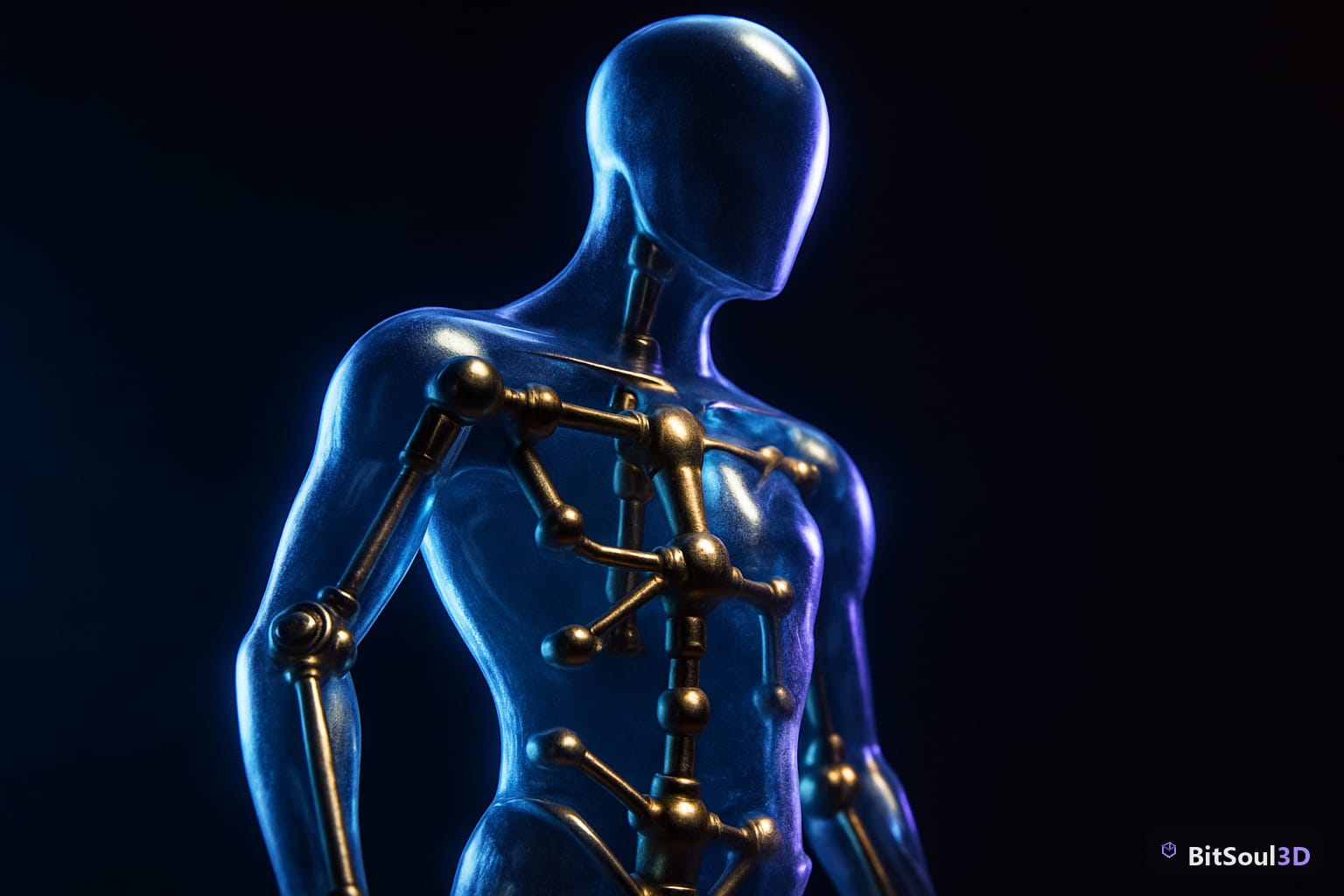
- Add a root bone at the world origin, on the floor (not at the hips). Name it
root— Godot and most Unity rigs expect this literally. - Parent the hips to the root. The root should be the only bone with no parent.
- Keyframe horizontal travel on the root, vertical bob and sway on the hips. The root should move smoothly along the ground plane like a puck.
- Keep the root's rotation aligned to travel direction. For turn animations, key yaw on the root and counter-animate the hips.
A common mistake is leaving all translation on the hips. Engines that extract from the hips (Unity's generic "Root node" option) will pull in the vertical bob too, making the capsule bounce. Keeping travel on a dedicated floor-level root avoids this entirely.
Export via glTF/GLB or FBX with the armature included. If you source characters from a library, check whether they ship with a proper root bone — the free GLB characters on the BitSoul marketplace include a floor-level root, which saves you the re-rigging pass.
Unity: Apply Root Motion the Right Way
Import the model, set the rig to Humanoid or Generic, and on each action clip enable Root Transform Position (XZ) → Bake Into Pose: OFF so the delta stays live. Then tick Apply Root Motion on the Animator component.
For characters using a CharacterController or Rigidbody, don't let the Animator move the transform directly — intercept the delta in OnAnimatorMove so collision still applies:
[RequireComponent(typeof(Animator), typeof(CharacterController))]
public class RootMotionDriver : MonoBehaviour
{
    Animator _anim;
    CharacterController _cc;

    void Awake()
    {
        _anim = GetComponent<Animator>();
        _cc   = GetComponent<CharacterController>();
    }

    void OnAnimatorMove()
    {
        Vector3 delta = _anim.deltaPosition;
        delta.y += Physics.gravity.y * Time.deltaTime; // keep grounded
        _cc.Move(delta);
        transform.rotation *= _anim.deltaRotation;
    }
}
This pattern gives you animation-accurate distance with full collision response — the lunge stops at the wall instead of clipping through it.
Unreal Engine 5: Root Motion from Montages
UE5 is opinionated: root motion is designed to flow through Animation Montages. Open the animation asset and tick EnableRootMotion, then set the Character's Anim Class montage slots accordingly. In the Anim Blueprint, set Root Motion Mode to Root Motion from Montages Only for the standard setup — locomotion stays capsule-driven, while dodges, attacks, and vaults play as montages that drive the capsule.
Key details that bite teams:
- The skeleton's root bone must be at the origin in the rig; UE5 extracts motion from bone index 0.
Root Motion from Everythingworks for fully animation-driven characters but fights the CharacterMovementComponent's acceleration model — expect to write a custom movement mode.- For networked games, root motion montages replicate through the movement component, but latency compensation is rougher than capsule-driven movement. Keep multiplayer locomotion in-place.
Godot 4: RootMotionView and AnimationTree
Godot 4 extracts root motion through the AnimationTree. On import, mark the root bone in the import dock (Root Motion > Bone: root), then point the AnimationTree's root_motion_track at it. Apply the delta in code:
func _physics_process(delta: float) -> void:
    var rm: Vector3 = anim_tree.get_root_motion_position()
    velocity = (transform.basis * rm) / delta
    velocity.y -= gravity * delta
    move_and_slide()
Add a RootMotionView node while authoring to visualize the extracted track as a moving grid — it makes drift and foot sliding obvious before you ever hit play.
Engine Comparison at a Glance
| Unity | Unreal Engine 5 | Godot 4 | |
|---|---|---|---|
| Enable | Apply Root Motion (Animator) | EnableRootMotion (anim asset) | root_motion_track (AnimationTree) |
| Consume in code | OnAnimatorMove | Montage playback | get_root_motion_position() |
| Expected root | Root node setting | Bone index 0 | Bone named in import dock |
| Best for | Actions w/ collision | Montage-driven actions | Fully animation-driven |
| Multiplayer | Avoid for locomotion | Montages replicate | Manual sync |
Pre-Export Checklist
- Root bone at world origin, on the floor, named
root - All horizontal travel keyed on root; bob/sway on hips
- Root has no parent; hips parented to root
- Apply transforms (Ctrl+A) before export — scale 1.0, rotation 0
- Test one clip in-engine before batch-exporting the set
Root motion is one of those systems where the rig determines everything downstream — a clean root bone makes all three engines cooperate, and a dirty one means fighting extraction settings forever. If you'd rather start from rigs that already follow these conventions, browse the free game-ready characters on the BitSoul marketplace — every animated character ships with a floor-level root bone, GLB and FBX formats, and engine-tested root motion clips.
Build with real assets: grab the 98-model Character Pack on the BitSoul marketplace and drop them straight into your project.