Retargeting is the difference between animating once and animating five times. Animation retargeting takes a clip authored for one skeleton and replays it on a completely different one — different proportions, different bone counts, different naming conventions — without touching a single keyframe. For indie teams pulling characters from a free library like the BitSoul marketplace and pairing them with stock motion clips, it is the highest-leverage animation skill in the entire pipeline. This guide covers the three systems you will actually use in production: Unity's Humanoid Avatars, Unreal Engine 5's IK Retargeter, and Godot 4's bone maps.
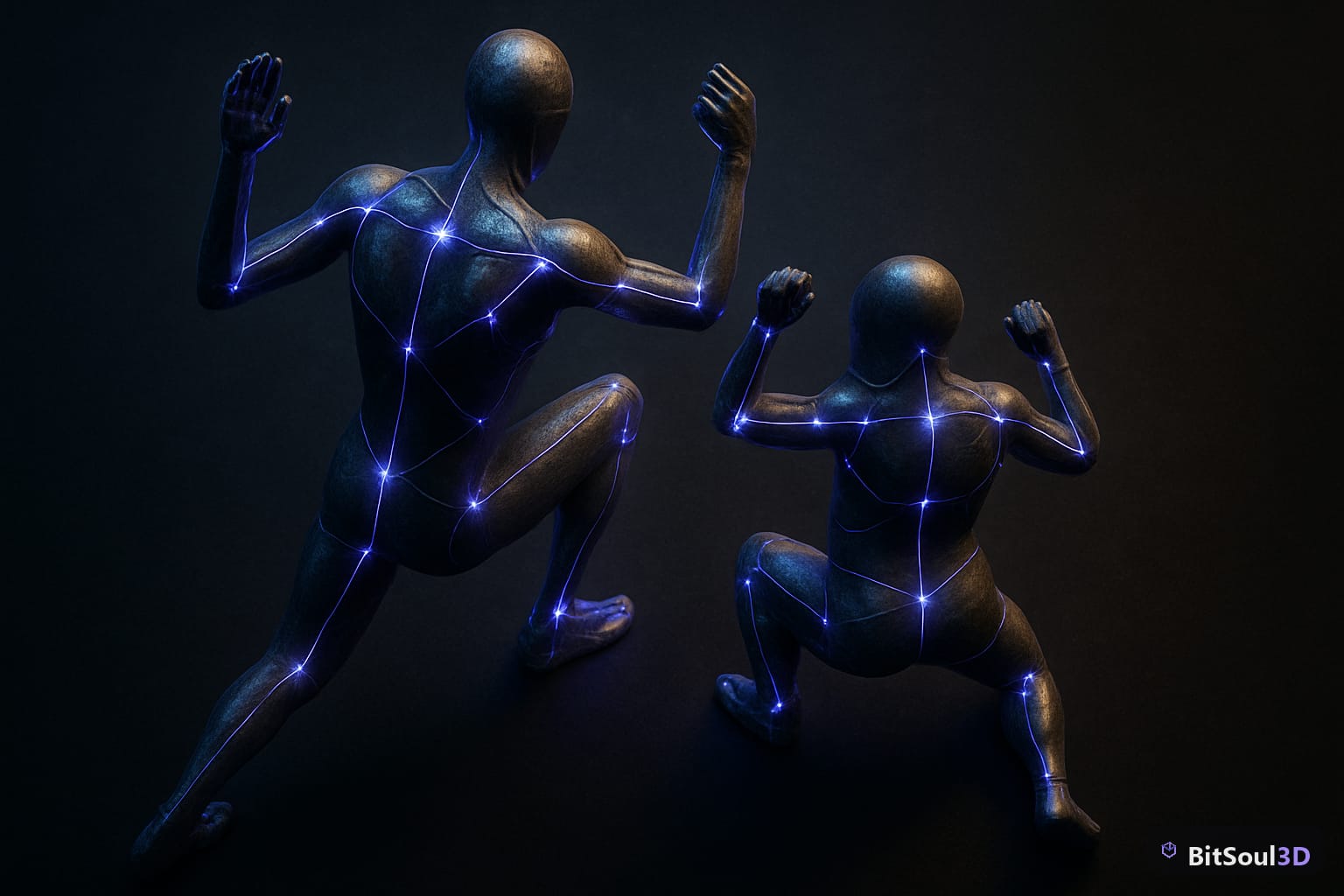
Why animation retargeting beats re-animating from scratch
Hand-keying a single polished walk cycle takes an experienced animator several hours. A full locomotion set — idle, walk, run, jump, turn-in-place — can consume a week per character. Multiply that across a cast of eight characters and the math kills small teams.
Retargeting collapses that cost to nearly zero after a one-time setup per skeleton:
- One clip, many characters. A run cycle authored on a 1.8 m soldier plays correctly on a 1.2 m goblin because the system transfers intent (joint rotations in a normalized space), not raw bone transforms.
- Free motion libraries become usable. Mocap packs and engine sample animations rarely match your character's skeleton exactly. Retargeting is the bridge.
- Swapping characters late is cheap. Replace your placeholder mesh in month six and every animation still works.
The catch: each engine implements this differently, and the failure modes (sliding feet, twisted wrists, crushed shoulders) all trace back to skeleton setup. Let's go engine by engine.
Unity Humanoid retargeting: Avatars and muscle space
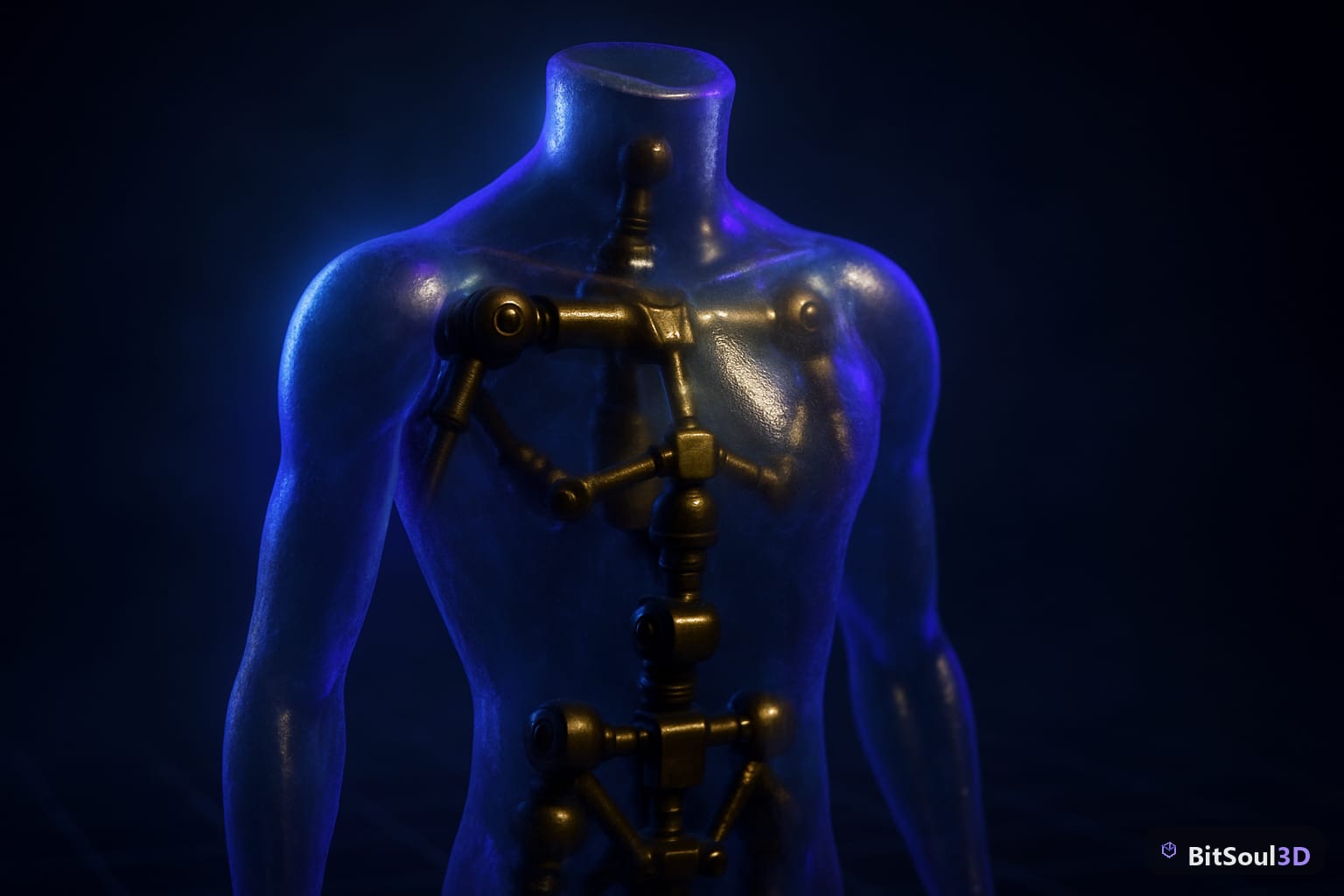
Unity solves retargeting with the Humanoid rig type. On import, Unity maps your skeleton's bones onto a fixed internal template (the Avatar) and converts all animation into muscle space — a normalized representation where each joint stores a value between -1 and 1 instead of an explicit rotation. Any Humanoid clip can then drive any Humanoid Avatar.
Setup is three steps: set the model's Animation Type to Humanoid in the import settings, open Configure Avatar to verify the bone mapping (green = mapped, red = missing required bone), and press Enforce T-Pose if the auto-pose looks off. Fifteen required bones must exist — hips through head, plus upper/lower limbs — and your character from any source, including GLB models converted from the BitSoul marketplace, will retarget cleanly if they're present.
To stop doing this by hand on every import, force the rig type with an AssetPostprocessor:
using UnityEditor;

public class HumanoidImporter : AssetPostprocessor
{
    void OnPreprocessModel()
    {
        if (assetPath.Contains("/Characters/"))
        {
            var importer = (ModelImporter)assetImporter;
            importer.animationType = ModelImporterAnimationType.Human;
            importer.avatarSetup = ModelImporterAvatarSetup.CreateFromThisModel;
        }
    }
}
Watch for: finger bones are optional but unmapped fingers freeze in the bind pose, and twist bones should be left unmapped (Unity handles twist procedurally).
UE5 IK Retargeter and Godot 4 bone maps
Unreal Engine 5 replaced the old rig-asset workflow with the IK Retargeter. You create an IK Rig for the source skeleton and one for the target, define matching retarget chains (spine, left arm, right leg, and so on), then an IK Retargeter asset maps source chains to target chains. UE5.4+ auto-generates chains for standard skeletons, and the retargeter previews the result live so you can fix arm clipping with per-chain offsets before exporting duplicated animations.
Godot 4 takes the lightest-weight approach: in the import dock, assign a BoneMap using the built-in SkeletonProfileHumanoid. Once two skeletons share that profile mapping, clips transfer between them. It's less tunable than UE5's chain offsets, but for stylized characters it's a thirty-second setup.
| Engine | System | Setup cost | Runtime retarget | Best for |
|---|---|---|---|---|
| Unity | Humanoid Avatar | Low (per model) | Yes (automatic) | Large casts, mocap libraries |
| UE5 | IK Rig + IK Retargeter | Medium (per skeleton pair) | Yes (5.4+) or baked | Precise control, AAA pipelines |
| Godot 4 | BoneMap + SkeletonProfile | Very low | Yes (shared profile) | Stylized/indie, GLB workflows |
Skeleton prep checklist before you export
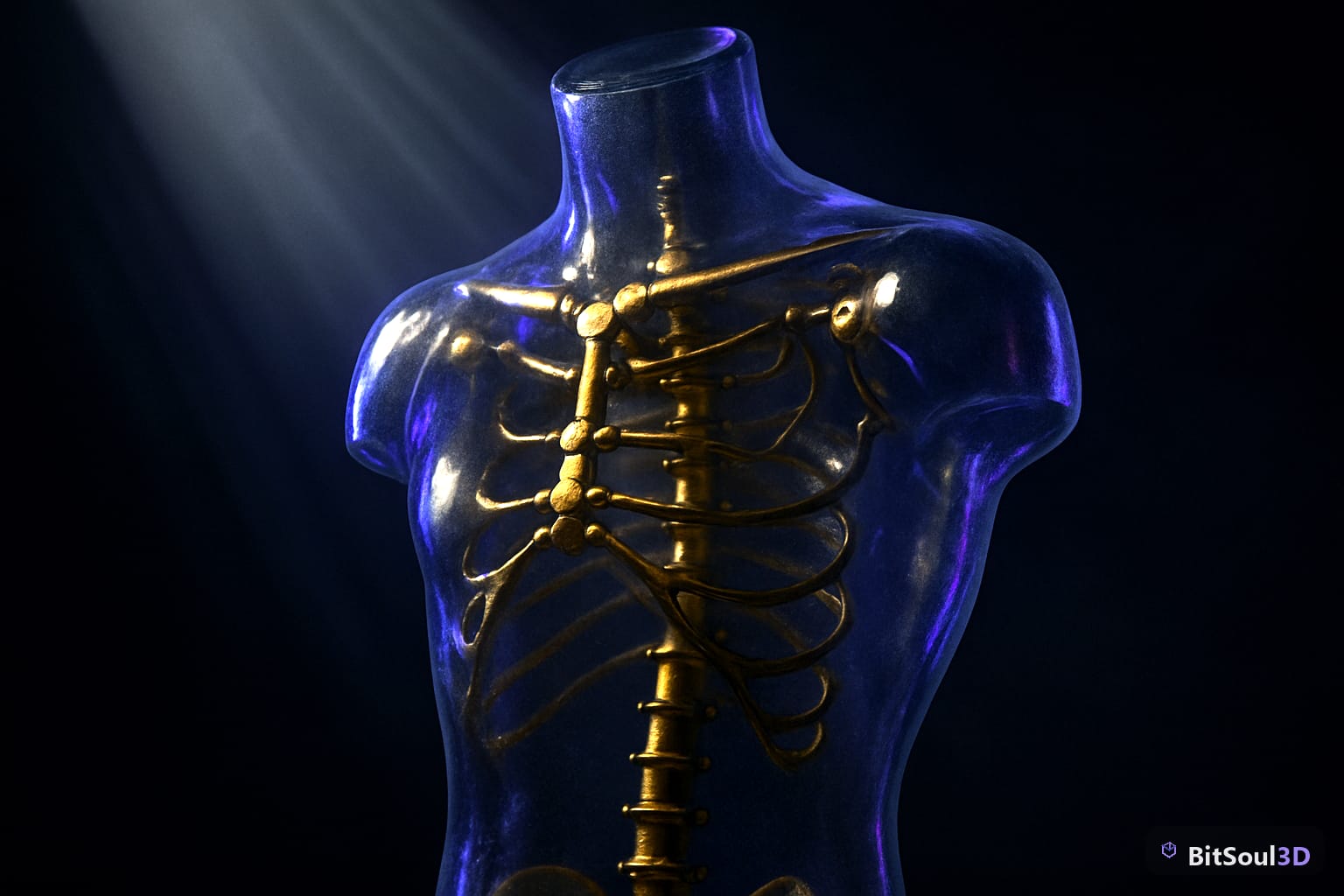
Ninety percent of retargeting failures are authoring problems, not engine problems. Run this checklist in Blender before every export:
- Bind in T-pose or consistent A-pose. Mixed rest poses between source and target cause twisted arms. Unity wants T-pose; UE5 can compensate but prefers matching poses.
- Apply all transforms (Ctrl+A → All Transforms). A skeleton with 0.01 scale on the armature will retarget at 1% size.
- One root bone at the origin. Root motion extraction in all three engines assumes a single hips/root hierarchy.
- Standard naming helps auto-mapping.
UpperArm.L/mixamorig:LeftArmstyle names let Unity and Godot auto-detect; random names mean manual mapping. - Check bone roll on limbs. Inconsistent roll flips knees and elbows after transfer.
- Strip helper bones from the export (IK targets, pole vectors) — deform bones only.
Get these six right and animation retargeting becomes invisible plumbing: clips flow between characters and you never think about it again.
Every humanoid character on the BitSoul marketplace ships as a game-ready GLB, which means a clean single-root skeleton that drops straight into the workflows above. Grab a character, map it once, and point your whole animation library at it — free to download, free to ship.
This post is part of the Ultimate Guide to Free 3D Game Assets — BitSoul's complete reference for formats, texturing, rigging, optimization, and engine integration.
Build with real assets: grab the 98-model Character Pack on the BitSoul marketplace and drop them straight into your project.