A great game world isn't built from hero assets alone — it's the hundreds of environment props filling every corner that make a scene feel real. Barrels, crates, benches, lanterns, rocks, fences, furniture. The props that players walk past without noticing are the ones doing the most work. And sourcing quality free GLB environment props that actually drop into Unity or Unreal Engine 5 without cleanup is harder than it should be.
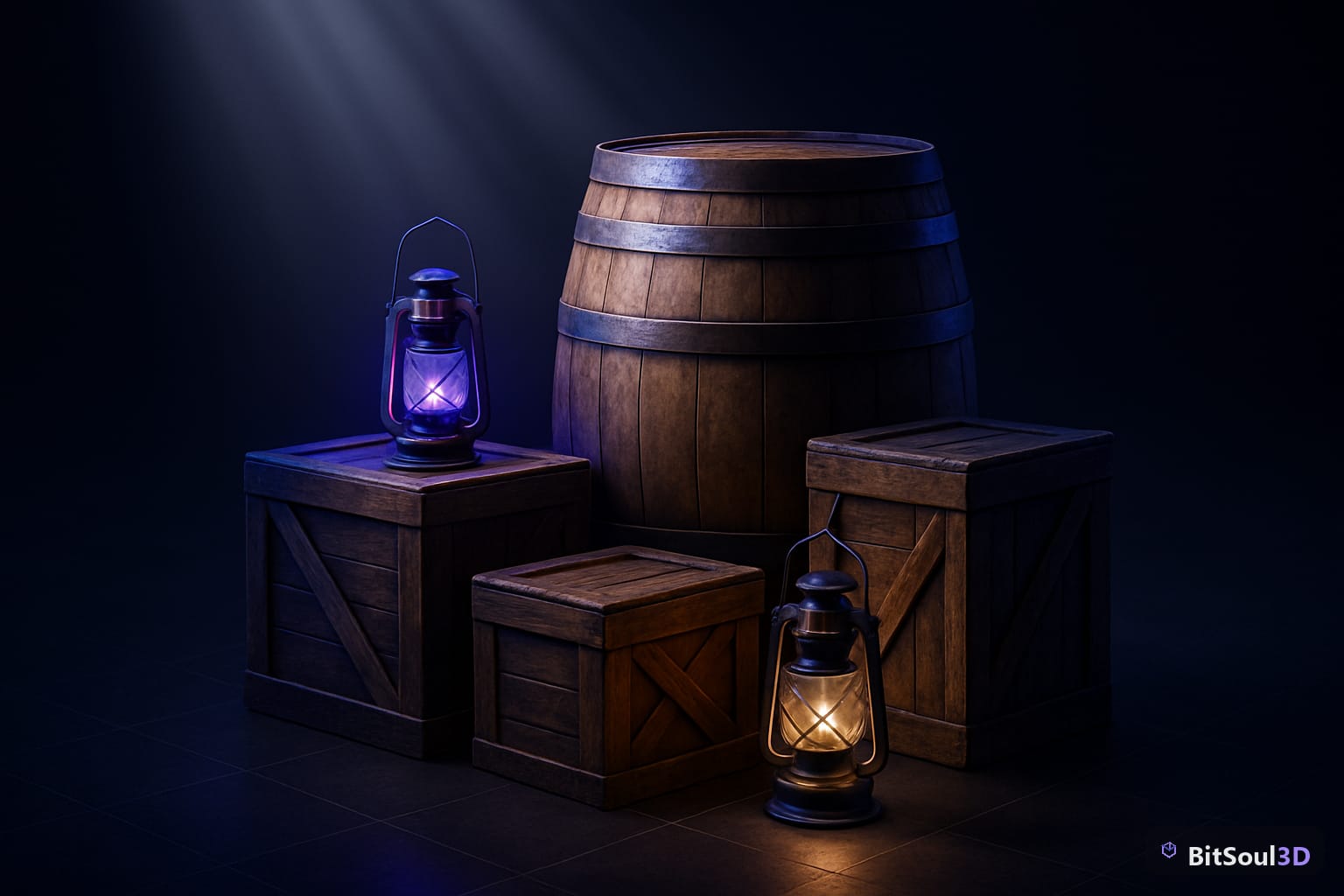
This guide covers what makes an environment prop genuinely game-ready, the best prop categories available at BitSoul Marketplace, and exactly how to import GLB props into Unity, UE5, and Godot 4.
Target keyword: free GLB environment props for Unity and Unreal Engine 5
Why Environment Props Make or Break Your Game Scene
Environment props are the backbone of believable game worlds. A dungeon without scattered debris, torches, and broken crates is just a grey corridor. An office level without desks, chairs, and monitors is an empty box. Props communicate setting, story, and scale — all simultaneously.
But props are also where game dev pipelines most commonly go wrong. Bad pivot points mean objects that rotate around the wrong axis. Oversized poly counts kill GPU budget when 50 props share a scene. Missing collision meshes mean players clip through everything. Props that look fine in isolation break when tiled because their UVs weren't laid out for texture atlasing.
The hidden cost of bad free props isn't the download — it's the hour of cleanup per asset before they're usable. Multiply that by 200 props for a single level and you've lost a week.
What Makes an Environment Prop Truly Game-Ready
Before downloading any prop, check these five criteria:
| Criteria | What to Check | Why It Matters |
|---|---|---|
| Poly count | Under 500 for background props, under 2k for hero props | Scenes with 100+ props need every triangle to count |
| Pivot point | At the object's base or logical center | Correct placement and rotation in-engine |
| Texture resolution | Power-of-two (512, 1024, 2048) | Non-POT textures cause issues on mobile GPU |
| UV layout | No overlapping islands on UV1 | Required for lightmap baking in Unity and UE5 |
| Collision | Simple collision mesh included or easy to auto-generate | Players need to interact with or walk around props |
GLB format earns its keep here because all this data — geometry, PBR materials, metadata — travels in a single binary file. No hunting for missing texture folders or broken FBX material links.
Top Free GLB Environment Prop Categories on BitSoul
Furniture and Interior Props
The most versatile category for any indoor level. Chairs, tables, shelves, beds, cabinets, and desk accessories cover everything from horror games to office simulators to cozy RPG interiors. What separates good furniture props from bad:
- Modular pieces that combine (e.g. individual shelf units that stack)
- Consistent scale calibrated to a 1.8m humanoid character
- Separate material IDs for wood, metal, and fabric so you can easily reskin
[Link to BitSoul Furniture Props Category]
Architectural Elements
Walls, doors, windows, stairs, pillars, arches, and floor tiles. The building blocks of every level. Good architectural props are:
- Tileable with consistent snapping dimensions (e.g. 1m, 2m, 4m grid-friendly)
- Available in modular sets so you can build varied layouts from a small prop library
- UV-unwrapped for both tiling textures and unique lightmap bakes
For environments using Unreal Engine 5's Nanite, architectural props with high vertex counts bake down beautifully — but always keep a low-poly fallback for mobile targets.
[Link to BitSoul Architecture Props Category]
Nature and Outdoor Props
Trees, rocks, bushes, grass tufts, logs, stumps, and water features. Nature props have unique considerations:
- Foliage needs alpha-tested or two-sided materials for leaf planes
- Rocks and stumps should have clean, low-poly silhouettes — the normal map does the detail work
- Ground cover (grass, pebbles, small plants) must be optimized for instancing — you'll place thousands
For Unity users, nature props pair directly with the Terrain system's detail mesh renderer. For UE5, Hierarchical Instanced Static Mesh (HISM) components handle large-scale foliage placement efficiently.
Containers, Crates, and Clutter
The unsung heroes of every game world — barrels, crates, boxes, cans, bottles, bags. These are the props you place to break up empty space, guide player pathing, and add narrative context. Key quality markers:
- Stacking-friendly geometry (flat bottoms, consistent heights)
- Worn and clean texture variants where possible
- Physics-ready: convex collision hulls that work with rigid body simulations
// Unity: quick batch-assign BoxCollider to all imported props
using UnityEditor;
using UnityEngine;

public class AddBoxColliders : EditorWindow
{
    [MenuItem("Tools/Add Box Colliders to Selection")]
    static void AddColliders()
    {
        foreach (GameObject obj in Selection.gameObjects)
        {
            if (obj.GetComponent<Collider>() == null)
                obj.AddComponent<BoxCollider>();
        }
        Debug.Log($"Added colliders to {Selection.gameObjects.Length} objects.");
    }
}
[Link to BitSoul Containers and Clutter Category]
Importing GLB Environment Props into Unity, UE5, and Godot 4
Unity (2020 LTS+)
Drag the .glb file directly into your Project window. Unity's built-in GLTF importer handles materials automatically under URP and HDRP. One gotcha: Unity creates a prefab with an embedded material. To override textures or swap shaders, extract the materials first:
- Select the imported GLB asset
- In the Inspector → Materials tab → click Extract Materials
- Choose a folder — Unity creates editable
.matfiles you can modify freely
For scenes with many identical props, use GPU Instancing: enable it on the material and use Graphics.DrawMeshInstanced or place objects as prefabs — Unity batches them automatically.
Unreal Engine 5
UE5's Interchange pipeline (enabled by default in 5.1+) imports GLB natively. Drag the file into the Content Browser. UE5 generates Static Mesh, Material, and Texture assets automatically.
For environment props specifically, enable Nanite on hero props (right-click mesh → Enable Nanite) and leave it off for props under 500 polys — Nanite has per-instance overhead that isn't worth it on simple geometry.
Set up a Material Instance for each prop category so you can adjust roughness, tint, and emissive values across all instances from a single parent material.
Godot 4
GLB is Godot's native format — just drop the file into your FileSystem panel. Godot generates a scene tree with MeshInstance3D nodes. For physics-enabled props:
- Open the imported scene
- Select the root node → Scene → Import As → Collision Shape
- Godot auto-generates convex or trimesh collision from the mesh geometry
For large prop libraries, use MultiMeshInstance3D for ground clutter — it renders thousands of identical props in a single draw call.
Prop Import Checklist
Before placing any prop in your scene:
- Scale validated against a 1.8m reference object
- Pivot point at base or logical center (not world origin)
- Collision shape assigned (Box for simple props, Convex for complex)
- LODs configured if prop appears at multiple distances
- Material extracted/instanced so you can reskin without affecting other assets
- GPU instancing enabled on materials used for repeated props
- Lightmap UV channel present if using baked lighting
Build Your Scene Faster
Environment props are the difference between a grey-box level and a world players want to explore. The right library — correct scales, clean UVs, GLB format — means you're placing and tweaking, not fixing and reimporting.
Browse 747 free, game-ready GLB environment props, furniture, architecture assets, and more at BitSoul Marketplace. Every asset is validated for Unity, Unreal Engine 5, and Godot 4 — instant download with a free account (no card required).
This post is part of the Ultimate Guide to Free 3D Game Assets — BitSoul's complete reference for formats, texturing, rigging, optimization, and engine integration.
Build with real assets: grab game-ready furniture 3D models on the BitSoul marketplace and drop them straight into your project.