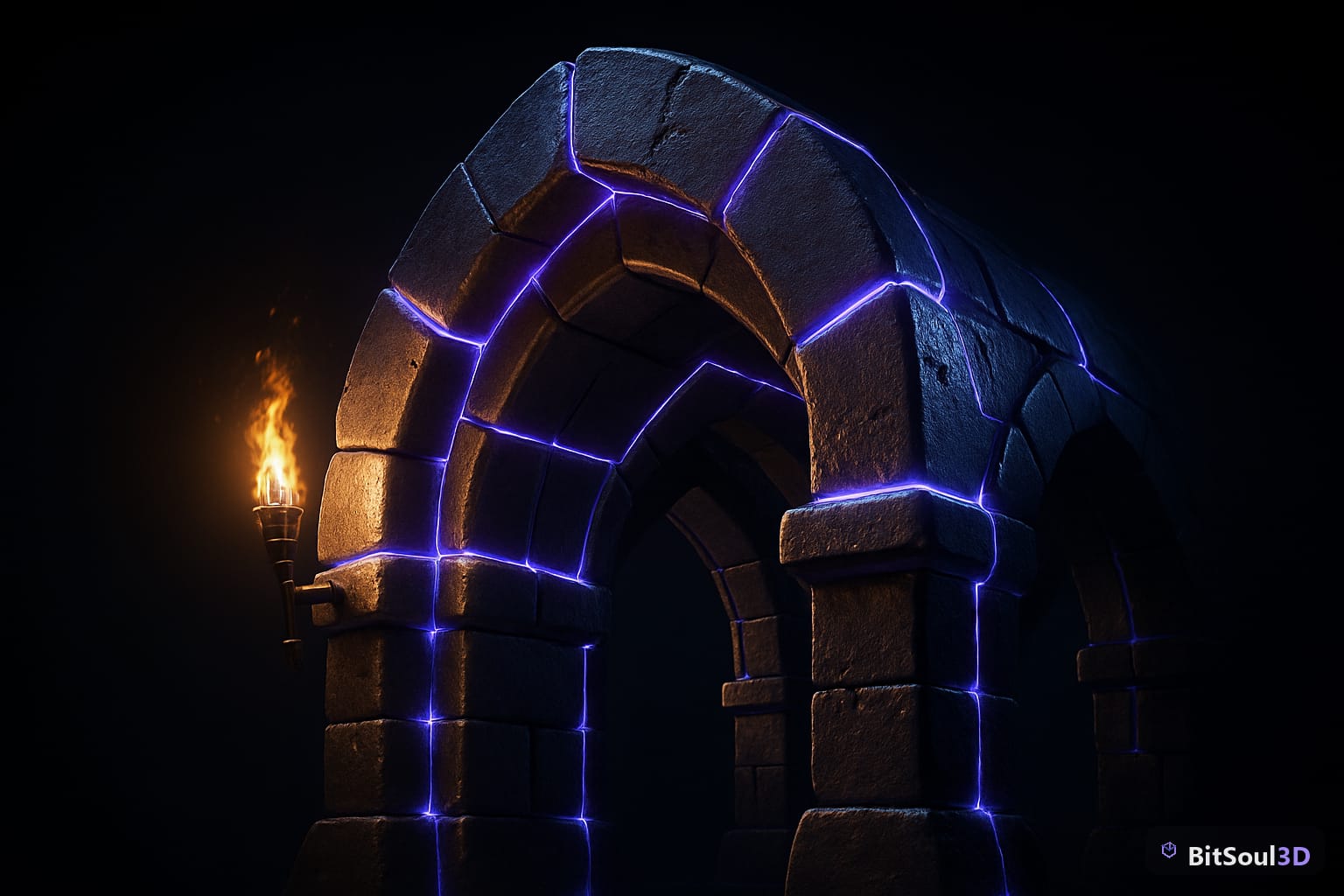
Modular dungeon assets hit a tipping point in 2026. In April, Tidal Flask Studios released 650+ free stylised dungeon pieces via Fab — gothic arches, corridor sections, prop-dressed rooms — a clear signal that high-quality free modular environments are now genuinely accessible to indie developers on any budget. This guide covers what to look for in free modular dungeon assets, which GLB packs are worth your time, and exactly how to import them cleanly into Unity, Unreal Engine 5, and Godot 4.
Why free modular dungeon assets have exploded in 2026
Building a dungeon level from scratch is expensive in both time and poly budget. Modular kits solve this with reusable tile pieces — floor sections, wall segments, archways, columns, props — that snap together like puzzle pieces. A 50-piece kit can produce hundreds of unique room configurations with almost no additional art time.
The shift to GLB format makes this even more efficient. Unlike FBX with external texture folders, GLB is self-contained: one file carries the mesh, PBR materials, and any animations. Drag it into Unity, Unreal, or Godot and it works immediately — no texture relinking, no material rebuild.
The rise of CC0-licensed packs means developers can now ship commercial games using these assets without royalties or attribution. That licensing shift — more than raw asset count — is what has made free modular dungeon assets viable for production use in 2026.
What to look for in free modular dungeon assets
Before downloading any pack, check these five criteria:
| Criterion | What you want | Red flag |
|---|---|---|
| Format | GLB or FBX with embedded textures | Separate texture folders, missing normals |
| Scale | 1 unit = 1 metre, consistent across all tiles | Mixed scales, non-uniform pivots |
| Texture atlas | Shared atlas across tile types | One unique texture map per mesh |
| Poly count | < 500 tris per floor/wall tile, < 2,000 for hero props | Unoptimised high-poly bakes |
| License | CC0 or CC-BY for commercial use | Ambiguous "personal use only" |
Pivot points are the most common source of pain in modular kits. Every tile should have its pivot at the bottom-center or corner so grid-snapping works without manual offsets. Open a few tiles in Blender before committing to a pack.
For PBR textures, the minimum viable set is albedo + normal + an ORM map (Occlusion/Roughness/Metallic packed into one texture). Separate maps work but bloat texture memory — important for mobile or VR targets.
Best free modular dungeon GLB packs available right now
KayKit Dungeon Pack Remastered (Kay Lousberg, CC0)
200+ assets including floor tiles, wall sections, doorways, columns, and props — available in both GLTF and FBX. Pivots are clean, scale is consistent at 1 unit = 1 metre, and CC0 means zero attribution requirements. This is the benchmark free dungeon kit.
Quaternius Low Poly Dungeon
Around 60 tile types in a clean low-poly aesthetic that uses solid vertex colours rather than texture maps. Zero texture overhead, extremely fast render times, ideal for prototyping or stylised games.
Fantastic – Dungeon Pack (Tidal Flask Studios)
689 unique meshes in Unreal format (1,003 in the Blender edition). Released free on Fab until April 21 2026. If you missed the free window, keep an eye on Fab's periodic free rotations — packs of this scale reappear.
BitSoul 3D Marketplace
For engine-ready GLB props to fill out any structural kit — torches, crates, barrels, weapons, furniture, and architectural details — BitSoul's free model library offers 747 GLB files as direct downloads with a free account (no card required). Filter by category to find pieces that slot cleanly into any of the kits above without reexporting from Blender.
Importing free modular dungeon GLB assets into Unity, Unreal Engine 5, and Godot 4
Unity (URP or HDRP)
- Drop the GLB into
Assets/Art/Dungeon/ - Select the asset → Model tab → set Scale Factor to 1; enable Read/Write only if you need mesh data at runtime
- Under Materials → choose Use External Materials and run Extract Textures
- Enable Grid Snapping in the Scene view (hold Ctrl while moving) for seamless tile alignment
// Auto-set scale and normals for all assets in the Dungeon folder at import time
using UnityEditor;
public class DungeonImportPostprocessor : AssetPostprocessor {
    void OnPreprocessModel() {
        if (assetPath.Contains("/Dungeon/")) {
            var model = assetImporter as ModelImporter;
            model.globalScale = 1f;
            model.importNormals = ModelImporterNormals.Import;
        }
    }
}
Unreal Engine 5
- Content Drawer → Import → select GLB files
- Import dialog: set Auto Generate Collision = false (use UCX_ prefix collision meshes instead), Normal Import Method = Import Normals
- Use Modular Snap at 100 cm grid increments in the Level Editor for exact tile alignment
- Create a Material Instance from a master dungeon material and swap parameters per-tile rather than assigning unique materials — keeps draw calls low
Godot 4
GLB is Godot's native format — import is automatic when you drop files into the project folder. Key settings in the Import dock:
- Root Type:
StaticBody3Dfor environment tiles,Node3Dfor decorative props - Physics → Shape Type:
Trimeshfor complex hero props,BoxorConvexfor simple floor/wall tiles - Bake your tile meshes into a MeshLibrary and use GridMap for fast, snap-based level construction
# Snap modular pieces to a 1-unit grid at runtime
func _ready() -> void:
    position = position.snapped(Vector3(1.0, 1.0, 1.0))
Build your dungeon level now
Pair KayKit's structural tiles with free individual props from BitSoul's 747 GLB model library — download dungeon-ready crates, weapons, furniture, and prop assets directly and drop them into any of the import workflows above. Just a free account (no card) — and no export step from Blender needed.
This post is part of the Ultimate Guide to Free 3D Game Assets — BitSoul's complete reference for formats, texturing, rigging, optimization, and engine integration.
Build with real assets: grab game-ready fantasy 3D models on the BitSoul marketplace and drop them straight into your project.