Choosing between stylized and realistic 3D game assets is one of the earliest — and most consequential — decisions an indie dev makes. Get it right and your art pipeline becomes predictable; get it wrong and you'll spend months fighting assets that don't fit together or taxing a GPU that can't handle what you've asked it to render.
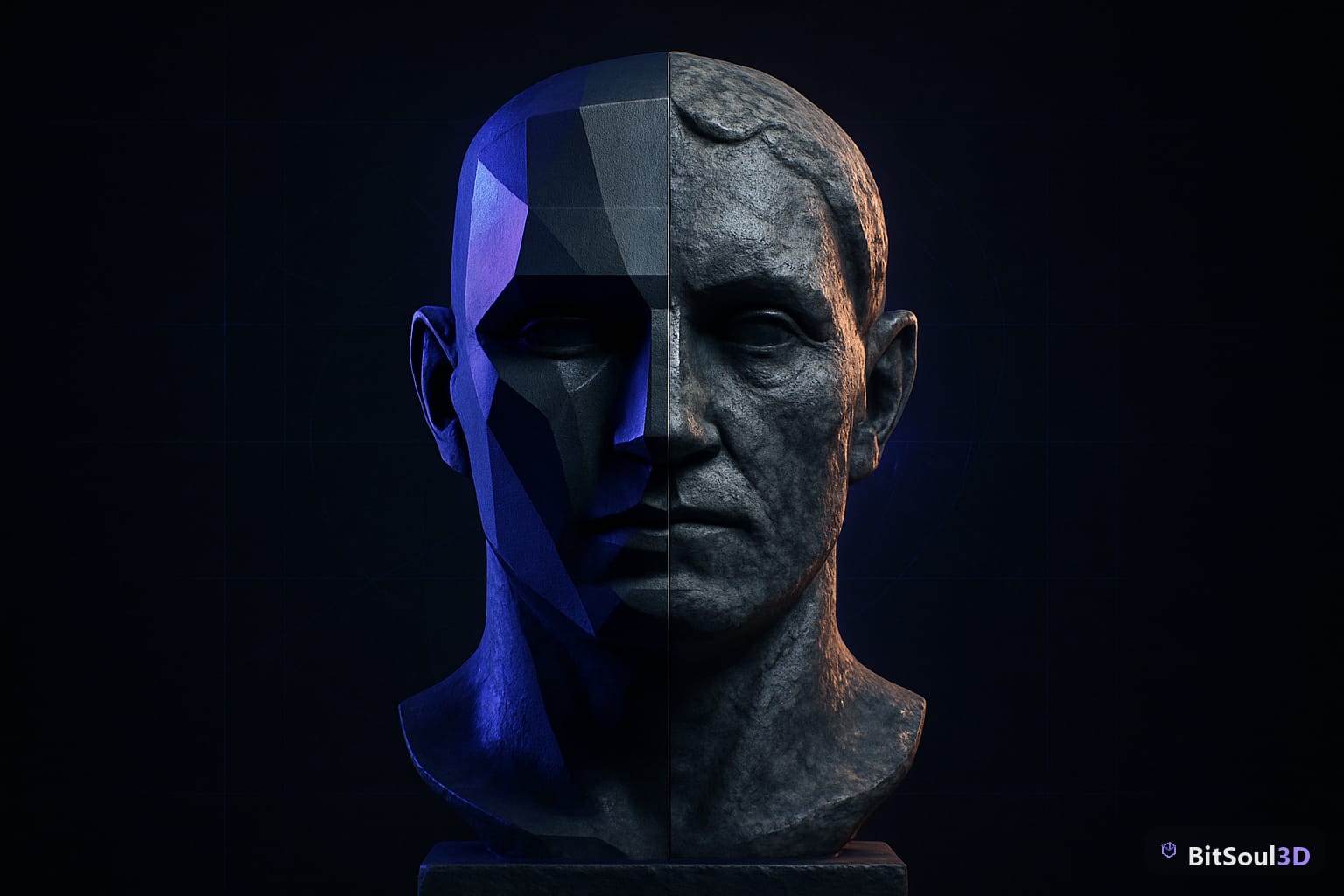
This guide breaks down the practical implications of each approach: polygon counts, texture workflows, PBR expectations, and how to evaluate free 3D assets from sources like the BitSoul marketplace against your chosen art direction.
What stylized and realistic actually mean for 3D assets
These terms describe a spectrum, not a binary. Broadly:
Stylized assets exaggerate proportions, flatten lighting response, and rely on hand-painted or heavily processed textures. Think cell-shaded environments or cartoonish characters with simplified silhouettes. Polygon counts are often lower, but topology still needs to deform cleanly if the mesh is rigged.
Realistic (or photorealistic) assets aim to approximate real-world lighting physics. They use PBR texture sets — albedo, roughness, metallic, normal, AO — with accurate value ranges calibrated against real-world reference. Polygon counts tend to be higher, and texture resolution expectations scale up fast.
There's a third zone many indie games occupy: semi-realistic or stylized-PBR. Assets use PBR workflows but push values outside physically accurate ranges to achieve a consistent aesthetic — think Zelda: Breath of the Wild's shaders or the exaggerated specularity in Arcane-style 3D.
| Dimension | Stylized | Semi-realistic | Realistic |
|---|---|---|---|
| Typical albedo | Hand-painted, flat shading | PBR-based, pushed values | Photoscanned or calibrated |
| Normal map use | Optional / subtle | Common | Required |
| Roughness range | Narrow / uniform | Moderately varied | Full 0.0–1.0 range |
| Vertex count | Low–medium | Medium | Medium–high |
| Texture resolution | 512–1024px | 1024–2048px | 2048–4096px |
Performance and pipeline trade-offs
Stylized assets look cheap to run but aren't always. A hand-painted texture at 1024 × 1024 costs less VRAM than a 4K PBR pack, but a cartoon-shader toon outline pass adds draw calls — sometimes more than realistic deferred shading would.
Key considerations:
- Stylized saves texture memory when hand-painted maps replace multi-channel PBR sets (one albedo instead of five maps).
- Realistic PBR scales better with engine features: UE5's Lumen, Unity URP's ambient occlusion, and Godot 4's SDFGI all assume physically-based inputs. Stylized assets can look wrong under these systems unless you tune environment settings carefully.
- Rigged stylized characters need clean edge loops as much as realistic ones — weight painting doesn't care about art style.
- Normal baking is non-optional for realistic assets above ~500 tris; stylized can skip it and rely on silhouette.
When evaluating free GLB assets from BitSoul's marketplace, check the texture channel count. A GLB with a single PNG base color is a stylized asset; one with separate metallic-roughness and normal maps is designed for a PBR pipeline. Importing a PBR asset into a toon shader setup produces muddy results.
Mixing styles: when it works and when it breaks
Mixing art styles in a single scene is one of the fastest ways to undermine visual coherence. The eye is extremely good at spotting inconsistency — especially in how surfaces respond to light.
When it works:
- Hero vs. background separation: a highly detailed hero prop surrounded by low-detail background geometry, where the player's attention is directed away from the background.
- Intentional contrast: a realistic environment with stylized characters — used in games like Hades and Hollow Knight, both unified by engine-consistent shaders and a strong color grading pass.
- Post-process unification: a single LUT or color grading pass that pulls both stylized and realistic assets into the same value range.
When it breaks:
- Mixing hand-painted diffuse-only assets with PBR assets under a single directional light — the PBR assets will look correct and the hand-painted ones will look flat.
- Different normal map conventions on the same character LOD chain (DirectX vs OpenGL green channel flip).
- Combining high-poly scanned props with low-poly hero assets at the same focal depth.
A quick Blender check before importing any free asset: open the material and inspect the Principled BSDF node. If Metallic and Roughness are both set to constants with no texture input, the asset was not built for PBR — fine for stylized pipelines, a red flag for realistic ones.
# Blender Python: flag non-PBR materials in selected objects
import bpy
for obj in bpy.context.selected_objects:
    for slot in obj.material_slots:
        mat = slot.material
        if not mat or not mat.use_nodes:
            print(f"{obj.name}/{mat.name}: no node tree")
            continue
        pbsdf = next(
            (n for n in mat.node_tree.nodes if n.type == 'BSDF_PRINCIPLED'), None
        )
        if not pbsdf:
            print(f"{obj.name}/{mat.name}: no Principled BSDF — likely non-PBR")
        else:
            has_rough_tex = bool(pbsdf.inputs['Roughness'].links)
            has_metal_tex = bool(pbsdf.inputs['Metallic'].links)
            if not has_rough_tex and not has_metal_tex:
                print(f"{obj.name}/{mat.name}: static roughness/metallic — check for PBR texture pack")
Choosing based on your project and team
Art direction should match your production capacity, not just your creative ambition.
Choose stylized if:
- Your team has fewer than 3 artists
- You're targeting mobile or Nintendo Switch
- You're using Godot 4 without a custom render pipeline
- You want faster iteration cycles between concept and in-engine result
Choose realistic if:
- You have dedicated texture artists familiar with Substance Painter
- You're building for PC or console with UE5 Lumen or Unity HDRP
- Your concept art is photorealistic and the gap between art direction and engine output needs to close
Choose semi-realistic if:
- You want PBR pipeline compatibility (better engine support, more free asset compatibility) with a pushed stylistic identity
- Your team is small but technically skilled and wants access to the full catalog of PBR-ready free assets
Free 3D asset libraries like BitSoul's marketplace carry both stylized and PBR-ready assets — the filter to apply is whether the included texture set matches your pipeline. GLB files embed their materials; open one in Blender before committing your entire environment to a pack.
Art direction consistency is a project-long commitment. Set it early, write it down in a one-page style guide, and evaluate every free or purchased asset against it before it enters your scene.
This post is part of the Ultimate Guide to Free 3D Game Assets — BitSoul's complete reference for formats, texturing, rigging, optimization, and engine integration.
Need drop-in assets for this workflow? Grab the 94-model Animal Bundle on the BitSoul marketplace and drop them straight into your project.