If you're still manually duplicating, rotating, and snapping assets by hand, you're leaving hours on the table every week. Blender's Geometry Nodes system lets you build parametric, non-destructive pipelines that generate entire environments, prop variations, and level geometry from a single node graph — and export them clean to Unity, Unreal, or Godot.
What Are Geometry Nodes (and Why Game Devs Should Care)?
Geometry Nodes is Blender's procedural modeling system, introduced in 2.92 and massively expanded through Blender 4.x. Instead of modeling each mesh manually, you build a node graph that describes how geometry should be constructed. Change a parameter and your entire asset updates instantly.
For game developers, this matters for three reasons:
- Variation without extra work — one node graph can generate dozens of prop variants (rocks, trees, crates, walls) by exposing a handful of number inputs.
- Non-destructive iteration — clients change specs, level designers request tweaks, and you adjust a slider instead of remodeling.
- Batch export ready — combine Geometry Nodes with Blender's Python API to export every variant as a separate FBX or GLB with a single script run.
This guide focuses on practical setups game artists can wire up in an afternoon and ship the same week.
Setting Up Your First Geometry Nodes Asset Pipeline
Open Blender, add a mesh object (a simple plane works), and switch to the Geometry Node Editor. Hit New to create a node tree. Your graph starts with two nodes: Group Input and Group Output connected by a geometry socket.
The core workflow for game assets:
- Instance on Points — scatter objects (rocks, grass clumps, fence posts) on a surface at controlled density.
- Distribute Points on Faces — control where instances land using weight painting or a noise texture mask.
- Realize Instances — collapse instances into real geometry before export so Unity/Unreal see individual meshes.
- Join Geometry — merge multiple geometry streams into one object for batched draw call reduction.
A common gotcha: Geometry Nodes instances are not real geometry until you apply the modifier or use Realize Instances. Always realize before exporting — otherwise your FBX arrives in-engine completely empty.

Building a Modular Wall System with Geometry Nodes
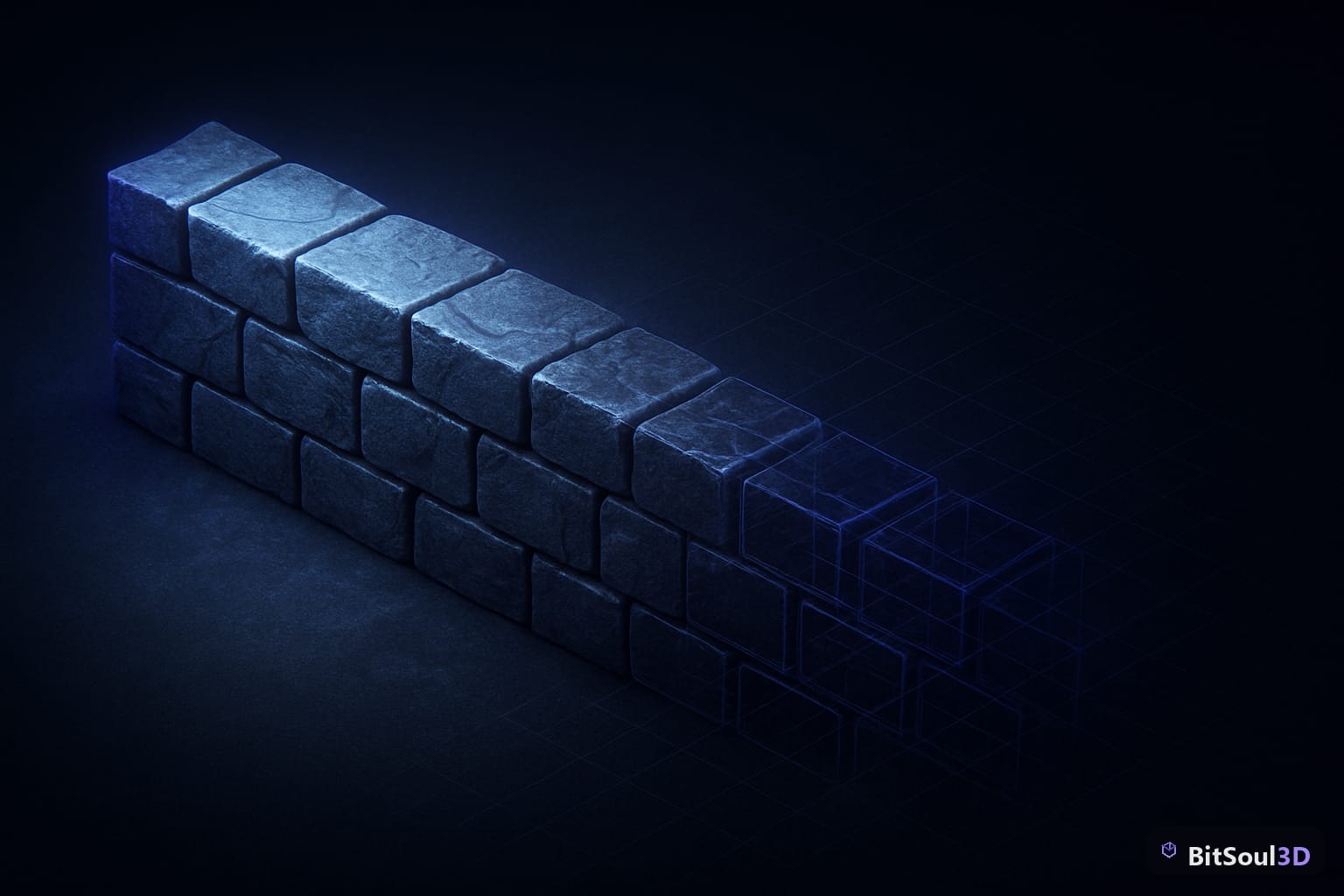
Modular architecture is bread-and-butter for game environments. Here's a lean node setup that tiles a wall segment along a curve path and lets you control segment count, height, and gap size from exposed parameters:
# After building your node graph, expose parameters via Group Input
# Then batch-export each variation with this Blender Python snippet:

import bpy

obj = bpy.context.active_object
mod = obj.modifiers["GeometryNodes"]

variants = [
    {"segment_count": 4, "wall_height": 2.0},
    {"segment_count": 8, "wall_height": 3.0},
    {"segment_count": 12, "wall_height": 4.0},
]

for i, params in enumerate(variants):
    mod["Input_2"] = params["segment_count"]
    mod["Input_3"] = params["wall_height"]
    bpy.ops.object.modifier_apply(modifier="GeometryNodes")
    bpy.ops.export_scene.fbx(
        filepath=f"/exports/wall_v{i}.fbx",
        use_selection=True,
        apply_modifiers=True
    )
    bpy.ops.ed.undo()  # Restore modifier for next iteration
This loop applies the modifier, exports the FBX, then undoes — preserving your live node graph for further edits. Scale this to 50 variants in seconds instead of 50 manual export sessions.
Exporting Geometry Nodes Assets: What Actually Works
Not every export path is equal. Here's the compatibility matrix for game engines:
| Format | Unity | Unreal Engine 5 | Godot 4 | Notes |
|---|---|---|---|---|
| FBX | ✅ Full | ✅ Full | ✅ Good | Best for rigged/animated assets |
| GLB/GLTF | ✅ Good | ✅ UE5.0+ | ✅ Native | Best for static props, web |
| OBJ | ✅ Basic | ✅ Basic | ✅ Basic | No materials, no animation |
| Alembic | ❌ | ⚠️ Plugin | ❌ | Baked simulations only |
Key export rules for Geometry Nodes meshes:
- Always apply modifiers before export (or use the "Apply Modifiers" checkbox in the FBX exporter)
- Triangulate your mesh in-nodes (add a Triangulate node before Group Output) — don't rely on the exporter's auto-triangulation, which can produce inconsistent results
- UV maps must be baked before applying the modifier if they're generated procedurally
- Merge vertices above 0.0001m threshold to kill duplicate verts that Geometry Nodes sometimes produces at seams

Procedural LOD Generation with Geometry Nodes
One of the most underused Geometry Nodes tricks is generating LOD meshes procedurally. By connecting a Decimate modifier chain after your Geometry Nodes output, you can produce LOD0 through LOD3 variants in one operation:
import bpy

lod_ratios = [1.0, 0.5, 0.25, 0.1]  # LOD0 through LOD3
base_obj = bpy.context.active_object

for lod_index, ratio in enumerate(lod_ratios):
    # Duplicate object
    bpy.ops.object.duplicate()
    lod_obj = bpy.context.active_object
    lod_obj.name = f"{base_obj.name}_LOD{lod_index}"

    # Apply Geometry Nodes
    bpy.ops.object.modifier_apply(modifier="GeometryNodes")

    # Add and apply Decimate
    dec = lod_obj.modifiers.new("Decimate", "DECIMATE")
    dec.ratio = ratio
    bpy.ops.object.modifier_apply(modifier="Decimate")

    # Export
    bpy.ops.export_scene.fbx(
        filepath=f"/exports/{lod_obj.name}.fbx",
        use_selection=True
    )
This gives you Unity- and Unreal-ready LOD sets without touching a single polygon manually. For high-volume asset packs — exactly the kind sold on the BitSoul marketplace — this pipeline can cut production time by 60–70%.
Checklist: Geometry Nodes Export Readiness
Before you ship any Geometry-Nodes-generated asset to an engine, run through this:
- All modifiers applied (no live Geometry Nodes on export mesh)
- Mesh triangulated in-nodes, not by exporter
- UV channel 0 present and non-overlapping (for lightmaps, use UV channel 1)
- No loose vertices or zero-area faces (run Mesh > Clean Up > Merge by Distance)
- Pivot point at world origin or logical asset center
- Scale applied (Ctrl+A > Apply Scale) — engines hate non-uniform scale
- Normals verified (Overlay > Face Orientation — all blue, no red)
- LOD variants named consistently:
AssetName_LOD0,AssetName_LOD1, etc. - File size under engine target (GLB under 5MB for real-time, FBX varies)
Selling Procedural Assets on Marketplaces
Geometry Nodes pipelines are a competitive advantage when selling 3D assets. A single source file that buyers can use to generate unlimited variations is worth more than a static mesh pack. When listing on BitSoul or similar platforms:
- Include both the live
.blendwith the node graph and pre-exported FBX/GLB variants — buyers who don't use Blender still need game-ready files - Document your exposed parameters with a simple screenshot of the node group inputs
- Ship at least LOD0 + LOD1 with every static prop
- Specify which Blender version the node graph requires (Geometry Nodes had breaking changes between 3.x and 4.x)
The artists shipping the most consistent, highest-rated packs are the ones who've built automation pipelines — not the ones grinding out individual meshes by hand.
Ready to put your procedural assets in front of thousands of game developers? Upload your first pack at https://bitsoulhosting.com/marketplace and start building passive income from the pipelines you've already built.
This post is part of the Ultimate Guide to Free 3D Game Assets — BitSoul's complete reference for formats, texturing, rigging, optimization, and engine integration.
Need drop-in assets for this workflow? Grab the 94-model Animal Bundle on the BitSoul marketplace and drop them straight into your project.