Every 3D creator hits the same wall: you finish a model, go to export, and stare at a dropdown with a dozen format options. Pick wrong and you're debugging missing textures at midnight, re-rigging bones that didn't transfer, or watching your AR app choke on a bloated file.
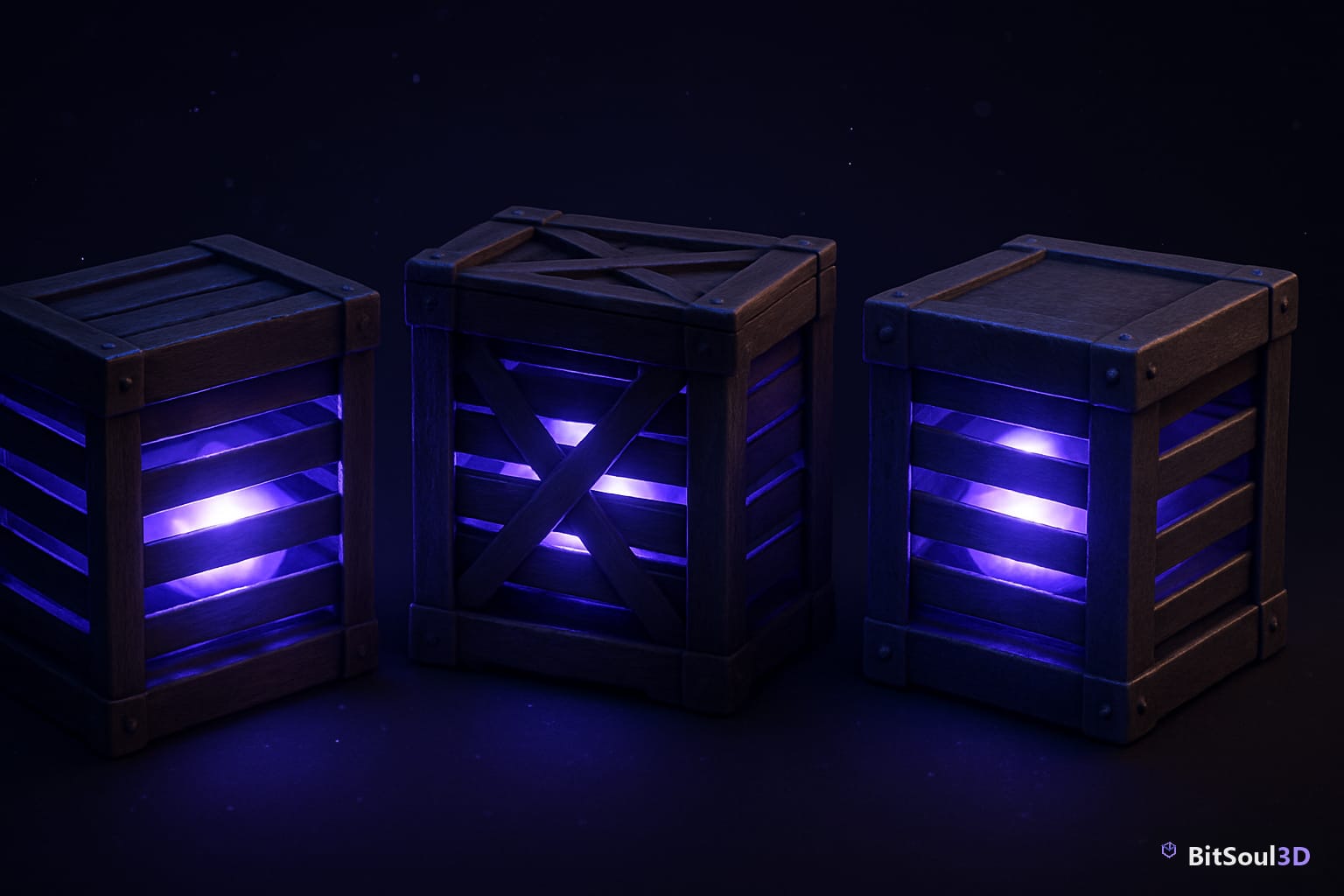
This guide cuts through the confusion. We'll compare FBX, OBJ, and GLB — the three formats you'll encounter most — so you can make the right call for your pipeline.
Why Format Choice Matters
File format isn't just a technical detail. It determines:
- Whether animations and rigs transfer intact
- How textures and materials are bundled (or not)
- What game engines and renderers will accept without extra steps
- File size and real-time performance on target platforms
Choosing the right format upfront saves hours of re-export, rebaking, and plugin-hunting.
FBX: The Industry Workhorse
Best for: Game engines, rigged characters, skeletal animation

FBX (Filmbox) was created by Autodesk and has been the dominant interchange format for animated 3D assets for over two decades. Most game engines — Unity, Unreal Engine, Godot — import FBX with full support for skeletal rigs, morph targets, multiple animation clips, embedded textures, and scene hierarchy.
When to use FBX
Use FBX when exporting rigged characters for Unity or Unreal, sending assets between DCC tools like Blender, Maya, or 3ds Max, working with motion capture data, or delivering assets to clients using Autodesk software.
FBX gotchas
FBX is a proprietary, closed format owned by Autodesk. Different exporters occasionally produce subtle incompatibilities. It's not natively supported by browsers or lightweight AR runtimes, and can carry large file sizes when textures are embedded.
OBJ: The Universal Fallback
Best for: Static meshes, cross-tool compatibility, 3D printing
OBJ is the oldest of the three — plain text, open, and readable by virtually every 3D application ever made. That universality is its superpower and its limitation.
OBJ supports geometry (vertices, faces, normals, UVs) and basic material references via an external .mtl file. It does not support animations or rigs, PBR materials natively, or meaningful scene hierarchy.
When to use OBJ
OBJ is ideal for static props and environment assets with no animation requirement, 3D printing (slicers universally accept it), sharing geometry across any tool without compatibility concerns, and quick prototyping where material fidelity doesn't matter yet.
OBJ gotchas
You always get two files (.obj + .mtl) — easy to lose the material file. Textures are external references, not embedded. Large meshes produce large text files with no binary compression.
GLB: The Modern Web and AR Standard
Best for: Web3D, AR/VR, real-time viewers, lightweight distribution

GLB is the binary container format for glTF 2.0 (GL Transmission Format), developed by the Khronos Group as an open standard. Think of it as the "JPEG of 3D" — designed for efficient transmission and rendering.
GLB bundles geometry, PBR materials (metallic-roughness workflow), embedded textures, animations, morph targets, and scene hierarchy into a single binary file.
When to use GLB
GLB is the right choice for WebXR and browser-based 3D (Three.js, Babylon.js, model-viewer), AR experiences on iOS and Android, real-time product configurators, and 3D marketplaces that support live preview. GLB files are typically 30–50% smaller than equivalent FBX.
GLB gotchas
Animation support is good but less mature than FBX for complex rigs in some game engines. Not all DCC tools export GLB natively — Blender does, others may need plugins.
Side-by-Side Comparison
| Feature | FBX | OBJ | GLB |
|---|---|---|---|
| Animation / Rigging | Full | None | Good |
| PBR Materials | Yes | No | Native |
| Single file | Yes | No (+.mtl) | Yes |
| Browser / Web support | No | Limited | Native |
| AR/VR ready | No | No | Yes |
| 3D printing | Yes | Yes | Limited |
| Open standard | No (Autodesk) | Yes | Yes (Khronos) |
| File size (typical) | Large | Large | Smaller |
Quick Decision Guide
- Rigged character for Unity/Unreal → FBX
- Static prop for any engine → FBX or GLB (GLB is lighter)
- 3D print file → OBJ or STL
- AR/VR experience → GLB
- Web viewer or product showcase → GLB
- Sharing geometry with another artist → OBJ
- Motion capture or complex animation → FBX
- Asset marketplace or real-time preview → GLB
Exporting from Blender: Quick Settings
Blender exports all three formats. Key settings to watch:
FBX export:
Set Scale to 0.01 for Unity or 1.0 for Unreal. Enable Apply Transform to avoid 90-degree rotation issues. Use Path Mode: Copy with texture embedding for a self-contained file.
OBJ export:
Enable UV Coordinates, Normals, and Materials. Enable Triangulate Faces for game engine use.
GLB export:
Choose glTF Binary (.glb) format. Enable Apply Modifiers under Geometry. Enable Animation if exporting rigged assets.
Save Time with Production-Ready Assets
Understanding formats is step one. Step two is sourcing assets that are already correctly formatted, rigged, and textured for your target pipeline — so you're not spending hours cleaning up geometry or re-baking normals.
The BitSoul Marketplace offers a curated library of production-ready 3D models available in the formats your pipeline actually needs. Every asset is tested for real-world use across game engines, AR runtimes, and design workflows.
A BitSoul membership gives you:
- Unlimited downloads from the growing asset library
- Models delivered in multiple formats (FBX, GLB, OBJ where applicable)
- Clean topology, proper UV unwraps, and PBR textures included
- Assets you can drop directly into Unity, Unreal, Blender, or your AR project — no cleanup required
When you're working on a deadline, the time saved by starting from a properly formatted, production-ready asset easily justifies the membership cost.
Conclusion
The format debate doesn't have a universal winner — FBX, OBJ, and GLB each have a lane:
- FBX owns rigged character pipelines and game engine workflows
- OBJ is the universal, no-frills geometry exchange format
- GLB is the right choice for anything web, AR, or real-time
Know your target platform, pick accordingly, and export with the right settings the first time.
Get Production-Ready 3D Assets for Your Pipeline
Stop wasting time hunting for clean assets in the right format. The BitSoul Marketplace has production-ready models, properly formatted and textured, ready to drop into your project.
Start your BitSoul membership — download what you need, in the format you need it, and ship faster.
This post is part of the Ultimate Guide to Free 3D Game Assets — BitSoul's complete reference for formats, texturing, rigging, optimization, and engine integration.
Build with real assets: grab the 98-model Character Pack on the BitSoul marketplace and drop them straight into your project.