Every game artist has the same argument with themselves: bake a killer normal map, or go full geometric detail with displacement? With Unreal Engine 5's Nanite now supporting true micropolygon displacement, that decision is no longer academic—it has real pipeline and performance implications. This guide cuts through the confusion with a practical, engine-grounded comparison.
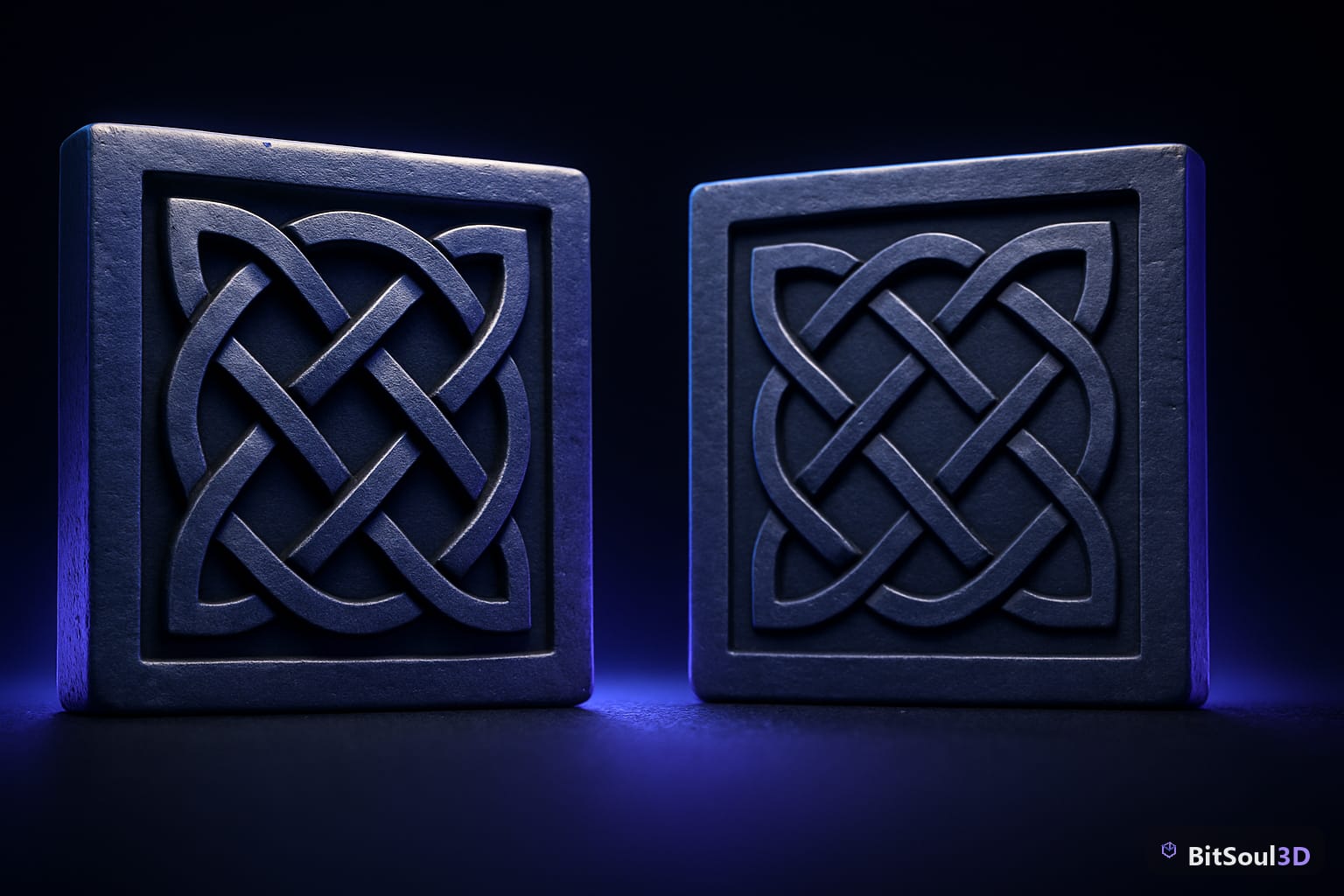
What Is Displacement Mapping and Why It Matters Now
Displacement mapping physically moves mesh vertices based on a grayscale height map. Unlike a normal map—which only fakes surface direction for lighting—displacement creates real geometric detail that is silhouette-accurate and parallax-correct from any angle.
For years, displacement was reserved for film VFX and offline renders. Real-time engines couldn't handle the polygon counts it demanded. Unreal Engine 5's Nanite changed this. Nanite's virtualized geometry system streams and renders micropolygons on demand, meaning a surface can carry millions of triangles without a proportional GPU cost.
With Nanite displacement enabled (via World Settings or Material settings), a low-resolution mesh is subdivided at runtime and each new vertex is offset by the displacement texture. The result: photorealistic rocks, terrain, and architectural surfaces that hold their silhouette at any camera distance—without a hand-sculpted high-poly bake.
// Enable in your UE5 Material (Nanite Tessellation)
// Material Details > Displacement > Magnitude
// Connect grayscale height map to Displacement input
Material {
  bEnableNaniteTessellation: true,
  NaniteTessellationFactor: 4.0,  // subdivisions per edge
  DisplacementMagnitude: 2.5      // world-unit offset
}
The key requirement: your material must have Nanite tessellation enabled AND the mesh must be a Nanite-enabled Static Mesh. Skeletal meshes (characters, animated props) are not supported by Nanite displacement as of UE5.4.
Normal Maps: The Game-Ready Standard
Normal maps encode surface tangent-space normals in an RGB texture. The engine reads these at shading time to perturb lighting calculations, creating the illusion of surface detail—wrinkles, rivets, brickwork—without adding a single polygon.
Normal maps have been the backbone of real-time PBR workflows for over a decade. They work on every platform, every mesh type, and every engine. A well-baked normal map from a high-poly sculpt or Substance Painter export can fool the eye at typical gameplay distances.
When normal maps win:
- Animated / skeletal meshes (characters, creatures, vehicles with deforming parts)
- Mobile and last-gen targets where Nanite is unavailable
- Small hero props where the silhouette is simple (bolts, seams, fabric weave)
- Assets shipped to Godot, Unity, or other engines—Nanite is UE5-only
- When you need cross-engine portability (GLB/GLTF bakes normal maps natively)
For assets you plan to list on BitSoul's marketplace, normal maps are the safe universal choice—buyers may be targeting any engine, not just UE5.
Nanite Displacement in UE5: Setup and Workflow
Setting up Nanite displacement is a three-step process in UE5:
- Import your mesh with Nanite enabled (check Build Nanite on import, or enable via the Static Mesh editor)
- Create a Material with Tessellation mode set to PN Triangles or Flat and connect your 16-bit displacement map to the Displacement input
- Tune magnitude and tessellation factor in the Material or per-instance via Material Instances
// Minimal Nanite displacement material graph (pseudocode)
TextureSample(DisplacementMap) -> Multiply(Magnitude) -> Displacement Pin
TextureSample(BaseColor)       -> BaseColor Pin
TextureSample(NormalMap)       -> Normal Pin  // still use normal map for micro-detail!
Note: Nanite displacement and normal maps are not mutually exclusive. Best practice is to use displacement for macro silhouette geometry (large boulders, cliff faces, terrain) and still layer a normal map on top for micro-surface detail (pore-level roughness, fine scratches). The displacement handles the 5–50cm scale; the normal map handles the sub-centimeter detail that would require impractical tessellation factors.
Performance note: Nanite displacement is cheaper than you'd expect but not free. Watch the Nanite Triangle and Nanite Instance stats in the UE5 GPU Visualizer. Keep NaniteTessellationFactor at 4 or below for background props; reserve higher values for hero assets the camera will be close to.
Performance Comparison and When to Choose Each
| Criteria | Normal Map | Nanite Displacement |
|---|---|---|
| Engine support | Universal | UE5 only (5.3+) |
| Skeletal mesh | Yes | No (Static only) |
| Mobile / low-end | Yes | No |
| Silhouette accuracy | Faked | True geometry |
| Runtime cost | Very low (texture sample) | Moderate (tessellation) |
| Asset portability | Yes (GLB/FBX/GLTF) | No (UE5 project only) |
| Setup complexity | Low | Medium |
| Cross-engine marketplace | Best choice | UE5 projects only |
The decision framework is simple: if you're shipping a UE5-exclusive environment asset (terrain, rock formations, architectural surfaces, hero props that a camera will orbit), Nanite displacement pays dividends. For anything animated, cross-engine, or targeting mobile, stick with normal maps baked to the highest quality you can manage.
Practical Checklist for Your Next Asset
Use this before committing to either approach:
- Target engine? Only UE5 → consider Nanite displacement. Multi-engine → normal map only.
- Animated? Yes → normal map only (Nanite tessellation doesn't work on skeletal meshes).
- Camera distance? Background props > 20m → normal maps sufficient. Hero props / close-ups → Nanite displacement worthwhile.
- Platform? PC/console AAA → Nanite viable. Mobile/Switch → normal map only.
- Macro silhouette important? (e.g., boulder, cliff face) → Displacement earns its cost. (e.g., flat wall, floor tile) → Normal map is fine.
- Selling on a marketplace? Always include a high-quality normal map bake so buyers on any engine can use the asset. Nanite materials can be a bonus UE5 variant.
For assets you plan to sell, BitSoul's marketplace sees buyers across Unity, Godot, and Unreal. Shipping both a clean GLB with baked normals and a UE5 project file with Nanite displacement materials maximizes your asset's reach and value.
Closing Thoughts
Nanite displacement is not a replacement for normal maps—it's a new layer in your toolkit for specific, high-value use cases. Master both, know when each earns its keep, and you'll produce assets that look exceptional whether they land in a UE5 open world or a cross-platform indie title.
Ready to distribute your optimized assets? Upload to BitSoul's marketplace and reach thousands of developers who need exactly what you're building.
Need drop-in assets for this workflow? Grab the 82-model Vehicle Bundle on the BitSoul marketplace and drop them straight into your project.