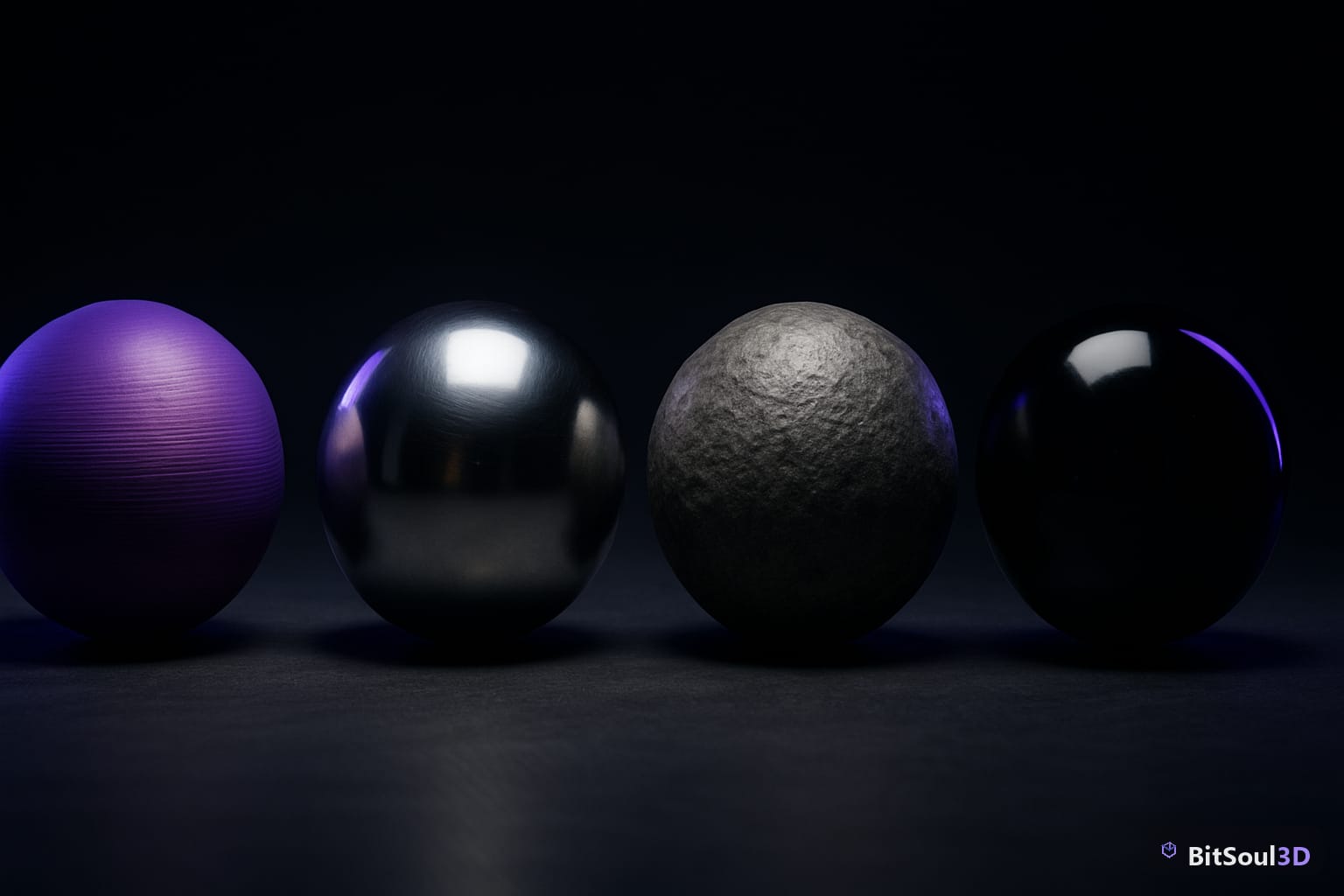
What Is PBR Texturing?
Physically Based Rendering (PBR) is the universal standard for real-time 3D materials. Instead of hand-painting highlights, you define material properties and the engine calculates realistic shading at runtime.
Core maps:
- Albedo — raw color, no lighting
- Metallic — white=metal, black=non-metal
- Roughness — white=matte, black=glossy
- Normal — faked surface detail
- AO — pre-baked crevice shadows
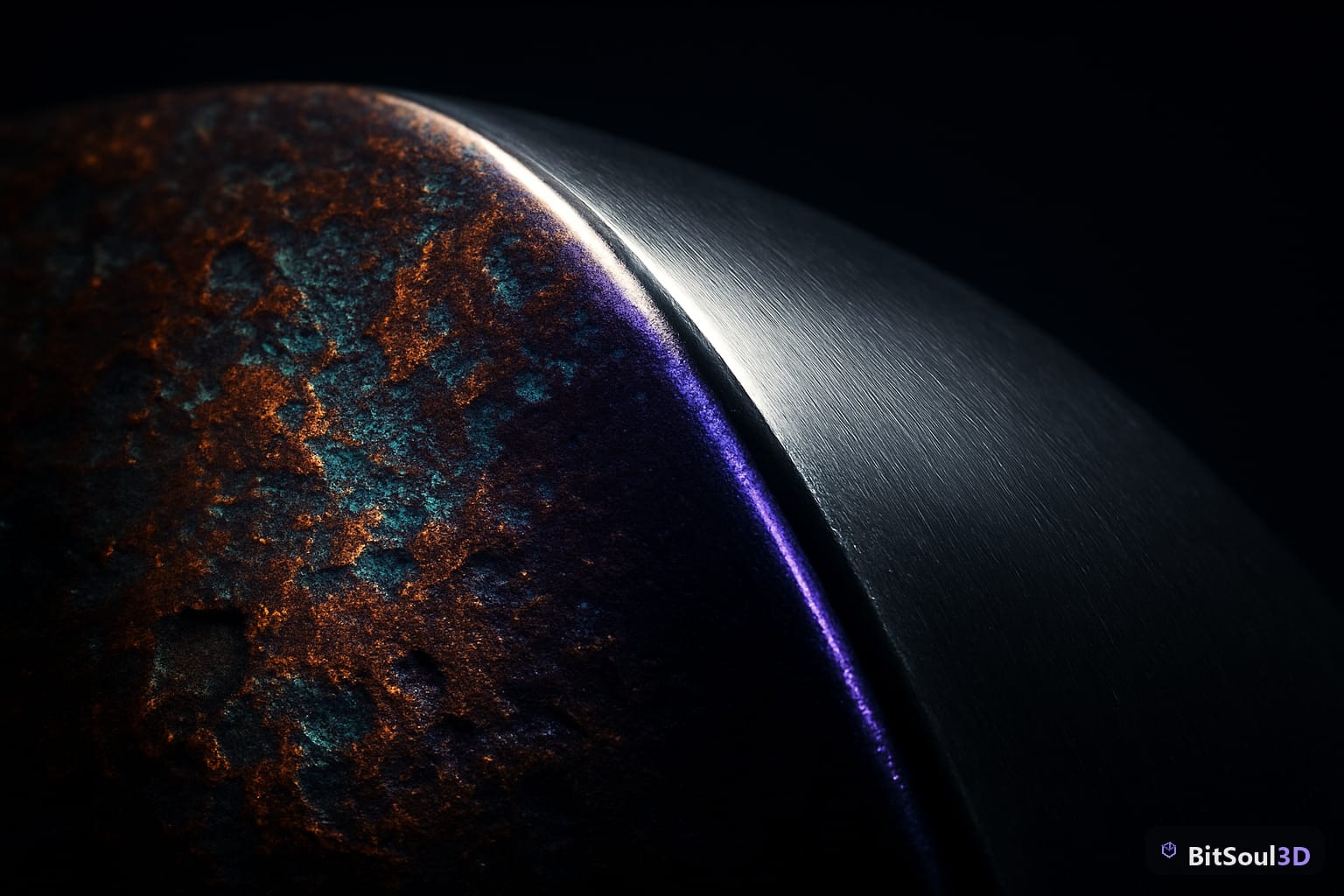
Step 1 — UV Unwrapping in Blender
Good UVs are the foundation of good textures. Mark seams on natural breaks, aim for even texel density, and leave 4-8px padding between islands to prevent mip bleed.
# Pack islands via Python:
bpy.ops.uv.pack_islands(margin=0.005)
For game assets, a single 2048x2048 or 4096x4096 atlas per mesh is ideal. Download clean, pre-UV-unwrapped base meshes from the BitSoul marketplace to skip this step entirely.
Step 2 — Baking in Blender
Bake high-poly detail onto your low-poly game mesh before painting.
- Align high-poly and low-poly in the same world position.
- Switch to Cycles renderer.
- Create an Image Texture node on the low-poly as the bake target.
- Set bake type to Normal, enable Selected to Active.
Bake order: Normal → AO → Curvature. Export as 16-bit PNG.
Step 3 — Painting in Substance Painter
Substance Painter is the industry standard for PBR texturing.
- Import your low-poly FBX/OBJ and baked maps.
- Choose PBR — Metallic Roughness shader.
- Layer: Fill Layer for base material → Curvature/AO Generators for edge wear → Grunge/scratch layers on top.
- Use Anchor Points to reference bake data non-destructively.
Step 4 — Exporting for Your Engine
Unity HDRP/URP: Use the Unity HDRP export preset. Key detail: Unity uses Smoothness (inverted Roughness) packed into the Mask Map alpha channel — Substance handles this automatically.
Unreal Engine 5: Use the Unreal Engine 4 (Packed) preset. Normals use OpenGL format — no Y-flip needed.
Godot 4: Export glTF PBR preset, import as .glb. Godot reads ORM-packed (Occlusion/Roughness/Metallic) textures automatically.
Step 5 — Material Setup in Unity
- Import textures — set Normal maps to Texture Type: Normal Map.
- Create a URP Lit or HDRP Lit material.
- Assign Base Map, Mask Map, Normal Map.
- Enable Generate Mip Maps; set compression to BC7 (or DXT5 for older platforms).
Pro Tips
- Trim sheets — one texture atlas shared across many meshes cuts draw calls dramatically.
- Consistent resolution — bake and paint at your ship resolution; downscaling 4K to 1K beats painting at 1K.
- Real-world references — pure white albedo and zero roughness almost never occur naturally. Study reference photos before painting.
- Virtual Textures (Unreal) — enable for large open-world environments to avoid VRAM overflows.
Ship Faster with Ready-Made PBR Assets
Building a full PBR pipeline is rewarding but time-intensive. If you are on a deadline, BitSoul marketplace offers pre-textured, PBR-ready 3D assets already UV-unwrapped and exported for Unity, Unreal, and Godot — drop them straight into your scene.
Ready to level up your asset library? Create your free BitSoul account and browse thousands of game-ready 3D assets optimized for every major engine.
This post is part of the Ultimate Guide to Free 3D Game Assets — BitSoul's complete reference for formats, texturing, rigging, optimization, and engine integration.
Need drop-in assets for this workflow? Grab the 67-model Weapons Bundle on the BitSoul marketplace and drop them straight into your project.