Uncompressed textures are VRAM killers. A single 4096×4096 RGBA texture takes 64 MB uncompressed — compress it with BC7 and that drops to 16 MB with barely visible quality loss. If you're shipping a game and haven't thought carefully about texture compression formats, you're leaving serious performance on the table.
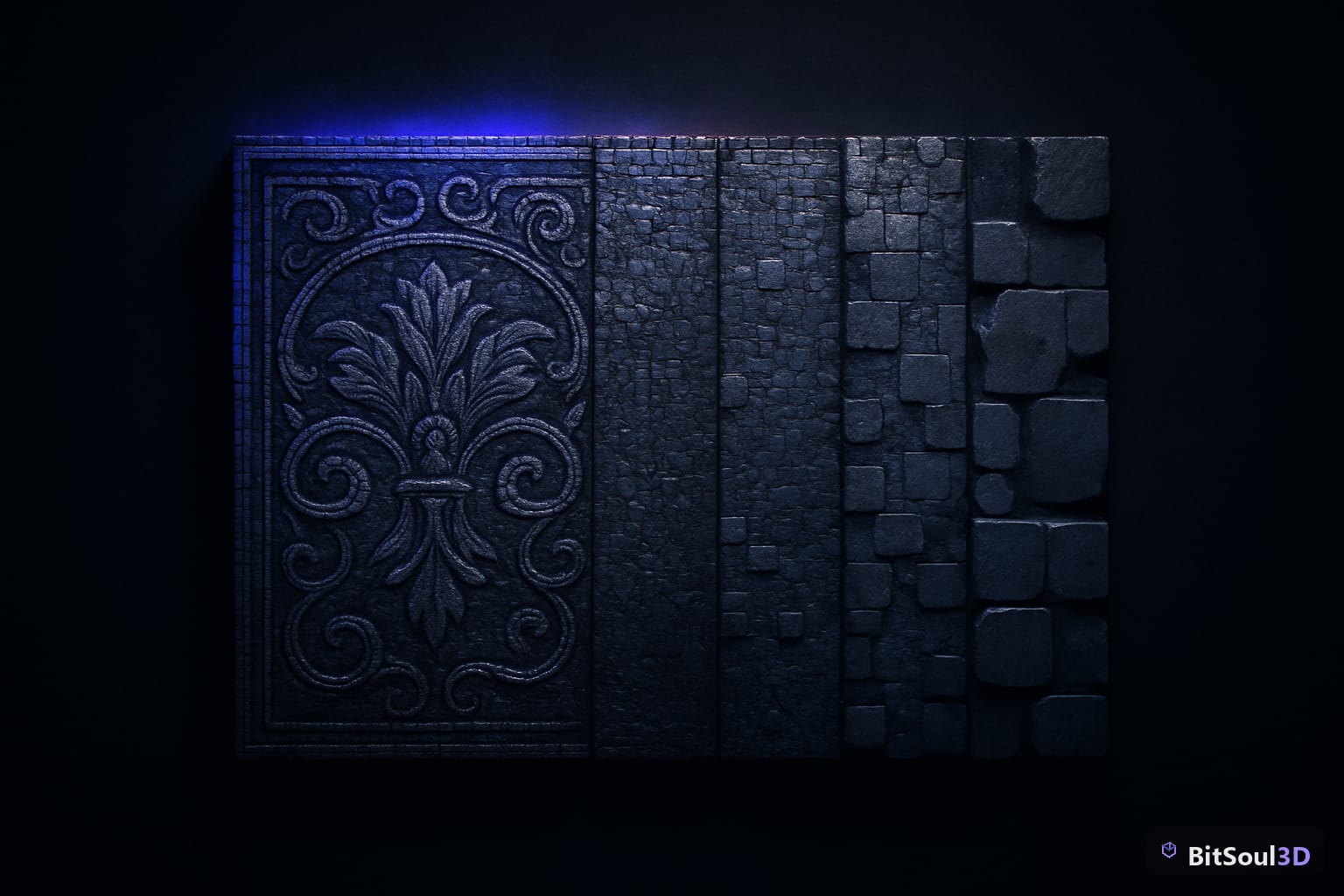
This guide breaks down every major GPU texture compression format, when to use each, and exactly how to configure them in Unity, Unreal Engine 5, and Godot 4.
Why Texture Compression Matters at Runtime
Texture compression is not the same as PNG or JPEG compression. Those formats are compressed on disk but must be fully decompressed before the GPU can use them. GPU texture compression is different: the hardware reads it in its compressed form directly, meaning the GPU never has to decompress the full image into memory.
This delivers three concrete benefits. First, VRAM usage drops dramatically — typically 4:1 to 8:1 ratios — which allows more textures to reside in GPU memory simultaneously. Second, memory bandwidth is reduced because the GPU fetches less data per texture sample, which directly improves fill rate performance. Third, texture cache efficiency improves because more texels fit in the L1/L2 cache at once.
The tradeoff is lossy compression. Every format introduces some visual artifacts, typically visible as blockiness or color banding on smooth gradients. The skill is choosing the format that best matches your content while keeping those artifacts invisible to players.
For a typical mobile game, proper texture compression can be the difference between hitting 60 fps and dropping to 30. On desktop, it determines how many high-res textures you can load before hitting VRAM limits.
DXT and BC Formats: The Desktop and Console Standard
DXT formats (also called BCn or S3TC) are the standard for Windows, macOS, and modern consoles. They're supported natively by all DirectX and OpenGL hardware from the last 15 years.
BC1 (DXT1) — 4:1 compression ratio, no alpha or 1-bit alpha. Use for opaque diffuse maps where quality loss is acceptable. At 0.5 bytes per texel it's the most memory-efficient option, but it introduces noticeable blockiness on smooth gradients.
BC3 (DXT5) — 4:1 compression with full alpha channel. Common choice for diffuse+alpha textures, but BC7 has largely replaced it for quality-sensitive work.
BC4 / BC5 — Single-channel and dual-channel formats. BC4 is ideal for grayscale roughness or metallic maps; BC5 is the correct choice for normal maps (stores RG channels with high precision). Never use BC1 or BC3 for normal maps — the compression artifacts distort lighting calculations.
BC6H — Half-float HDR format for environment maps and emissive textures. Essential for PBR pipelines that use HDR lighting data.
BC7 — The best general-purpose desktop format. Same 4:1 ratio as BC3 but with significantly higher quality, supporting full RGBA. The compression step is slow (use offline baking), but runtime quality is excellent. Use BC7 for diffuse, emissive, and any texture where BC1/BC3 artifacts are visible.
# Unity: force BC7 in Texture Import Settings
TextureImporter.textureCompression = TextureImporterCompression.CompressedHQ
# For normal maps specifically:
TextureImporter.textureType = TextureImporterType.NormalMap # auto-selects BC5| Format | Ratio | Alpha | Best Use Case |
|---|---|---|---|
| BC1 | 8:1 | 1-bit | Opaque diffuse (low quality) |
| BC3 | 4:1 | Full | Diffuse+alpha (legacy) |
| BC4 | 8:1 | No | Single-channel (roughness, AO) |
| BC5 | 4:1 | No | Normal maps |
| BC6H | 4:1 | No | HDR environment maps |
| BC7 | 4:1 | Full | High-quality diffuse, emissive |
ASTC and ETC2: Mobile Compression Formats
Mobile GPUs use different compression hardware. ETC2 is the guaranteed-supported format for OpenGL ES 3.0 and Vulkan on Android; ASTC is the premium format supported on all Apple Silicon, modern Qualcomm Snapdragon, and Mali GPUs.
ETC2 provides solid baseline coverage: it's mandatory on any OpenGL ES 3.0 device, giving you 4:1 compression for RGB and RGBA content. Quality is roughly comparable to BC1/BC3. Use it as your fallback for broad Android compatibility.
ASTC (Adaptive Scalable Texture Compression) is far superior. Its block size is configurable from 4×4 to 12×12 texels, giving you direct control over the quality/compression tradeoff:
- 4×4: 8 bits/texel — near-lossless, use for critical UI or normal maps
- 6×6: 3.56 bits/texel — good balance for diffuse textures
- 8×8: 2 bits/texel — aggressive compression for large, non-detail textures
- 12×12: 0.89 bits/texel — background and skybox textures
ASTC also supports HDR and 3D textures, making it future-proof. Target ASTC 6×6 as your default mobile diffuse format and ASTC 4×4 for normal maps and anything that needs high fidelity.
# Godot 4: set VRAM compression in project settings
# ProjectSettings > Rendering > Textures > VRAM Compression
# Enable "Import VRAM Compressed For Desktop" (BC)
# Enable "Import VRAM Compressed For Mobile" (ETC2/ASTC)
Choosing the Right Format in Unity, Unreal Engine 5, and Godot 4
In Unity, the Texture Import Settings panel exposes compression per platform. Switch to the Android or iOS platform tab and override the default. For PC/console, set Quality to "High Quality" to get BC7 for color textures and BC5 for normal maps. Unity's "Compressed" setting defaults to BC1 — upgrade anything visible up close to BC7.
In Unreal Engine 5, compression type is set per-texture in the Texture Editor. The key settings:
- Diffuse maps:
Default (DXT1/5)for speed,BC7for quality - Normal maps:
Normalmap (DXT5, BC5 on DX11)— UE5 auto-selects BC5 on supported hardware - Masks/Roughness/AO:
Masks (no sRGB)with BC4 for single-channel maps - HDR:
HDR (RGBA16F, no sRGB)
In Godot 4, VRAM compression is handled at import time via .import files. The editor generates both desktop (BC) and mobile (ETC2/ASTC) variants when both checkboxes are enabled. You can override per-texture by editing the import settings in the FileSystem dock. For mobile targets, always verify ASTC is selected over ETC2 for devices that support it — Godot 4.1+ detects ASTC support at runtime and selects the best available variant automatically.
Compression Best Practices and Common Mistakes
The biggest mistake is compressing textures that shouldn't be compressed. UI atlases with hard pixel edges compress badly with BC1 — use BC7 or keep UI uncompressed if memory allows. Lookup tables (LUTs) and gradient maps should also stay uncompressed or use BC4.
Always author source textures at power-of-two dimensions. BC and ETC2 compression algorithms require this; non-power-of-two textures either fail to compress or are padded, wasting memory.
For normal maps: always use BC5 on desktop and ASTC 4×4 on mobile. BC1 and BC3 compress both channels together and introduce correlated errors that cause lighting to flicker. BC5 compresses R and G independently with much higher precision.
Compress offline, not at runtime. BC7 and ASTC encoding are computationally expensive — pre-compress in your content pipeline and ship compressed assets. Unity and Unreal both do this in their build pipelines; in Godot, imports run at editor time.
Browse game-ready pre-compressed texture sets and optimized 3D assets at the BitSoul marketplace, where assets are delivered in engine-ready formats including BC7 and ASTC variants.
Wrapping Up
Texture compression is one of the highest-leverage optimizations available to game developers. Choosing BC7 over uncompressed RGBA cuts VRAM by 4× with minimal visual cost. Picking BC5 for normal maps instead of BC3 eliminates lighting artifacts. Shipping ASTC on mobile instead of ETC2 gives you better quality at lower memory cost on modern devices.
The decision tree is simple: desktop → BCn (BC7 for color, BC5 for normals, BC6H for HDR); mobile → ASTC with fallback to ETC2. Configure it once per texture type in your engine's import settings and let the pipeline handle the rest.
Ready to build with properly compressed, game-ready assets? Explore optimized 3D models and texture packs at BitSoul marketplace.
This post is part of the Ultimate Guide to Free 3D Game Assets — BitSoul's complete reference for formats, texturing, rigging, optimization, and engine integration.
Need drop-in assets for this workflow? Grab the 94-model Animal Bundle on the BitSoul marketplace and drop them straight into your project.