Real-time shadow rendering is one of the most visually impactful — and most GPU-expensive — systems in any game. In Unreal Engine 5, Epic overhauled the entire shadow pipeline with Virtual Shadow Maps (VSM) and expanded hardware ray tracing support. Choosing the wrong shadow method for your project can tank frame rate by 30% or produce visual artifacts that scream "cheap." This guide breaks down every major shadow system in UE5, when to use each, and how to tune them for shipping quality.
Understanding UE5's Shadow Rendering Pipeline
UE5 offers three primary shadow methods: Virtual Shadow Maps (the new default), cascaded shadow maps (legacy, still useful), and ray-traced shadows. Each has different quality/performance tradeoffs, and they can be mixed per-light within the same scene.
Shadow rendering cost is dominated by two factors: shadow map resolution and draw call count. A single 4096×4096 shadow map for a directional light consumes ~64 MB of VRAM and requires rendering your entire visible geometry twice per frame. VSM solves this with a virtualized, sparse tile system — only the tiles that actually contain shadow receivers are rendered and cached.
The key console variables controlling global shadow behavior:
; Enable/disable VSM globally
r.Shadow.Virtual.Enable=1

; VSM cache — critical for performance
r.Shadow.Virtual.Cache.Enable=1

; Legacy shadow distance (meters)
r.Shadow.DistanceScale=1.0

; Max shadow cascades for directional light
r.Shadow.CSM.MaxCascades=4
Virtual Shadow Maps: UE5's Default and Why It Matters
VSM replaces the fixed-resolution shadow maps of previous Unreal versions with a 16K×16K virtual texture that's sparsely allocated. Only the 128×128 pixel tiles that contain shadow-receiving surfaces are allocated in VRAM — typically 10–15% of the full virtual resolution.

The critical performance feature is VSM caching. On frames where geometry and lights haven't moved, UE5 reuses the shadow tiles from the previous frame. This turns shadow rendering for static geometry from a per-frame cost into a one-time cache fill. Moving objects — characters, vehicles, debris — invalidate only the tiles they occupy, not the entire shadow map.
VSM tuning checklist:
| Setting | Location | Recommended |
|---|---|---|
Virtual Shadow Map on Directional Light | Light Actor > Details | On (default UE5.3+) |
r.Shadow.Virtual.ResolutionLodBiasLocal | Console | -1.0 for higher detail |
r.Shadow.Virtual.Cache.Enable | Console / ini | 1 (always) |
r.Shadow.Virtual.MaxPhysicalPages | Console | 4096 (reduce if VRAM limited) |
Nanite Shadows on Static Meshes | Mesh LOD settings | Enable for Nanite meshes |
A common VSM pitfall: dynamic foliage and particle effects constantly invalidate shadow cache tiles, causing the GPU to re-render shadows every frame. Tag foliage Actors as bCastDynamicShadow=false and use a lighter ambient occlusion pass instead where precision isn't needed.
For local lights (point, spot), VSM uses a cube-face allocation scheme. Each face of a point light's shadow cube is an independent virtual shadow map. Enabling VSM on hundreds of point lights is still expensive — cluster your light placement and use r.Shadow.Virtual.Local.MaxPageAgeFraction to control how aggressively stale pages are evicted.
Ray-Traced Shadows: When Pixels Aren't Enough
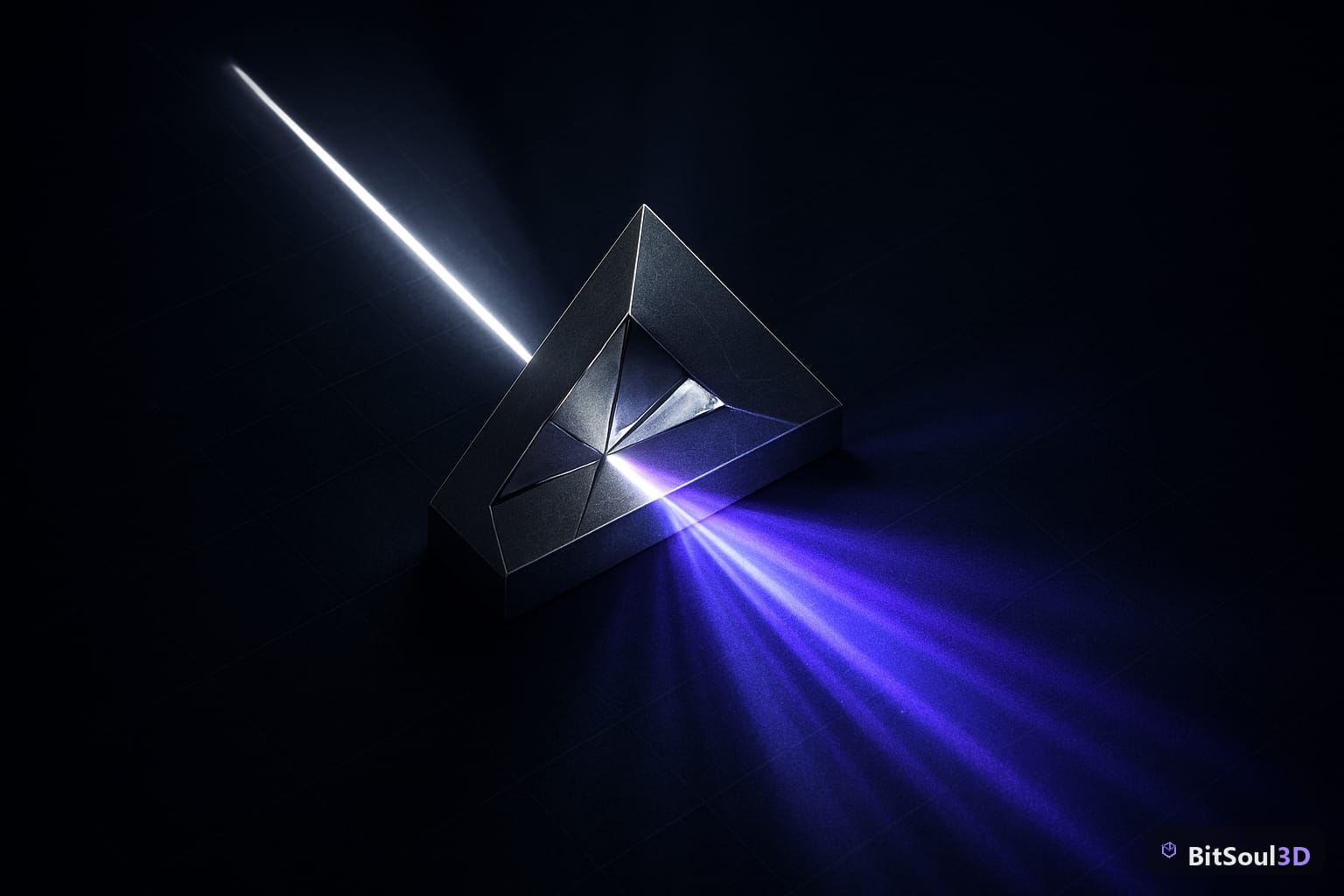
Hardware ray-traced shadows (r.RayTracing.Shadows=1) produce physically correct soft shadows that VSM cannot replicate. A sphere light with area casting will produce a penumbra that grows softer with distance — VSM can approximate this but not match it.
Ray-traced shadows are most valuable for:
- Cinematic cutscenes where final image quality matters more than frame time
- Close-up hero shots of characters where hard shadow edges are visible
- Interior architectural scenes with complex occluders (window frames, railings)
They are not appropriate for open-world games at 60fps targets. A single directional light with ray-traced shadows on a complex scene adds 2–6 ms GPU time at 1080p. At 4K, multiply by 2–3x.
Enable selectively per-light rather than globally:
// In Blueprint or C++
DirectionalLight->bCastRaytracedShadow = true;
DirectionalLight->SamplesPerPixel = 1; // 1 is default, increase for softer penumbra
Denoising is required — raw 1-sample-per-pixel ray-traced shadows look noisy. UE5 uses a temporal denoiser by default (r.RayTracing.Shadow.Denoiser=1). Increase sample count to 2–4 for less denoiser ghosting at the cost of more ray budget.
Cascaded Shadow Maps: The Legacy Option That Still Has a Role
CSM predates VSM and works by rendering the scene into 2–4 shadow map "cascades" at increasing distances from the camera. The near cascade is high resolution; far cascades are low. CSM is still the right choice when:
- You're targeting older hardware (console base specs, mid-range PC without DX12)
- Your scene has very wide open areas where VSM cache invalidation cost is high
- You need predictable, consistent framing for performance budgets
The main CSM quality problem is cascade transition seams — visible edges where one cascade blends into the next. Fix with:
r.Shadow.CSM.TransitionScale=0.6 ; Higher = softer transition, more costFor mobile targets, CSM with a single cascade at 2048×2048 is the practical maximum. Don't use VSM on mobile — the sparse tile overhead on tile-based GPU architectures negates any benefit.
Performance Budgeting and Profiling
Shadow rendering should consume no more than 2–3 ms of your GPU frame budget in a 60fps game (16.67 ms total). Use stat gpu in the UE5 console to isolate shadow costs:
stat gpuLook for ShadowDepths and ShadowProjection entries. If ShadowDepths exceeds 1.5 ms, you have too many shadow-casting meshes. Cull aggressively:
- Set
r.Shadow.RadiusThreshold=0.03to skip shadows from small objects - Use
bCastShadow=falseon all background/decor meshes - Enable
Dynamic Shadow Distance MovableLighton your Directional Light and tune the cascade distance to cover only the playable area
For open world games, use Distance Field Shadows (r.DistanceFieldShadowing=1) as a cost-effective fallback beyond the CSM/VSM range. Distance field shadows have low incremental cost at large distances and pair well with VSM in the near field.
Download optimized, shadow-ready game assets from BitSoul Marketplace — every mesh includes correct collision, LODs, and shadow-casting settings preconfigured for UE5.
Choosing the Right Shadow Method
| Scenario | Recommended |
|---|---|
| Open world, 60fps target | VSM + Distance Field fallback |
| Indoor/architectural, 30fps | VSM or Ray-Traced (hero lights only) |
| Mobile (iOS/Android) | CSM, 1–2 cascades, 1024–2048px |
| Cinematic/cutscene | Ray-Traced, 2–4 samples |
| Console performance mode | CSM or VSM with aggressive cache |
Shadow quality is only as good as your assets allow. Meshes with non-manifold geometry, open edges, or missing backfaces produce shadow acne and self-shadowing artifacts that no tuning will fully resolve. Start with clean geometry from BitSoul Marketplace, and you'll spend your time tuning shadow distance and cascade counts — not debugging black splotches on your terrain.
Real-time shadows in UE5 reward a methodical approach: profile first, tune VSM cache aggressively, reserve ray tracing for the shots that need it. The tools are there — use them precisely.
Need drop-in assets for this workflow? Grab the Architecture Modern Bundle on the BitSoul marketplace and drop them straight into your project.