Particle systems define how fire, smoke, explosions, magic, and ambient dust feel in your game — and the engine you use determines how much GPU budget that feeling costs. Unity VFX Graph, Unreal Engine 5 Niagara, and Godot 4 GPUParticles3D all solve the same problem differently, and picking the wrong one for your project can mean re-doing a significant chunk of VFX work later. This guide compares all three at a practical level so you can make an informed choice before committing.
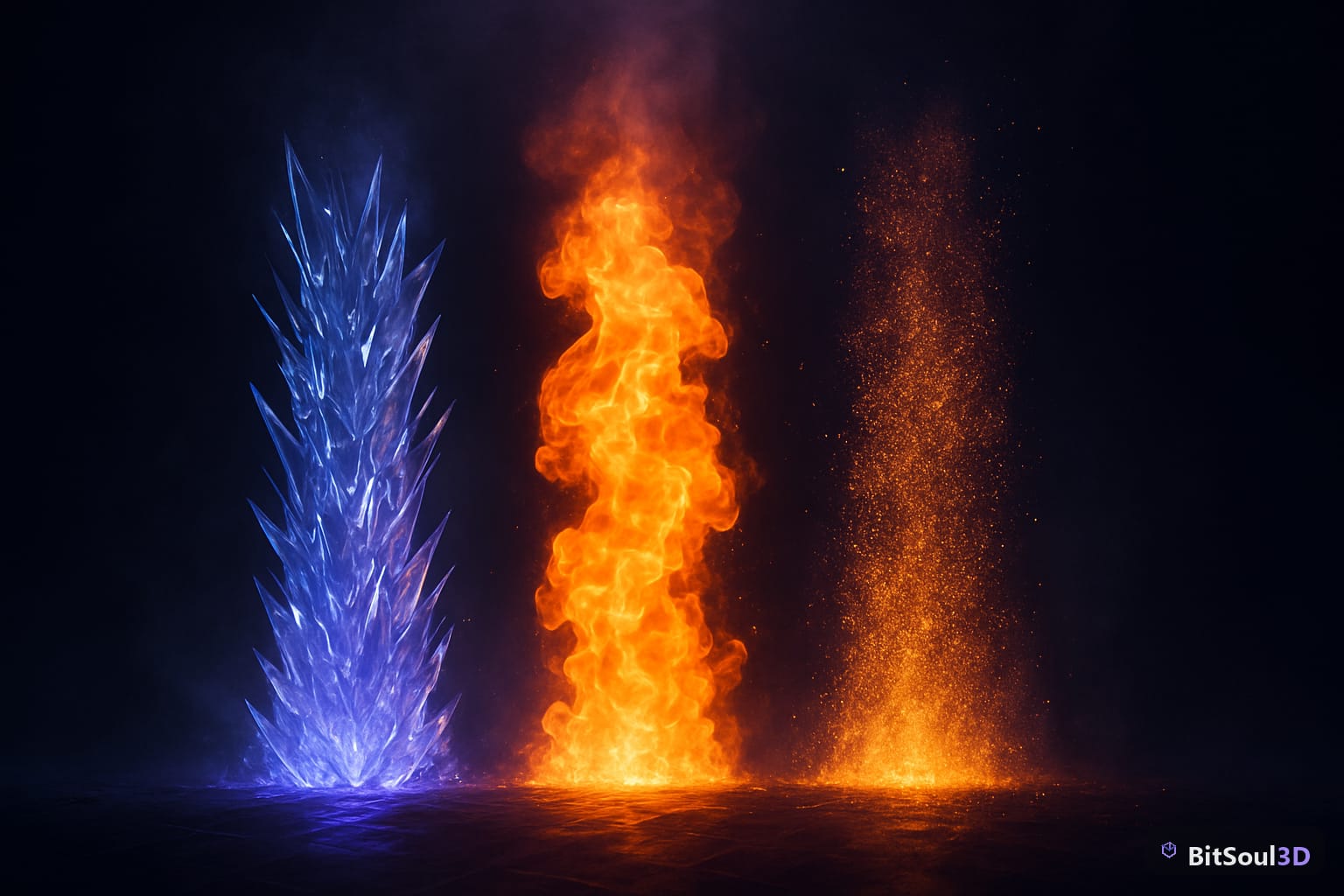
Why particle system choice defines game VFX performance
Modern GPU-driven particle systems run simulations entirely on the GPU, bypassing the CPU bottleneck that plagued older Shuriken-style systems. That shift means particle counts in the millions are possible — but only if your assets, draw calls, and blend modes are set up correctly.
The three key metrics to track across any particle system:
- GPU overdraw: semi-transparent particles stacked on screen burn fill rate fast. Keep alpha-blended layers minimal and prefer additive blending for fire/sparks.
- Draw calls per emitter: each material in a particle system typically issues one draw call. Shared atlases collapse this.
- Simulation complexity: vector fields, collisions, and sub-emitters multiply cost non-linearly.
A common mistake is designing particle effects at full desktop resolution without ever profiling on your actual target hardware. Profile early — a 10,000-particle campfire that runs fine on a 4090 may tank a Steam Deck or mobile GPU.
// Unity Profiler: check Particle System module
// Window > Analysis > Profiler > GPU
// Look for: Particle System (CPU) and VFX Graph (GPU)| System | CPU or GPU | Max practical particles | Collision support |
|---|---|---|---|
| Unity Shuriken | CPU | ~50k | Yes |
| Unity VFX Graph | GPU | 1M+ | Limited |
| UE5 Niagara | Both | 1M+ | Yes |
| Godot GPUParticles3D | GPU | 500k+ | No (built-in) |
Unity VFX Graph vs. Shuriken: which particle system for your project
Unity has two particle systems: the classic Shuriken (CPU-based, ParticleSystem component) and the modern VFX Graph (GPU compute shader-driven). For anything released after 2022, VFX Graph is the right choice for high-fidelity effects.
When to use VFX Graph:
- Large, visually complex effects (explosions, magic, weather)
- High particle counts (>10k per emitter)
- URP or HDRP projects (VFX Graph requires SRP)
- Effects that need custom HLSL simulation logic
When Shuriken is still fine:
- Mobile targets where GPU compute is unavailable
- Simple, low-count effects (footstep dust, hit sparks)
- Rapid prototyping without SRP setup overhead
The asset import side matters too: GLB models from BitSoul's marketplace include props that work as mesh emitters — surfaces that emit particles along their geometry. In VFX Graph, a Mesh output context accepts any imported mesh directly.
// Assign a mesh emitter in VFX Graph via script
var vfx = GetComponent<VisualEffect>();
vfx.SetMesh("EmitterMesh", myImportedGLBMesh);
vfx.Play();
Niagara particle systems in Unreal Engine 5: key concepts
Niagara is UE5's node-based particle framework. It separates simulation from rendering more explicitly than Unity VFX Graph, using three layers: Emitter Update, Particle Update, and Particle Spawn — each a separate stack of modules.
Key Niagara concepts that affect performance:
- GPU sim vs CPU sim: switch at the emitter level. GPU sim is required for high particle counts; CPU sim enables collision and event-driven spawning.
- Renderers: a single emitter can stack multiple renderers (sprite, mesh, ribbon) — each adds a draw call. Merge where possible.
- Data channels: Niagara 5.4+ supports direct reads from Lumen and Water plugins, useful for adaptive environment VFX.
For game assets imported as Nanite static meshes, attach Niagara to a NiagaraComponent on the actor and use a Static Mesh Location module to spawn particles constrained to a GLB prop surface:
Niagara Module: Static Mesh Location
  > Mesh: SM_Torch (imported GLB)
  > Surface Area Scaling: 1.0
  > Normal Offset: 2.0
Niagara's biggest advantage over VFX Graph is its event bus — emitters can broadcast and receive typed events, enabling systems like a fire spreading to nearby torches when triggered. VFX Graph has no equivalent without custom C++ scripting.
Godot 4 GPUParticles3D: particle VFX without the overhead
Godot 4's GPUParticles3D runs entirely on the GPU via Vulkan compute shaders and is surprisingly capable for its simplicity. The workflow is leaner than Niagara or VFX Graph but lacks visual scripting — all configuration is property-based in the editor or via GDScript.
What GPUParticles3D does well:
- Additive sprite particles for fire, sparks, and glow
- Sub-emitter chains for cascading effects (explosion to smoke to embers)
- Custom particle shaders (GLSL-compatible, assigned via
process_material)
What it lacks:
- Built-in mesh-surface spawning (workaround: use a
CPUParticles3Dwith an emit-from-mesh shape) - Physics collision (CPU particles only)
- Event-driven inter-emitter communication
Importing a GLB prop from BitSoul's marketplace as a particle emitter shape in Godot 4:
# Attach GPUParticles3D as a child of your GLB scene root
var particles = $GPUParticles3D
particles.amount = 2000
particles.lifetime = 1.5
particles.process_material = preload("res://vfx/ember_material.tres")
particles.draw_pass_1 = preload("res://assets/spark_quad.mesh")
For performance, always check the Particle Count monitor in Godot's Debugger > Monitors. 50k particles at 60fps on mid-range hardware is achievable; beyond that, use SubViewport compositing or reduce emission rates.
Checklist before shipping particle VFX
- Profiled on lowest target hardware (not just dev machine)
- Additive vs. alpha blending chosen deliberately per effect
- Particle atlas used (reduces draw calls vs individual sprites)
- Sub-emitter lifetime set to avoid infinite particle accumulation
- LOD or culling distance configured — particles off-screen still simulate by default in UE5 and Unity unless explicitly culled
- Max particle count capped per emitter
- GPU sim mode confirmed for high-count effects
Particle VFX is one of the most budget-sensitive systems in any real-time scene. The best approach is the same across Unity, UE5, and Godot: start small, profile often, and design effects that look great at half the particle count you think you need. Browse the free game-ready assets at BitSoul's marketplace to find props, environments, and meshes ready to feed into any of these particle systems.
This post is part of the Ultimate Guide to Free 3D Game Assets — BitSoul's complete reference for formats, texturing, rigging, optimization, and engine integration.
Need drop-in assets for this workflow? Grab the 67-model Weapons Bundle on the BitSoul marketplace and drop them straight into your project.