You import a GLB into Unity, place a directional light, and the indirect bounce looks flat until you bake lightmaps — then you wait, rebake every time you move a wall, and ship a scene that can't react to a broken door or a destroyed crate. Unity's answer, shipping in the 6.7 alpha as of July 23, 2026, is Surface Cache Global Illumination (SCGI): real-time diffuse GI with no bake step, built for scenes where geometry and lighting change at runtime.
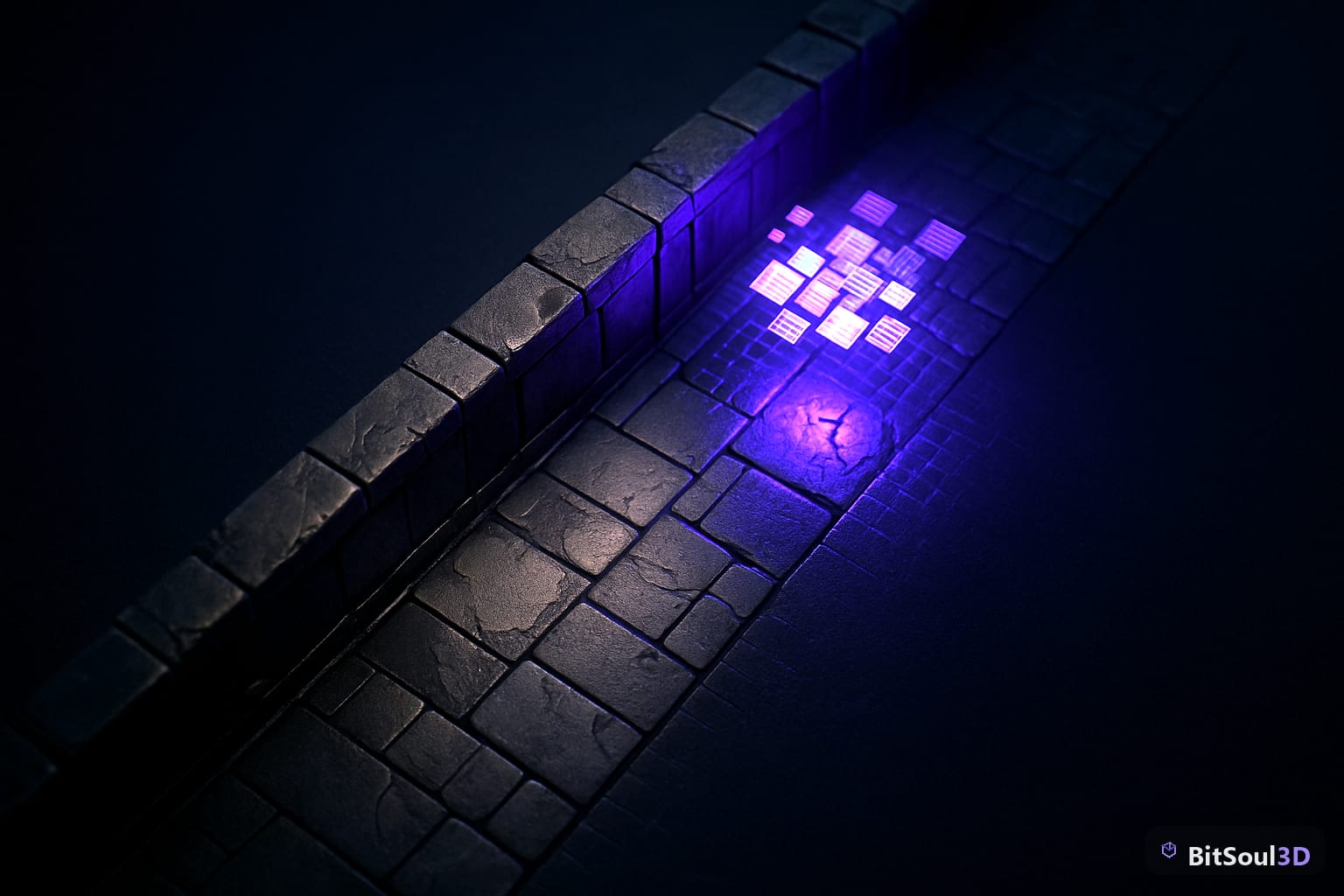
That's the whole pitch: no lightmap UVs, no bake queue, no stale GI when a prop moves. What it costs and what it can't do yet is the rest of this post.
The numbers behind the alpha
Unity posted the announcement the same week, describing SCGI as fully dynamic global illumination available to preview in 6.7 alpha ahead of a broader rollout with 6.7 LTS. On Unity Discussions, the pinned "Surface Cache GI Preview" thread has run past its 13th page of developer testing, and one number keeps coming up: roughly 1.5–1.6 ms per frame in the Intel Sponza scene at 1080p on default settings. That's cheap enough to leave running on a mid-range GPU budget, and specific enough that mobile teams are already asking whether it scales down in the same thread.
Sponza matters here beyond being a standard benchmark — it's a corridor-and-colonnade interior, the same category of enclosed space as a game hallway or dungeon corridor, where indirect bounce does the most visible work on PBR materials.
What Surface Cache GI actually computes
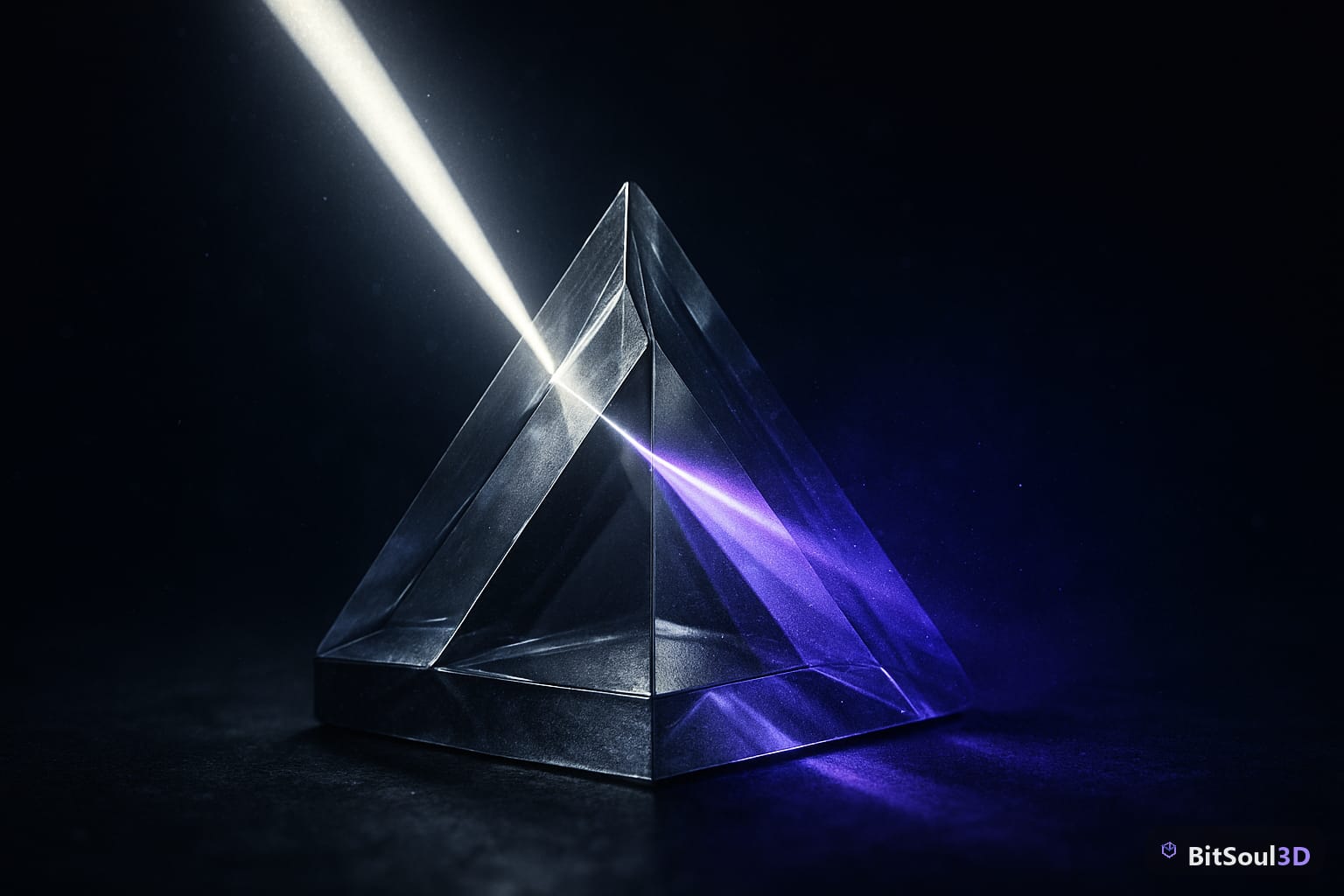
Instead of baking a lightmap per texel, SCGI divides the visible scene into "patches" — discrete position-and-normal pairs whose size shrinks near the camera and grows with distance, so the detail budget goes where the player is looking. Each frame, the currently visible patches shoot rays into the scene (hardware-accelerated where the GPU supports it, a compute-based software path otherwise) and average the incoming light. The result gets reconstructed per pixel and filtered against surface normals, which is why bump detail on an imported model still reads correctly under indirect light instead of flattening out.
The practical difference from a baked workflow: none of this is precomputed. Move a wall, swap a prop, break a door off its hinges, and the indirect lighting updates in the same frame — there's no lightmap tied to fixed UVs to go stale.
Turning it on for an imported scene
SCGI isn't a checkbox in Graphics settings yet. As shipped in the alpha, you add SURFACE_CACHE to Player Scripting Define Symbols in Project Settings, then add the Surface Cache Global Illumination renderer feature from the Add Renderer Feature dropdown on your Universal Renderer Data asset. It's URP-only — there's no HDRP build in this preview, so if you've already fought glTF models turning to chrome in HDRP's Mask Map, this doesn't touch that pipeline at all.
Two gotchas hit asset-heavy scenes specifically. First, the preview currently lights from directional lights and emissive materials only — point, spot, and area lights aren't supported yet. That's a real limitation for imported content, because glTF's light extension exports point lights far more often than directional ones, and Unity's importers don't always carry those lights over cleanly to begin with (the same import pass that can leave you fixing pink materials, wrong scale, and flipped normals on a Unity 6 GLB import). A scene lit entirely by imported point lights gets zero SCGI contribution until you rebuild the lighting rig by hand. Second, it's diffuse-only for now — no specular GI — and testers on the Discussions thread report temporal stability issues: visible flicker as patches reallocate under fast camera movement.
If you want a same-scale space to reproduce that Sponza-style benchmark on your own hardware, Corridor Module is built as an enclosed interior corridor at game scale — a free account's two monthly downloads cover evaluation; commercial use is included with paid memberships.
SCGI against what you're already using
| Approach | Setup cost | Reacts to moved geometry | Frame cost (1080p, mid GPU) | 2026 maturity |
|---|---|---|---|---|
| Baked lightmaps | Bake per scene change | No | ~0 ms | Stable, default choice |
| Light probes only | Low | Partial, probe density limited | ~0 ms | Stable, coarse indirect |
| Voxel GI (custom/asset) | Moderate | Yes | Often 2-4 ms | Stable, used in shipped titles like Kingdom Come: Deliverance |
| Surface Cache GI | Low once enabled | Yes | ~1.5-1.6 ms (Sponza, default) | Alpha, diffuse-only |
Some testers on the Discussions thread still prefer a voxel GI approach where quality matters more than iteration speed — it's mature and already shipping. SCGI's case is workflow, not fidelity: you stop rebaking every time a designer moves a wall, and the setup is closer to what you'd expect from a custom PBR material built in URP Shader Graph than a traditional lighting pipeline.
What to do with this today
If you're mid-production on a title shipping this year, SCGI in 6.7 alpha isn't a swap-in for baked lightmaps — the missing point-light support alone rules that out for most asset-heavy scenes. If you're prototyping, or your scene already leans on directional light and emissive props (a lava level, a neon-lit corridor), branch a copy of the project against 6.7 alpha now. The define symbol and renderer feature take minutes to add, and you'll have real numbers on your own scenes before 6.7 LTS ships and every URP project inherits the option by default.
This post is part of the Ultimate Guide to Free 3D Game Assets — BitSoul's complete reference for formats, texturing, rigging, optimization, and engine integration.
Need drop-in assets for this workflow? Grab the 98-model Character Pack on the BitSoul marketplace and drop them straight into your project.