Polygon budgets kill more indie projects than bad code does. You download a free GLB character, drop it into Unity, and your mobile build drops from 60 to 22 FPS with one model on screen. The file looked fine. The thumbnail looked fine. Nothing told you it shipped with 180,000 triangles and a 4K texture set.
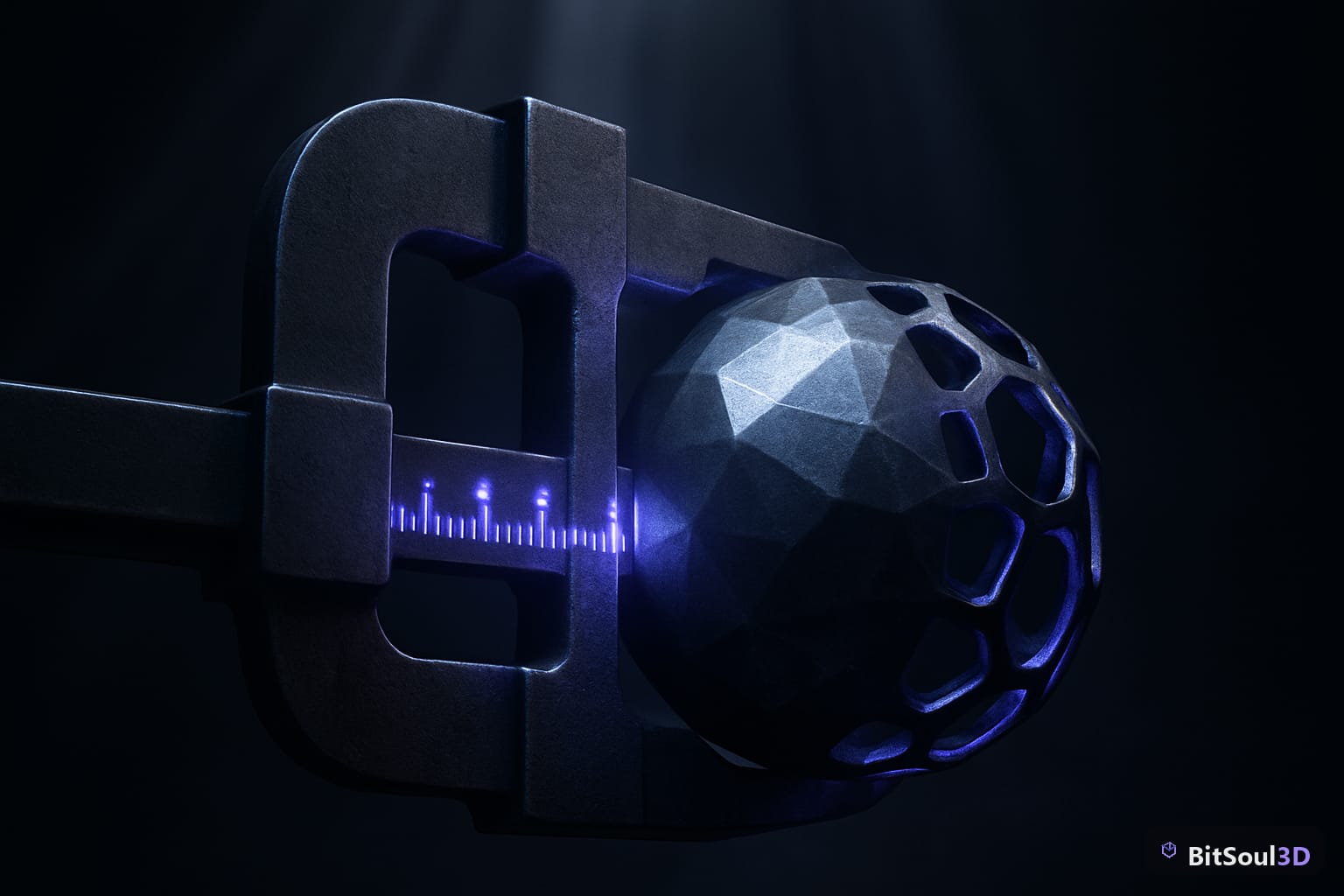
Most free asset sources do not publish poly counts. Neither do most marketplaces, ours included on a good portion of the catalog. So the only reliable move is to check the GLB poly count yourself before it ever reaches your engine - and, if it is too heavy, reduce it in the same sitting.
Why poly count matters more than the download
A triangle budget is not a style preference, it is a hardware constraint. Rough working targets that hold up in 2026:
| Target platform | Hero character | Background prop | Notes |
|---|---|---|---|
| Mobile / Quest | 8k - 15k tris | under 1.5k | Fill rate hurts before poly count does |
| Nintendo Switch | 15k - 30k tris | under 3k | Watch texture memory harder than tris |
| PC / console | 40k - 100k tris | under 10k | LODs matter more than raw budget |
| Web / Three.js | 5k - 20k tris | under 1k | Download size is the real ceiling |
The trap is that a single overweight asset rarely breaks anything on its own. You notice at asset number forty, when the scene is assembled and the profiler is a wall of red - and by then you have no idea which import caused it.
Checking on the way in costs thirty seconds. Diagnosing it later costs an evening.
Check any GLB's poly count in your browser

You do not need Blender for this, and you do not need to install anything. Load the model into the BitSoul 3D Studio - it runs on your own GPU, in the tab, with no upload to a server - and the Inspection panel reports triangles, vertices, meshes, materials, textures, max texture size and estimated file size for whatever you have open.
Three things to read in order:
- Polygons - compare against the table above for your target platform.
- Max tex size - a 4K texture on a background crate is the single most common waste in free asset packs.
- Meshes and materials - every extra material is a draw call. Twelve materials on one prop is a problem regardless of poly count.
If you would rather script it as part of an import pipeline, the same numbers come out of gltf-transform:
npm install -g @gltf-transform/cli

# Full report: meshes, primitives, materials, textures, tri counts
gltf-transform inspect character.glb

# Draco-compress geometry, resize textures to 1024, strip unused data
gltf-transform optimize character.glb character-opt.glb \
  --compress draco --texture-size 1024
Run inspect before and after and you have a measurable before/after instead of a vibe.
Reduce polys without leaving the browser
The Studio's Optimize panel does decimation on your CPU with a "keep percentage" slider, then lets you export the reduced mesh. A few rules that keep results usable:
- Reduce in passes. Two 25% reductions preserve silhouette better than one 50% cut.
- Watch the silhouette, not the wireframe. Orbit the model at gameplay camera distance while you slide. If the outline holds, the reduction is safe.
- Stop before the face deforms. On characters, eyes and hands break first - that is your floor.
- Recompute normals afterwards. Decimation leaves shading artifacts; the Studio has a button for it.
- Never decimate a rigged mesh you plan to animate without re-checking weights. Bones follow the old topology.
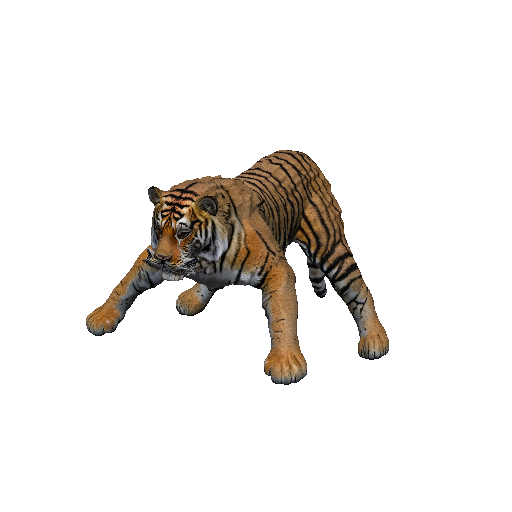
Quadrupeds like this one are where naive decimation shows up worst - legs and tail thin out to nothing long before the body does. Reduce those in smaller steps, or leave them at full resolution and solve the budget with LODs instead.
For a deeper pass on the same problem, our MeshInstance3D vs MultiMesh guide covers the rendering side, and the modular prop kit workflow covers building scenes that stay cheap by construction.
The licence question nobody asks until launch

Poly count is the problem you catch in week one. Licensing is the one that surfaces the week you ship.
Model licensing on BitSoul is simple: a free account includes two downloads a month for personal and evaluation use, and commercial use of any model — shipping it in a game you sell — is covered by the licence included with paid memberships. Studio plans add a downloadable PDF licence certificate, which is usually what a client's legal team actually wants to see.
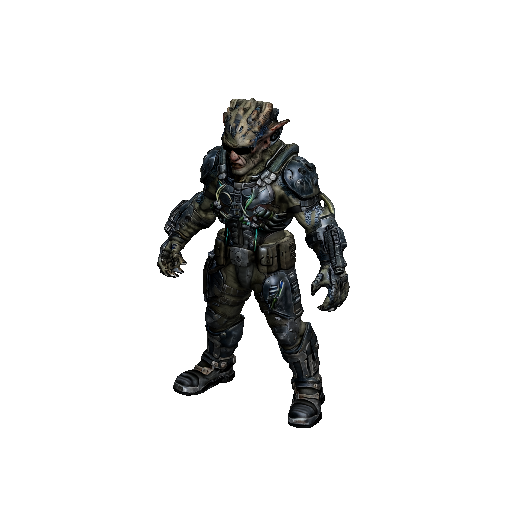
The honest version: the free tier is for prototyping and evaluation — two downloads a month and the full 3D Studio cost nothing and need no card. If you are shipping commercially, a paid membership covers the licence before you build twenty scenes on assets you'd have to relicense.
Do this before your next import
Open a model in the 3D Studio, read the triangle count against your platform budget, and reduce it in the same tab if it is heavy. It is free, it runs on your hardware, and it takes less time than the profiling session you will otherwise run in three weeks. If you are shipping commercially, the membership plans include the licence you need.
This post is part of the Ultimate Guide to Free 3D Game Assets - BitSoul's complete reference for formats, texturing, rigging, optimization, and engine integration.
Build with real assets: grab the 98-model Character Pack on the BitSoul marketplace and drop them straight into your project.