
A GLB drops into your project and the mesh renders perfectly — then your character walks straight through the wall. glTF and GLB never embed collision data, so every engine treats an imported model as a visual-only shell until you build a collider yourself. This trips up Unity, Godot, and Unreal Engine 5.7 users the same way, because the gap is in the format spec, not any one importer.
Why glTF and GLB never ship collision data

The glTF 2.0 spec defines meshes, materials, skins, and animations — there is no collision, physics-body, or convex-hull chunk anywhere in the schema. FBX at least lets Unreal read UCX_ prefixed helper meshes as custom collision; glTF has no equivalent convention, so that trick silently does nothing on a .glb import. Every collider you see on a glTF-sourced prop was generated by the engine, an addon, or you, after the fact — never by the file.
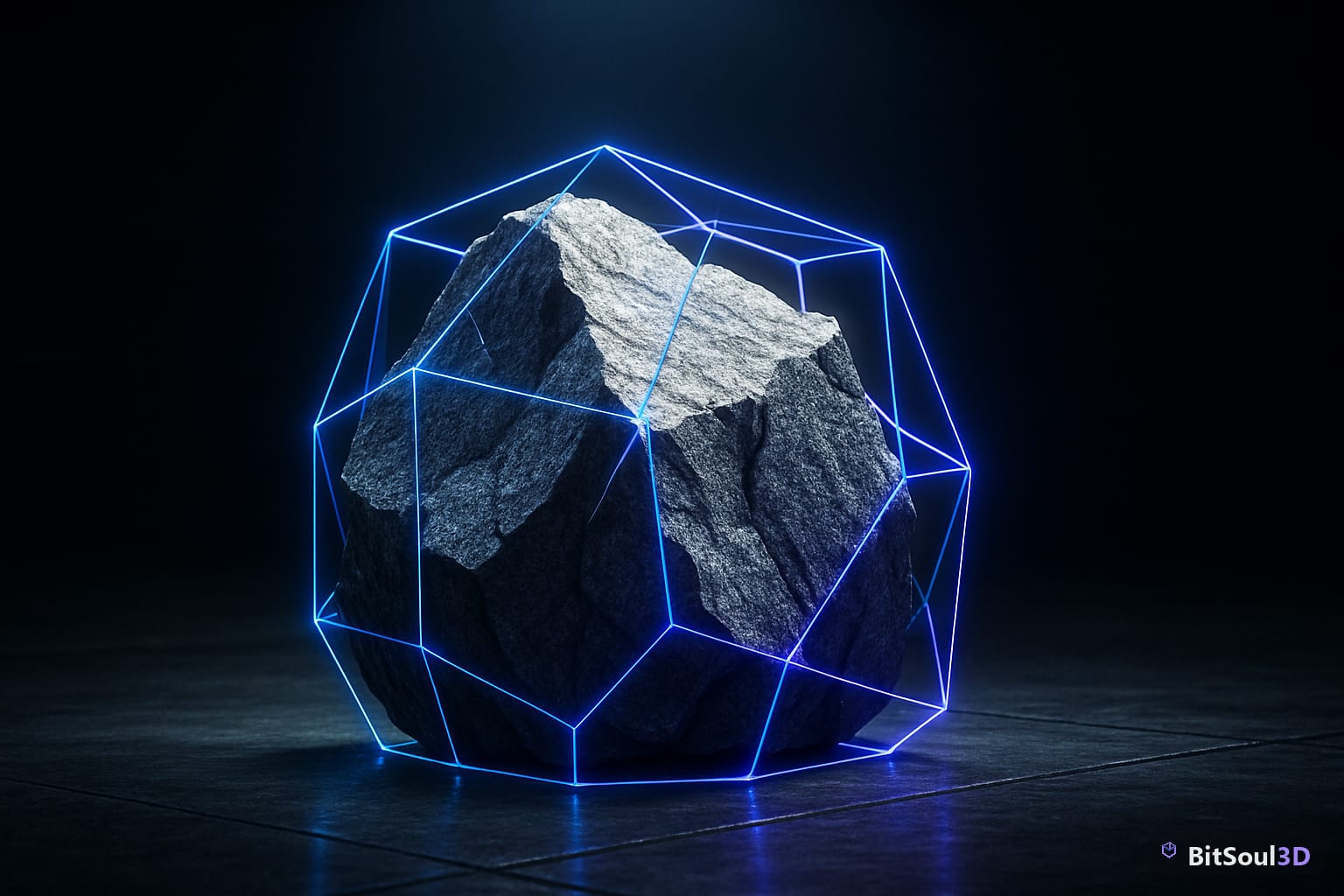
That matters most on irregular meshes. A crate or a barrel is close enough to a box or capsule that a primitive collider is a fine stand-in. A weathered rock is not — a bounding-box collider on something like BitSoul3D's Jagged Granite Boulder leaves the player standing on invisible air over every overhang and re-entrant edge. That's the case worth building the real pipeline for.
Godot 4: generate collision on import
Godot has the most direct fix because it's exposed as an import setting, not an editor action. Select the .glb in the FileSystem dock, open the Import tab, and under Meshes set Generate Collision and pick a Collision Type: Trimesh for exact static geometry (expensive, static bodies only), Convex Decomposition for a close approximation that still works with RigidBody3D, or Simple for a single convex hull when the shape is roughly convex already. Reimport and the collision node appears as a sibling automatically — no scene edits needed.
For meshes you didn't author, Blender-side naming still works if you'd rather bake the decision in before export: suffix a mesh -col for visible collision or -colonly for an invisible collision-only proxy, and Godot's importer honors it on reimport. If you're building at runtime instead — spawning props procedurally, or loading community GLBs you don't control — generate collision in code instead of the import dock:
func add_trimesh_collision(mesh_instance: MeshInstance3D) -> void:
    var body := StaticBody3D.new()
    mesh_instance.add_sibling(body)
    var shape := mesh_instance.mesh.create_trimesh_shape()
    var col := CollisionShape3D.new()
    col.shape = shape
    body.add_child(col)
Trimesh shapes only work under StaticBody3D — physics engines can't resolve two trimeshes colliding with each other, so anything that needs to move (a RigidBody3D boulder rolling downhill) has to use create_convex_collision() instead, which costs accuracy for stability.
Unity: glTFast skips colliders, here's the fix
Unity's FBX importer has a "Generate Colliders" checkbox; glTFast, the importer most GLB pipelines use, doesn't ship one. That's not a bug — glTFast builds a GameObject hierarchy per node and stays deliberately unopinionated about physics, leaving collider strategy to you. The gap catches people who assume GLB behaves like FBX because both land as GameObjects in the same Project window.
The fix is a short pass over the imported hierarchy after instantiation. MeshCollider defaults to convex-only unless you explicitly mark it non-convex, and non-convex MeshColliders can't collide with each other or with Rigidbody-driven objects, so decide that per-object rather than blanket-applying one collider type:
foreach (var mf in root.GetComponentsInChildren<MeshFilter>()) {
    var mc = mf.gameObject.AddComponent<MeshCollider>();
    mc.sharedMesh = mf.sharedMesh;
    mc.convex = mf.gameObject.isStatic ? false : true;
}
Run this from glTFast's GltfAsset.onLoadComplete callback or your own instantiation code, not Start() — the mesh hierarchy has to exist first. For static level geometry, non-convex colliders are fine and cheap; for anything with a Rigidbody, Unity requires convex, so budget for the accuracy loss on complex props like rocks or ruins.
Unreal Engine 5.7: convex hulls and the sparse accessor trap

Unreal's glTF importer has the same UCX_ gap as Godot and Unity — no naming convention carries collision through. Open the imported Static Mesh in the Static Mesh Editor and use Collision → Auto Convex Collision, which decomposes the geometry into a set of convex hulls; Max Hulls and Max Hull Verts trade collision accuracy against physics cost, and for a jagged rock you'll want both pushed well above the defaults or you'll get a hull that looks like a bag over the model. If you need pixel-accurate collision instead — a boulder players can climb the exact silhouette of — set Collision Complexity to "Use Complex Collision as Simple," which is slower per-trace but matches the render mesh exactly.
One separate trap shows up specifically on skeletal meshes exported through glTF from Blender, not static props: UE 5.7's importer mishandles sparse accessors on morph-target data, so animated meshes with blend shapes can arrive with broken or frozen morphs. It doesn't affect static-mesh collision workflows at all, but if you're importing a rigged GLB and see morphs behave oddly, it's the same import path acting up — unrelated to the collision settings above, and worth ruling out separately rather than chasing it inside the Collision menu.
Picking the right collision type per engine
| Engine | No-setup default | Best for irregular meshes | Cost |
|---|---|---|---|
| Godot 4 | None — must set Generate Collision | Convex Decomposition (Trimesh for static-only) | Trimesh: static bodies only |
| Unity (glTFast) | None — glTFast adds no collider | Non-convex MeshCollider (static only) | Convex required for Rigidbody |
| Unreal 5.7 | None — no UCX_ support via glTF | Auto Convex Collision, high Max Hulls | Complex-as-simple is slower per trace |
The pattern across all three: nothing is generated for you, and the accurate option (Trimesh, non-convex MeshCollider, Complex-as-simple) only works on static geometry. Anything that needs to move through physics has to drop to an approximation, so decide early whether a prop is going to roll, fall, or get knocked around — that answer picks your collision type, not the other way around.
A fast way to see the whole problem end to end: pull a deliberately non-convex prop like the Jagged Granite Boulder from BitSoul3D's catalog, import it with defaults, and watch a character clip straight through the overhangs before you apply any of the fixes above. For the export side of this same pipeline, the Blender 5 glTF export breakage guide and the LOD-levels export fix for Unity cover the two other gaps glTF leaves for you to fill by hand.
This post is part of the Ultimate Guide to Free 3D Game Assets — BitSoul's complete reference for formats, texturing, rigging, optimization, and engine integration.
Need drop-in assets for this workflow? Grab the 67-model Weapons Bundle on the BitSoul marketplace and drop them straight into your project.