Custom GLSL Shaders in Godot 4: Write ShaderMaterial Code for 3D Game Assets
Skip VisualShader and write GLSL directly in Godot 4. Learn spatial shaders, vertex displacement, PBR fragment properties, and GDScript integration.
8 articles tagged game-dev. Tutorials and workflow notes for 3D artists shipping game-ready assets to Unity, Unreal Engine 5, Godot 4, and Blender.
Skip VisualShader and write GLSL directly in Godot 4. Learn spatial shaders, vertex displacement, PBR fragment properties, and GDScript integration.
Master multi-channel PBR texture baking in Blender. Learn to bake AO, roughness, metallic, and emission maps that work perfectly in Unity, Unreal, and Godot.
Learn how to use Godot 4 MultiMesh and MultiMeshInstance3D to render thousands of 3D game assets in one draw call — with full GDScript and editor workflows.
ISM and HISM components let UE5 render thousands of identical props in a single draw call. Here is the complete setup, tuning, and Nanite integration guide.
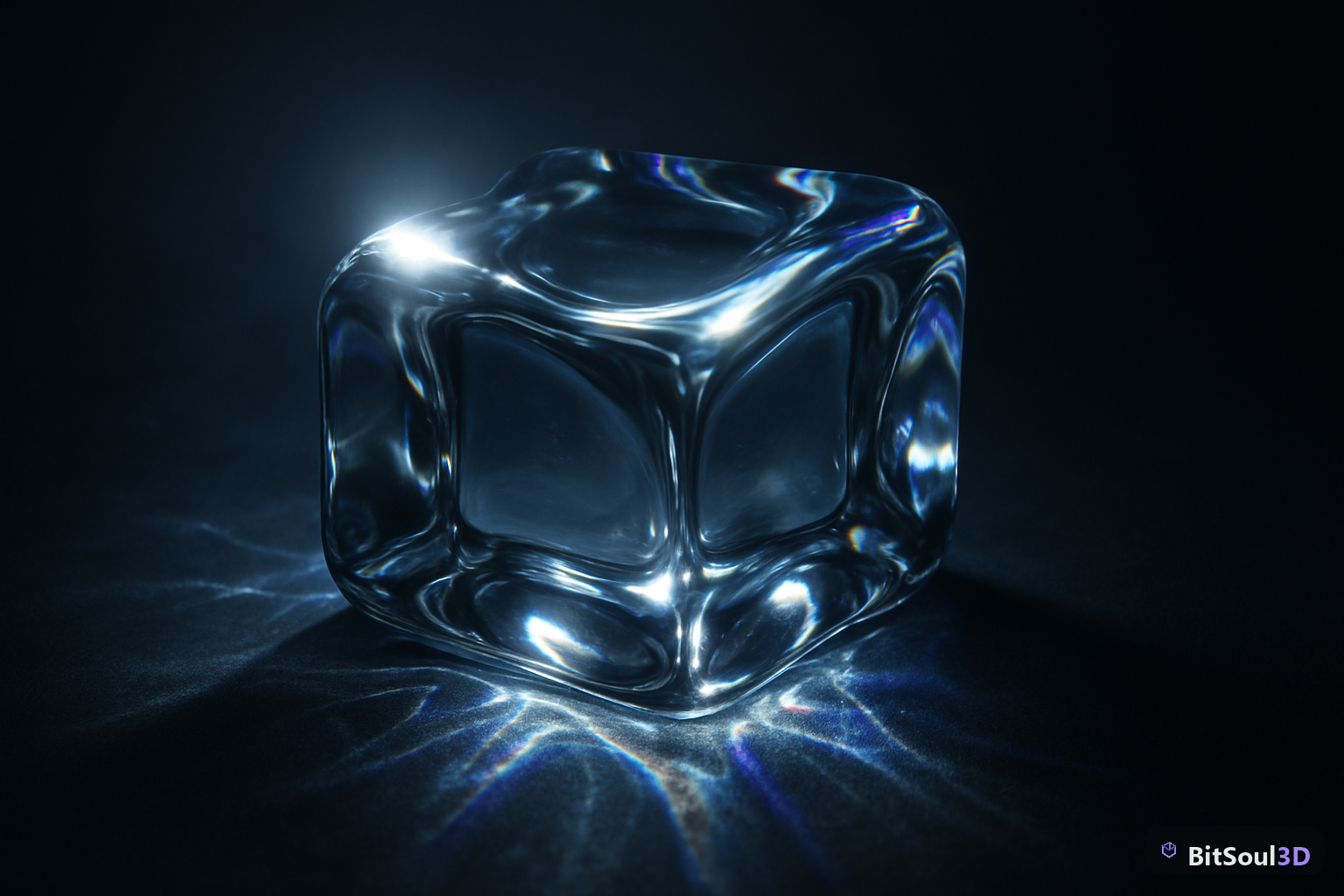
Transparent materials break real-time renderers in ways opaque ones never do. Here is exactly how to set up production-ready glass in Unity, UE5, and Godot 4.
Master Godot 4's WorldEnvironment node, sky shaders, and PBR lighting to make your 3D scenes look production-ready without expensive post-processing.
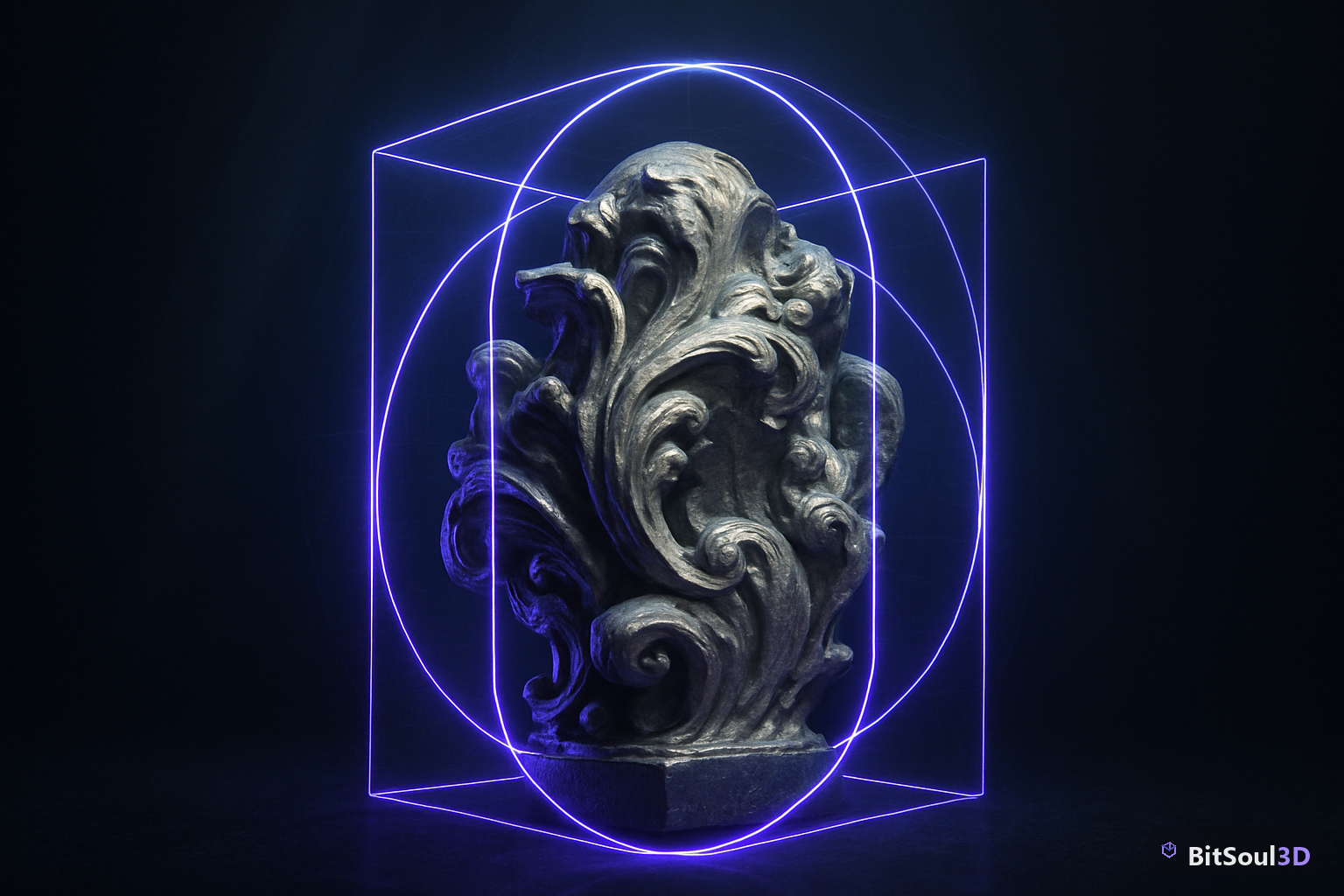
Box, capsule, convex, or mesh? Learn how to choose and configure colliders in Unity, Unreal Engine 5, and Godot 4 to keep your game fast and accurate.
Choosing the wrong 3D file format kills workflow. This guide breaks down FBX, OBJ, and GLB for game dev, AR/VR, and print — so you pick right every time.