The 10th GMTK Game Jam wrapped on July 26 — 96 hours, tens of thousands of participants, and a fresh wave of prototypes built almost entirely on greybox cubes and whatever free assets were within reach. The week after a jam is when the real decision happens: shelve it, or push toward a vertical slice. If you're pushing forward, upgrade assets in priority order — hero objects first, backgrounds last — inside a fixed triangle budget, and audit the licenses of everything that survived the jam before a single store page goes up. Here's the pass that gets a jam build looking shippable without art-team scope.

Audit what players actually saw
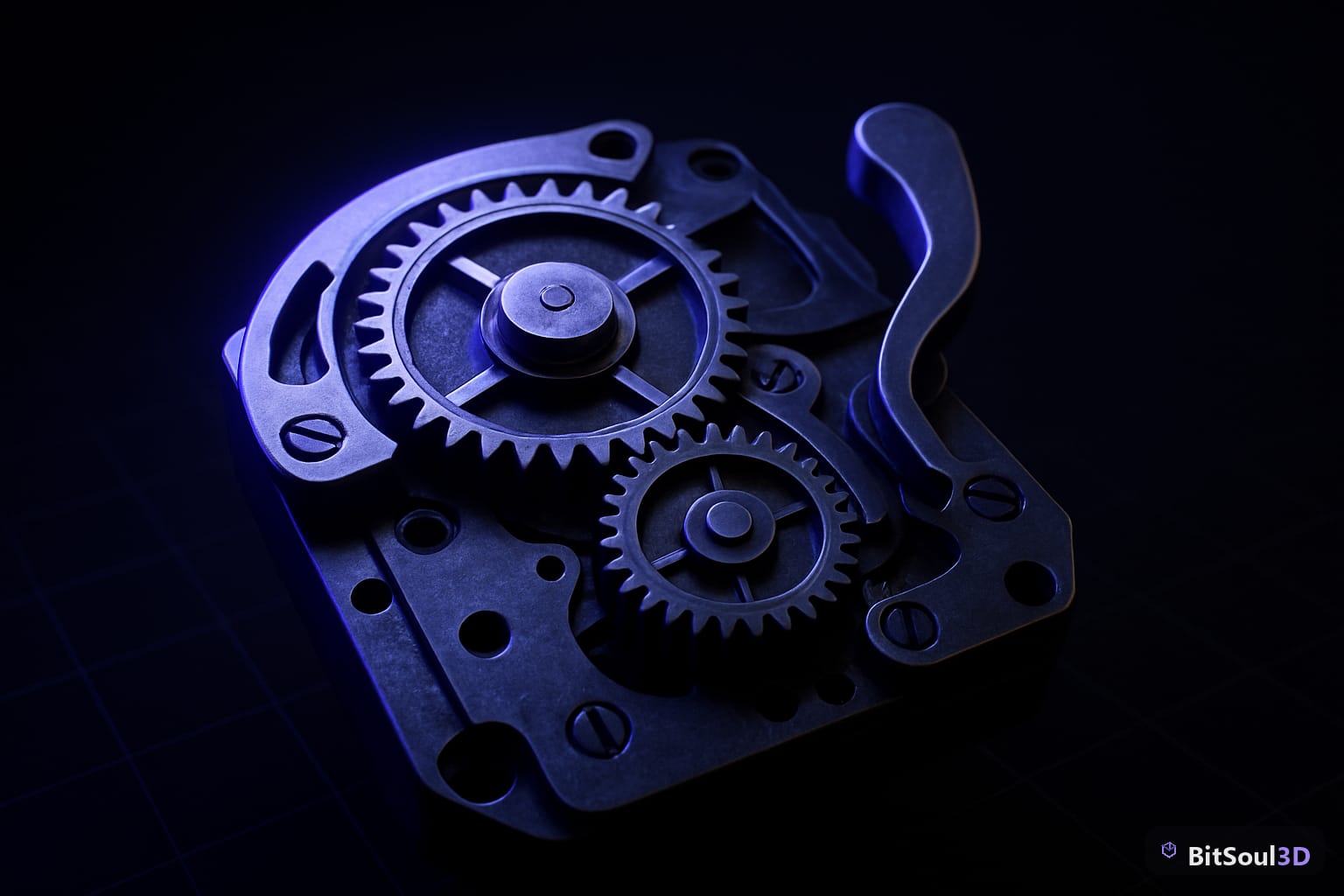
Before replacing anything, spend thirty minutes on a screen-time audit: play your own build and note which objects occupy the center third of the screen and for how long. Jam feedback threads consistently punish the same three things — the player character, the primary interactable, and whatever the camera parks behind in menus. Those three usually account for most of every screenshot, while the crates in the corner barely register.
Rank every asset in the build into three buckets: hero (on screen constantly, or in every screenshot), supporting (seen often, inspected never), and backdrop (fills space). The upgrade pass touches them in that order, and it's normal — correct, even — for backdrop greybox to survive into the vertical slice. Players forgive a plain wall; they don't forgive a capsule protagonist.
Swap hero assets first

A hero swap is where quality-per-hour peaks. One production-grade model in the player's hands upgrades every second of footage, every GIF, every store screenshot simultaneously. Work the bucket list top-down and hold each candidate against a hard budget before it enters the project:
| Bucket | Tri budget (mobile / desktop) | Texture cap | Upgrade now? |
|---|---|---|---|
| Hero | 15k–40k / 40k–100k | 2048 | Yes — first |
| Supporting | 2k–8k / 8k–20k | 1024 | Only if reused ≥3× |
| Backdrop | <2k / <5k | 512–1024 | Vertical slice, maybe never |
Inspect before you import: BitSoul's 3D Studio opens any catalog model in the browser and shows exact triangle counts, UV layout, and material slots on your own GPU — a prop like the Scifi Crate can be vetted against the supporting-bucket budget in under a minute, before it ever touches your repo.
Consistency beats quality here. Five assets from one visual family read as intentional art direction; five best-in-class assets from five different packs read as an asset flip. Pick one source style — same era, same texel density, same level of stylization — and stay in it for the whole pass.
Keep the swap from breaking your build
Jam projects are held together by direct scene references, which is why naive replacement breaks prefabs, spawners, and physics in one move. The safe pattern in every engine is replace the mesh, keep the node: in Godot 4, keep the jam-era root node and its collision shape, swap only the child MeshInstance3D, and inherited scenes pick the change up everywhere at once. Unity's equivalent is keeping the prefab root and replacing the child model; Unreal's is swapping the Static Mesh asset a Blueprint points at rather than the Blueprint itself.
Three integration gotchas eat most of the week if you let them. First, pivots: jam greybox pivots sit wherever the primitive spawned, while production assets pivot at bottom-center — re-zero your placement logic or every object floats. Second, scale: check the imported bounding box against your character's height before mass-placing; a 2× prop scale quietly ruins level metrics. Third, collision: replacement meshes need their own simplified collision shapes — auto-generated convex hulls on a 40k-tri hero mesh will tank a physics-heavy scene. If your jam folder chaos is making any of this harder, the asset folder structure guide is the one-time fix, and re-exports from source files go faster with a batch export script.
Check licenses before the store page
This is the step jam teams skip and regret. Assets grabbed mid-jam under "free for jams" or personal-use terms are fine inside an itch.io jam entry and a legal problem on a commercial Steam page. Go through every third-party asset that survived the audit and confirm, in writing on the source's site, that its license covers commercial distribution — and keep a CREDITS.md recording where each one came from and under what terms, because you will not remember in six months.
The same diligence applies to marketplace catalogs, ours included: on BitSoul3D, a free account's two monthly downloads cover evaluation and prototyping, while commercial use is included with paid memberships. Whatever the source, the rule is identical — if the license page doesn't explicitly say commercial, assume it doesn't.
Budget the slice, not the dream
A vertical slice needs one level's worth of upgraded assets, not a game's worth. Scope the pass to what the slice's five minutes of gameplay actually shows: one environment set, one hero character, the interactables the core loop touches, and a skybox. Everything else stays greybox behind a _WIP folder prefix. Teams that upgrade art breadth-first run out of energy before anything reaches shippable; teams that finish one screen completely have a trailer.
Texture memory is the budget that bites silently as upgraded assets pile in — the texture budget planning guide covers per-platform caps and channel packing when the slice starts pushing past them.
This post is part of the Ultimate Guide to Free 3D Game Assets — BitSoul's complete reference for formats, texturing, rigging, optimization, and engine integration.
Need drop-in assets for this workflow? Grab the 94-model Animal Bundle on the BitSoul marketplace and drop them straight into your project.