Blender 5.2 LTS shipped July 14, 2026 — the first long-term-support release of the 5.x line, backed with fixes until July 2028. For anyone staging props before a GLB export, the number that matters is EEVEE: instancing-heavy scenes render up to 2x faster on CPU-bottlenecked setups, per Blender's own release notes. The Python API held steady too, so an addon that ran on 5.1 almost certainly still runs on 5.2. The catch sits in two smaller changes that don't make the highlight reel — a renamed Geometry Nodes menu and a new default renderer — both quiet enough to break a pipeline that worked fine yesterday.
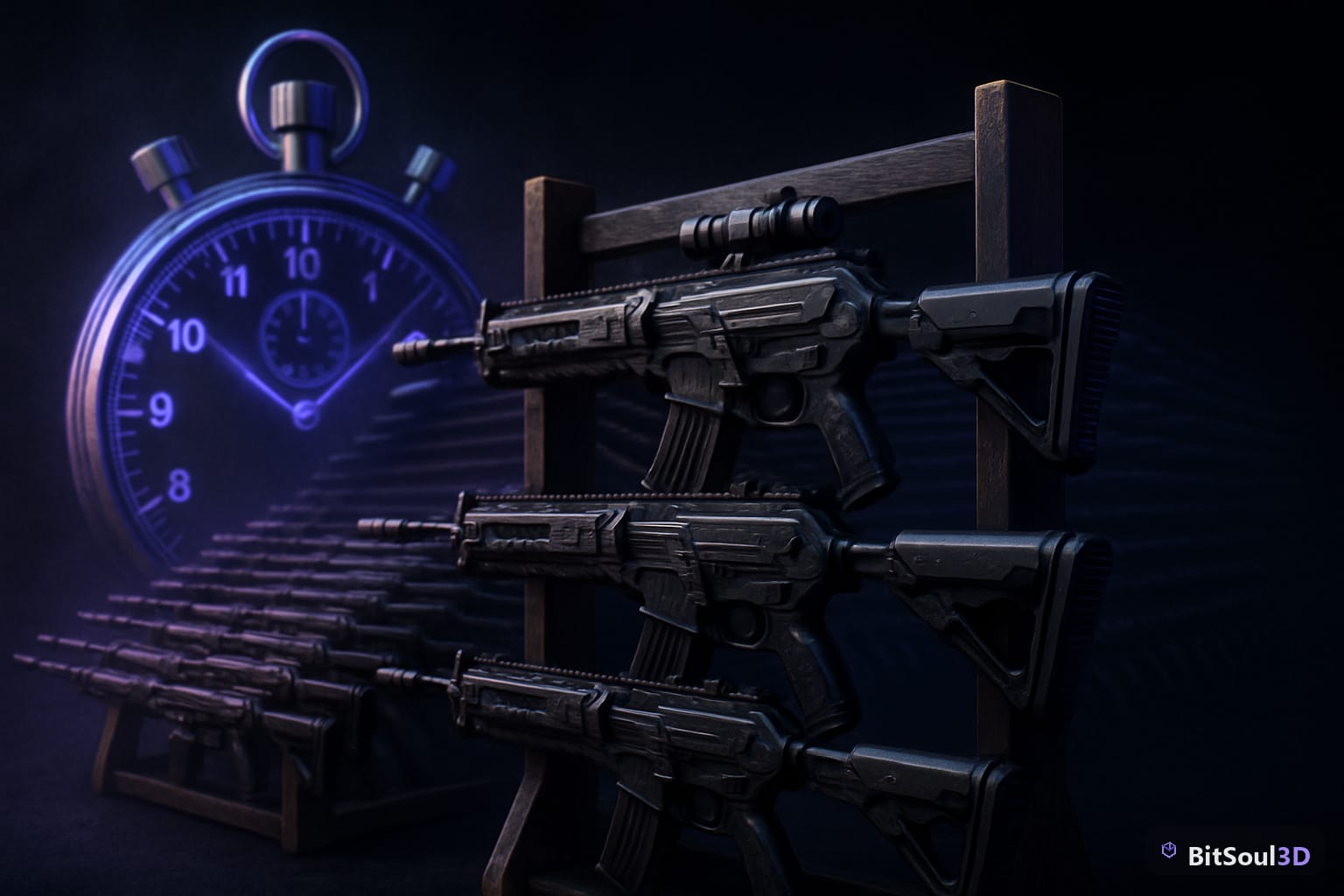
EEVEE's instancing update, explained

Blender attributes the speedup to EEVEE finally sharing the instancing optimizations that Workbench and Overlay have used for a while. Before 5.2, a scene where the same mesh gets duplicated dozens of times — a weapon rack, a stacked crate pile, a foliage scatter — was CPU-bound in the viewport because every instance re-submitted its own draw call. 5.2 batches those draws instead. The 2x figure applies specifically to CPU-bottlenecked, instancing-heavy scenes; a scene with a handful of unique meshes and no repetition won't see the same jump, because that was never the bottleneck. It's the same problem GPU instancing inside Unity, Unreal Engine 5, or Godot solves at runtime — Blender's viewport just spent 5.2 catching up to the same idea.
Picture an armory built from one model, something like the Sci-fi mercenary assault rifle, duplicated across a rack of forty. That's precisely the workload this update targets: the viewport stays responsive while you adjust materials or check silhouette overlap instead of dropping to a slideshow every time you orbit the camera. A free account's two monthly downloads cover evaluation on a model like that; commercial use is included with paid memberships — see pricing.
The glTF exporter didn't move, but check anyway
Good news for anyone exporting GLB files for Unity, Unreal Engine 5, or Godot: the glTF-Blender-IO exporter overhaul landed in 5.1, and 5.2 stabilizes it rather than touching it again. Export settings dialed in on 5.1 — scale, +Y-up, material naming, the ones covered in the Blender 5.0 export settings breakdown — carry forward unchanged.
"Unchanged" is still worth verifying instead of assuming. The standard check: export a known-good asset from 5.2, diff it against the same asset from a 4.x install, and look at scale, axis orientation, and material naming first — that's where exporter regressions hide even in a stable release. Without a 4.x install handy, dropping the new export into BitSoul's 3D Studio shows tri count and UV layout in-browser, on your own GPU, before the file ever reaches an engine. The same in-browser check is worth running any time a pipeline touches poly count, covered in more detail in the GLB poly-count guide.
Two things that break on upgrade

The Python API itself didn't take a breaking pass in 5.2 — that churn happened back in 5.0 and 5.1, and it's finished. Two smaller changes still catch upgraders off guard.
First, Geometry Nodes renamed its Group nodes to Modifier nodes. Any tutorial, forum thread, or muscle memory from before July 2026 that references a Group node now describes a Modifier node — same function, new label. Procedural setups for prop variation or scatter systems need a few minutes of re-orientation, not a rebuild.
Second, Cycles X replaces Cycles as the default path tracer, and its path-guiding defaults produce different noise characteristics than whatever was tuned on 5.1. This matters for anyone baking lighting or AO maps for game assets in Cycles rather than EEVEE: a bake that cleared its noise threshold at 128 samples on 5.1 may need a different sample count on 5.2 to match. Render a couple of test frames at existing settings before queuing a full batch bake. The real cost of this upgrade is whatever a least-maintained addon or bake preset assumes about the old defaults, not the core application.
Blender 5.2 LTS at a glance
| Change | What it means | Action needed |
|---|---|---|
| EEVEE instancing | Up to 2x faster on CPU-bound, instancing-heavy scenes | None — automatic |
| glTF exporter | Stabilized from 5.1, no new changes in 5.2 | Diff-check existing export settings once |
| Geometry Nodes | Group nodes renamed Modifier nodes | Update habits, not files |
| Cycles X | Replaces Cycles, new path-guiding defaults | Re-test bake sample counts before batching |
| Asset Libraries | Remote hosting, on-demand access | Optional — see below |
| Python API | No breaking changes in 5.2 itself | Re-verify each addon once anyway |
Remote asset libraries change how you manage packs
5.2 also lets Asset Libraries host remotely — Blender can point at a library on a server instead of a local folder, including on-demand access to Blender's own Online Essentials library. For a personal folder of purchased packs accumulated across marketplaces, the practical effect is smaller .blend files and faster project opens, since assets load on demand instead of getting duplicated into every scene that references them.
It doesn't change licensing on any individual asset — a remote library is a transport mechanism, not a rights grant. Whatever terms came with a downloaded model still apply once it loads through a remote library the same as a local one. Testing this for a growing collection is a one-afternoon job: point Blender at a network share with a handful of assets and confirm nothing breaks in existing scenes before migrating anything production-critical.
Should you upgrade today
For a solo dev or small studio already on 5.1: yes. The API is stable, the exporter is unchanged, and the EEVEE gain is free performance for anyone building environments with repeated geometry. Budget one afternoon — update, re-run the glTF export diff, render two test bakes in Cycles at the old sample settings, and check Geometry Nodes setups for any tooltip or naming reference to a Group node before handing the file to a teammate who hasn't upgraded yet. Studios still on 5.0 should jump straight to 5.2 instead of stopping at 5.1 — there's no reason to absorb the same API changes twice.
This post is part of the Ultimate Guide to Free 3D Game Assets — BitSoul's complete reference for formats, texturing, rigging, optimization, and engine integration.
Need drop-in assets for this workflow? Grab the Architecture Cyber Bundle on the BitSoul marketplace and drop them straight into your project.