
Your GLB model shows up fine in Android's Scene Viewer, then does nothing — or looks wrong — the moment someone taps it on an iPhone. iOS AR needs USDZ, and the two tools Apple used to point people toward for glTF to USDZ conversion are both gone: usdzconvert was retired, and Reality Converter no longer appears on Apple's own download page. The fix that still works: Blender's built-in USD exporter (4.0 and up) produces valid, Quick Look-ready USDZ files directly — provided you know which glTF material features it can't carry over, and how to keep the zip packaging inside Apple's spec.

Here's what actually happens when a model crosses from glTF to USDZ, what breaks silently, and how to check it before someone opens your AR page on their phone.
What still works for glTF-to-USDZ conversion
| Tool | Type | Handles materials | Cost |
|---|---|---|---|
| Blender USD exporter (4.0+) | Built-in | Yes, incl. clearcoat | Free |
| BlenderUSDZ add-on | Blender add-on | Yes, more literal control | Free, open-source |
| Transmogrifier | Blender add-on | Yes, batch conversion | Paid |
| convert3d.org | Web tool | Yes, one-off checks | Free tier |
Blender's own exporter (File → Export → Universal Scene Description, format set to USDZ) is the one most people already have installed, and it writes correct UsdPreviewSurface materials with proper packaging in one step. BlenderUSDZ is worth keeping around for the cases where the native exporter mishandles a specific node setup — it's a thinner, more literal translation. Skip hand-rolling it with a general zip tool; that mistake gets its own section below.
Get your triangle count and file size inside Apple's budget
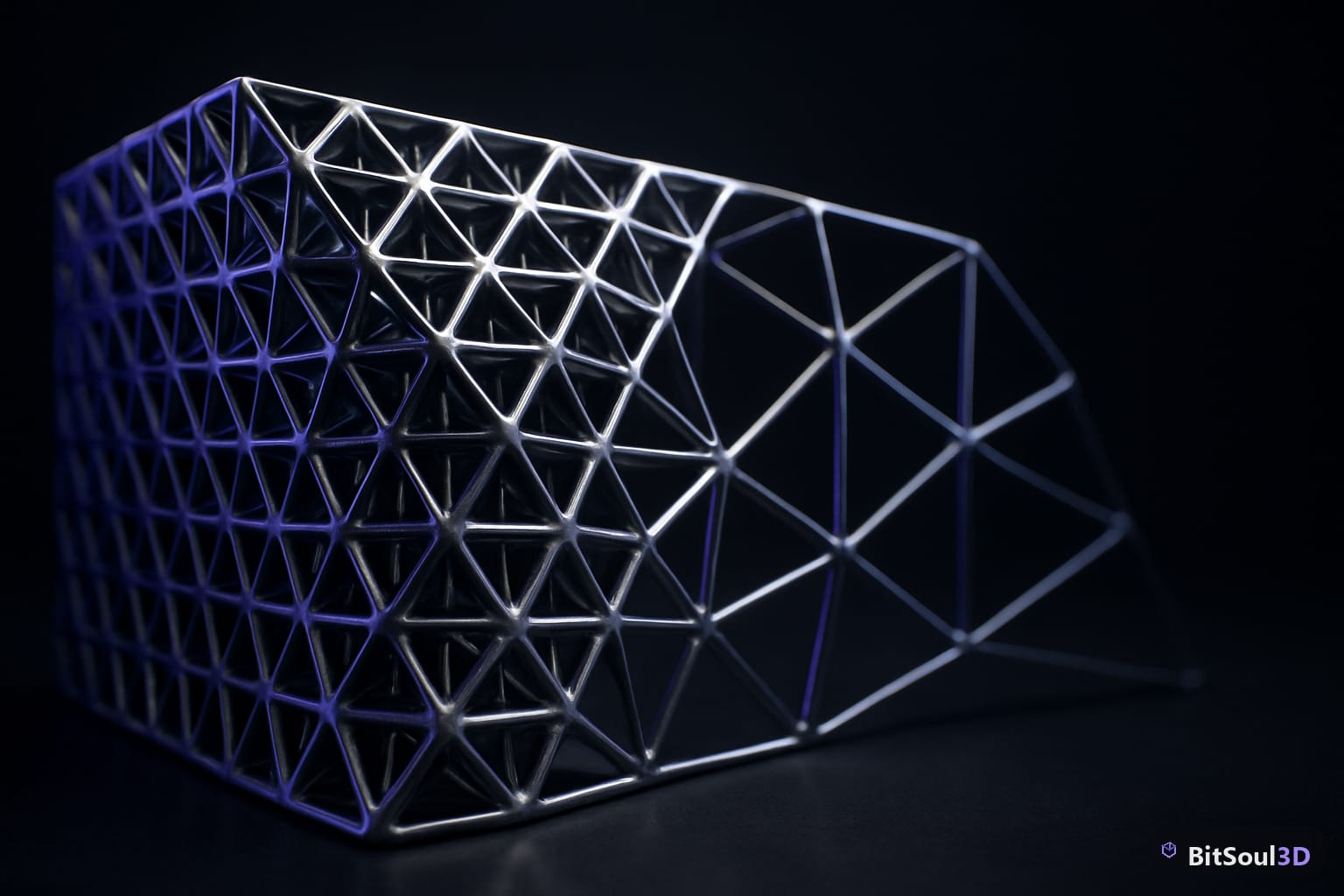
BitSoul's Concept Hypercar is a good stress test: 1,954,488 triangles and a 56 MB GLB, built deliberately high-poly for hero shots and cinematics rather than real-time use. Quick Look wants roughly 100,000–200,000 triangles, a package in the 4–8 MB range, and textures capped around 2048×2048 to stay inside a phone's AR memory budget. Feed a hero asset in at full resolution and Quick Look either stalls on load or renders at a crawl.
Decimate before you convert. BitSoul's 3D Studio runs poly-reduction in-browser on your own GPU, so you can confirm the triangle count is actually under budget instead of guessing and re-exporting three times. A free account's two monthly downloads cover evaluation; commercial use is included with paid memberships — see pricing.
What survives the conversion — and what silently vanishes

UsdPreviewSurface, the material model USDZ actually uses, maps base color, metallic, roughness, normal, occlusion, and emissive cleanly — and, usefully for anything with a paint job, clearcoat and clearcoat roughness both carry over too. What has no equivalent slot in UsdPreviewSurface at all: KHR_materials_transmission, KHR_materials_iridescence, KHR_materials_sheen, and KHR_materials_specular. A glTF export using any of those loses the effect completely on conversion — not degraded, just gone, with no warning in the export log.
There's a quieter bug alongside it: glTF and USD disagree on which corner a texture's V coordinate starts from, so a naive conversion can flip textures vertically. Blender's exporter and BlenderUSDZ both correct for this; a hand-written USD file usually won't.
Check what actually landed in a converted file with the USD Python bindings:
from pxr import Usd, UsdShade
stage = Usd.Stage.Open("hypercar.usdz")
for prim in stage.Traverse():
    shader = UsdShade.Shader(prim)
    if shader:
        names = [i.GetBaseName() for i in shader.GetInputs()]
        print(prim.GetName(), names)
If clearcoat shows up but nothing about transmission does, that's expected behavior, not a bug in your export.
Package it so Quick Look actually opens it
This is the mistake people make once they realize the official tools are gone: they zip the folder by hand. USDZ requires every file inside to be stored uncompressed (zip method Stored, never Deflate) and aligned to a 64-byte boundary, so an AR engine can memory-map the package instead of unzipping it first. A standard zip -r fails both requirements, and Quick Look rejects the result without a useful error message.
Check any USDZ before you ship it:
unzip -v model.usdz | awk '{print $2, $8}'Every line should read Stored. A Defl:N anywhere means the packaging step used ordinary zip compression and the file will not open in Quick Look — re-export through Blender, BlenderUSDZ, or a dedicated usdzip tool instead of a general-purpose archiver.
Serve both formats so AR works on every phone
The usual last bug isn't in the file at all: the AR trigger only points at the GLB. A model-viewer element needs a src attribute for the GLB, which Android's Scene Viewer uses, and a separate ios-src attribute pointing at the USDZ, which iOS Quick Look uses instead. Miss the second one and iPhone visitors get no AR button at all — not an error, just nothing. Test both paths on real hardware: AirDrop the USDZ straight to an iPhone, or host it and confirm Quick Look opens it, before trusting the material and packaging checks above to have caught everything.
Related, if you're chasing material or import problems from the other side of the pipeline: why Godot's glTF importer flattens normal maps, and why GLB imports have no collision in Unity, Godot, and UE5. For file-size budgeting on the glTF side specifically, see which engines actually load Draco-compressed GLB files.
This post is part of the Ultimate Guide to Free 3D Game Assets — BitSoul's complete reference for formats, texturing, rigging, optimization, and engine integration.